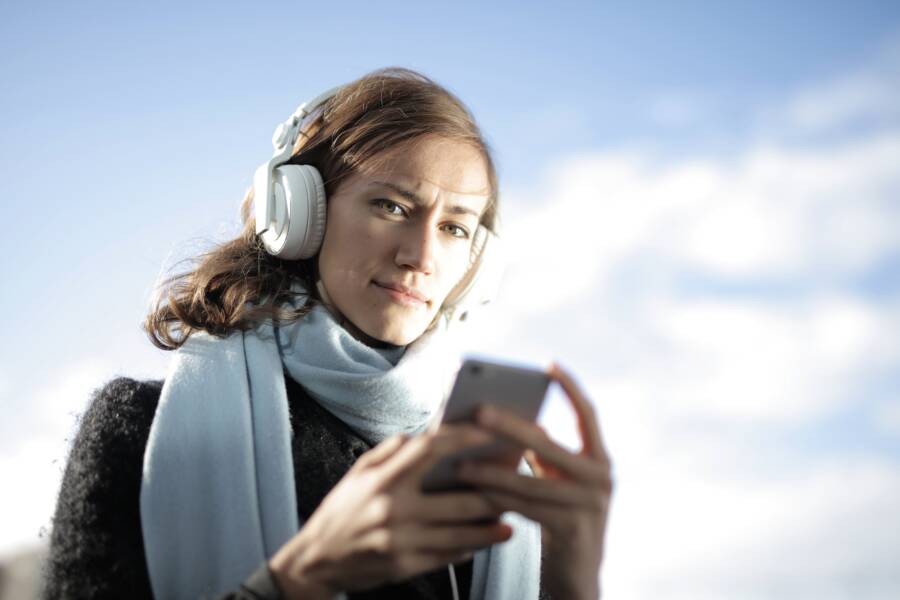
Your smartphone is the ultimate tool for travel. Yes, it works perfectly to bridge communication gaps when you have the right apps and settings. You no longer need to carry bulky dictionaries or phrasebooks to get by in a foreign country.
A modern device puts powerful translation technology right in your pocket. Whether you need to read a menu or hold a conversation with a local, your phone does the work for you. You can rely on these tools to keep your trip moving forward without confusion.
The following sections explain how to configure your device for the best results while abroad.
Top Features to Look For in Translation Apps
The right software turns your smartphone into a capable communication device. You want an app that remains helpful even when cellular service drops or data costs climb. Prioritize tools that balance speed, accuracy, and accessibility to keep your travels simple.
Why Offline Capabilities Are a Must
Relying on a constant internet connection often leads to frustration while you travel abroad. Public Wi-Fi is frequently slow or insecure, and international roaming data plans burn through your budget. Downloading language packs before your trip provides a reliable safety net.
You can access these saved files instantly without a signal or data plan. Most major apps allow you to download entire languages to your internal storage. Check your app settings while you have a stable connection at home or your hotel. This prep work saves you from the stress of searching for a network in a foreign train station or rural area. Your smartphone stays a functional translator in remote regions where connectivity is nonexistent.
Using Camera Lens Translation for Signs and Menus
Physical text often creates the biggest barriers for travelers. A smartphone camera removes this hurdle by providing instant translation through live visual overlays. You point the lens at a menu, a street sign, or a product label to see the meaning displayed directly over the original text.
This feature is particularly useful for decoding complex characters or long blocks of writing. You do not need to type every word manually, which saves time and prevents errors. It works well in fast-paced situations where you need to choose a meal quickly or navigate toward your destination. Many apps even allow you to import photos from your camera roll if you need to translate an image you captured earlier in the day. This visual approach is a practical way to understand your surroundings without needing to learn the local language fluently.
How to Use Your Smartphone for Real-Time Conversations
You can turn your smartphone into an effective translation device by adjusting settings for specific environments. Modern apps handle live audio well, but they require proper configuration to separate your voice from background noise. By setting up the input tools before you step into a busy market or train station, you ensure the software captures your words accurately. Consistent audio input helps the app translate your thoughts without extra effort.
Setting Up Voice Input for Natural Dialogue
Good audio capture starts with your microphone settings. Most translation apps include specific modes for noisy environments. Look for settings labeled as “Conversation Mode” or “Continuous Listening” within the app menu. These modes keep the microphone active so you don’t have to tap the screen after every sentence.
If you are in a crowded area, hold your phone close to your mouth while you speak. This technique blocks out surrounding chatter and keeps your voice as the primary audio source. Many apps also offer a split-screen view that isolates the microphone input for two different languages. Turn this feature on so the app knows when to switch between your language and the local language. You should also check your smartphone system settings to ensure the app has permission to access the microphone at all times.
Best Practices for Clear Communication
Success in real-time translation depends on your speaking rhythm and the structure of your sentences. If you speak too fast or use long, complex sentences, the app will struggle to provide an accurate output. Keep your messages short and direct to help the system process your meaning without errors.
Follow these habits to improve your conversation flow:
- Pause briefly after each full sentence. This gives the software time to translate the segment before you add more information.
- Speak clearly and maintain a steady volume. You don’t need to shout, but avoid mumbling or speaking too softly.
- Use simple vocabulary instead of slang or idioms. Direct language translates more reliably across different grammar structures.
- Wait for the audio to finish playing back the translation before you continue.
Using these methods helps the other person understand you clearly. If the app produces an incorrect translation, try rephrasing the sentence using different words. Sometimes, simplifying a request from “Could you please tell me where I might find the nearest station?” to “Where is the train station?” provides much faster and more accurate results. Your smartphone acts as a bridge during these moments, so keeping your intent simple is the best way to maintain a natural conversation.
Comparing Popular Translation Tools for Travelers
Selecting the right translation app depends on your specific needs, such as whether you prioritize offline functionality or high-quality voice recognition. Google Translate remains the most versatile option for most travelers because of its broad language support and integrated camera features. Microsoft Translator is a strong alternative, especially for group conversations where multiple people need to sync their devices. DeepL is another choice, though it focuses more on text accuracy for professional or formal documents rather than casual travel chats.
Google Translate Features and Strengths
Google Translate is the standard for mobile translation because of its extensive database. It supports over 100 languages, making it a reliable companion in almost any country. The interface is clean and straightforward, allowing you to switch between text, voice, and photo modes with a single tap.
The offline translation packs are easy to manage within the settings menu. You can download specific languages before your flight to avoid high roaming charges. Furthermore, the camera tool handles text translation on menus and signs with high speed. This makes your smartphone an essential piece of equipment for quick navigation in foreign cities.
Microsoft Translator for Group Dynamics
Microsoft Translator provides a distinct advantage for people traveling in groups or attending meetings. The app includes a unique feature that generates a shared code for a conversation. Participants enter this code on their own smartphone to see real-time translations of what others say.
This works well if you are part of a tour group where the guide speaks a different language. Everyone can follow along in their preferred language on their own screens. The app also works offline, though the feature set is more limited compared to its online mode. It is a solid, stable tool if your main priority is maintaining a flow of communication among several people at once.
Summary of Popular Translation Apps
Choosing between these apps often comes down to how you plan to use them during your journey. The table below outlines how these tools differ in their core capabilities.
You might consider installing more than one app on your phone. If Google Translate struggles with a specific dialect or tricky sign, having a backup app ensures you aren’t left without assistance. Most apps are free, so downloading two options provides a practical safety net without added costs. Simply keep both updated and test them in your hotel room before heading out for the day.
Common Challenges and How to Overcome Them
Technology often encounters hiccups when you travel. Signal loss, battery drain, and inaccurate translations present real problems for users. However, you can manage these issues with minor adjustments to your smartphone settings.
Managing Limited Battery Life
Translation apps consume significant power when using voice recognition or camera features. You will find that keeping your screen active for long periods quickly depletes your battery.
- Turn down your screen brightness before you start a translation session.
- Close other background apps that you do not need while navigating.
- Carry a portable power bank to charge your device on the go.
- Enable low-power mode in your system settings to extend your battery throughout the day.
Solving Inaccurate Translation Results
Sometimes an app interprets your voice incorrectly because of background noise or unfamiliar accents. If you receive a bad result, stop and rephrase the sentence. Direct, short sentences lead to much higher accuracy than complex or flowery language.
If the problem continues, manually type the text into the app. Typing removes the variables of pitch, speed, and ambient noise from the process. Checking the keyboard input for typos is much faster than correcting a misheard audio recording.
Dealing with Connectivity Issues
Mobile data remains expensive and inconsistent in many international locations. You might find yourself in a dead zone exactly when you need to ask for directions.
Avoid this risk by downloading offline language files before you depart. Check your settings to ensure these files are current, as developers update them frequently. If you forget to download them, look for a local cafe or public space with stable Wi-Fi to grab the files before you head into remote areas. Having the data stored locally keeps your smartphone reliable regardless of your network status.
Conclusion
Your smartphone is a reliable bridge across language gaps when you prepare it properly. Offline language packs and camera translation features allow you to navigate unfamiliar areas with confidence.
Take time to practice these tools at home before your departure. Test the voice input and offline settings in a quiet environment to build muscle memory. This familiarity saves you from frustration when you arrive at your destination.
Simple, direct communication remains the most effective way to use your device. Clear phrases help the software provide the accurate results you need during your travels.