Before choosing a smart thermostat, identify the HVAC system and the labels on the wires behind your current thermostat, then run the exact model through its manufacturer’s compatibility checker. A missing C-wire does not automatically rule out a smart thermostat, but the available workaround depends on the system and the thermostat model.
Start with the equipment, not the wire colors
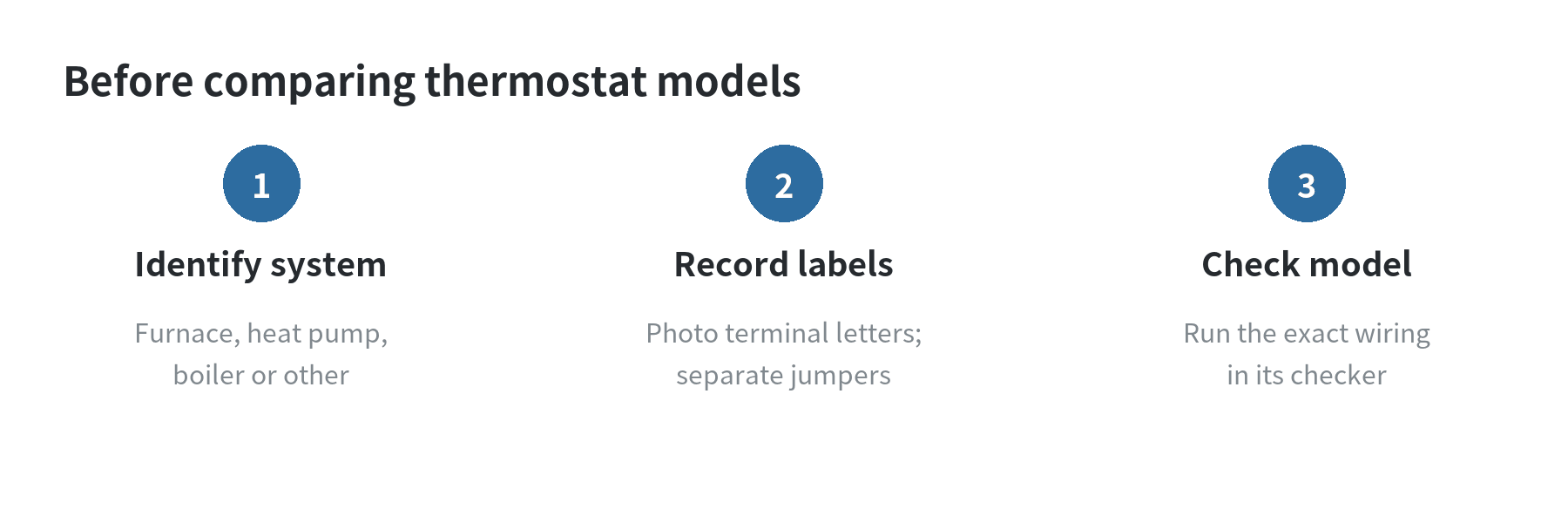
The thermostat is only one part of the setup. Your heating and cooling equipment determines which terminals the new control must support. Write down whether you have a furnace, central air conditioner, heat pump, boiler, or a separate heating and cooling system. Also note whether the home uses zones, a second heating stage, or an accessory such as a humidifier.
Look at the letters printed beside the old thermostat’s wire terminals. Common labels include R, W, Y, G, C, and O/B. Google’s Nest guidance says to enter connector labels in its checker rather than infer a wire’s job from its color; wire colors can vary between installations. A blue wire is not automatically C, and an orange wire is not proof of a particular setup.
Take a clear photo before moving anything. Include the terminal letters and every connected wire. If a short wire bridges two terminals, record it separately: a jumper is not the same as a wire running into the wall. Google’s instructions say not to enter jumper wires into its checker.
What the C-wire does
A C-wire, or common wire, supplies steady power from the HVAC control board to a thermostat. ENERGY STAR explains that connected thermostats need more consistent power for functions such as a Wi-Fi connection or display. Many models use C, but not all require one in every installation.
That distinction matters when you see no wire connected to C. It means you need to check the model’s power requirements; it does not tell you by itself whether the HVAC system is incompatible. ENERGY STAR notes that a thermostat without a C-wire may still work with some models or an adapter. Google says some Nest installations need a C-wire or its Power Connector, while other systems can provide enough power through the existing wiring.
Do not move an unused conductor into C just because it is available behind the wall. It must also be connected appropriately at the equipment end. Google’s wire-identification guide says to verify uncertain wires at the control board, and warns that putting a common wire in the wrong terminal can damage equipment or the thermostat.
Use the compatibility checker as a model-by-model filter
Enter the system type and terminal labels into the checker for the exact thermostat model you are considering. Google Home and Nest Help provides a pre-purchase compatibility checker and says its setup app creates a model-specific wiring diagram. Resideo also provides a wiring compatibility tool for its Honeywell Home thermostats. ENERGY STAR recommends checking the home’s HVAC system before selecting a smart thermostat.
Keep a small comparison note for each candidate:
- Does the checker accept your equipment type and all connected terminal labels?
- Does the result say C is required, optional, or replaceable with a named adapter?
- Does the instructions page support your number of heating and cooling stages?
- Are there separate wires for a heat pump, emergency heat, humidification, or zones?
Save the checker result and installation guide with your wiring photo. Product names can cover several generations or trim levels, and accessory requirements can differ between them. Treat a result for one model as specific to that model, not as confirmation for another thermostat from the same manufacturer.
If there is no C-wire, check the actual workaround
Some manufacturers offer an adapter or a power extender that connects at the HVAC control board. The instructions are not interchangeable. Ecobee says its Power Extender Kit can be used when the thermostat has at least four wires available, but its support page lists exceptions: the kit is not compatible with dual-transformer or heat-only systems. The company also notes that some thermostat models do not include the kit.
Google’s guidance describes a separate Power Connector option for some Nest systems. Whether it applies depends on the model and wiring result. An unused conductor may be another option if it is connected to C at the equipment, but the manufacturer’s diagram should show how it is meant to be used.
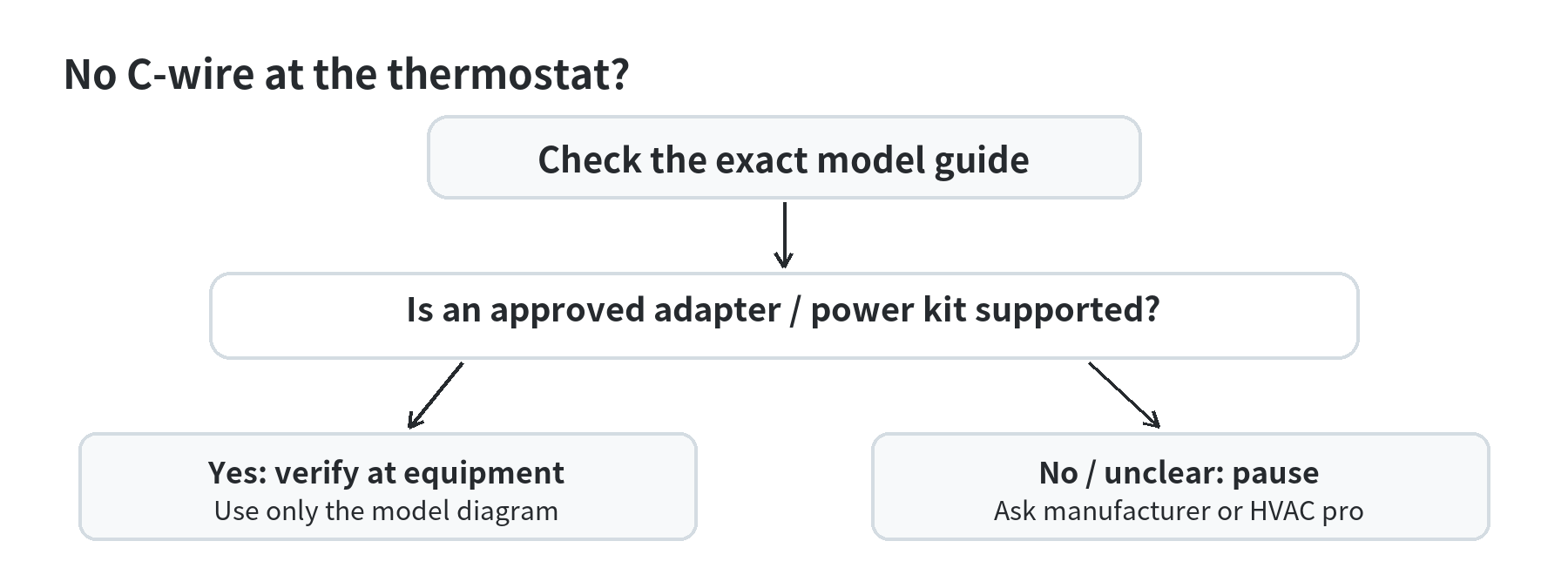
When a workaround changes which conductors serve heating, cooling, or the fan, follow that product’s wiring diagram exactly. If the guide excludes one of your connected wires or the checker cannot identify the system, stop and ask the manufacturer or a qualified HVAC technician to identify it.
Cases that deserve extra checking
Thick wires, wire nuts, or a thermostat marked 120 V or 240 V indicate a line-voltage setup rather than the low-voltage wiring used by most smart thermostats. ENERGY STAR says thicker line-voltage wires can indicate incompatibility. Google specifically warns not to connect its thermostat to high-voltage wires. Do not use a low-voltage wiring diagram for that equipment.
Heat pumps, dual transformers, multiple stages, and zone controls can add terminals whose labels are easy to misread. Google identifies separate Rc and Rh wires as a dual-transformer arrangement and recommends professional help to avoid equipment damage. Ecobee’s Power Extender Kit also excludes dual-transformer systems. These examples show why a wire count alone cannot confirm compatibility.
Older or proprietary controls may use labels that do not match standard thermostat terminals. Google notes that labels such as 1, 2, 3 or A, B, C can indicate a proprietary system. If the labels do not appear in the manufacturer’s checker, use the equipment manual or contact the manufacturer rather than guessing from color or position.
A safe handoff before installation
If you proceed with an installation, follow the product’s instructions for shutting off HVAC power first. Google’s guide says to turn off the system at the breaker or switch and confirm that it is off before handling wires. Its wire-identification instructions also caution against touching components inside the furnace because some equipment contains capacitors that store charge.
Keep the old thermostat, its wiring photo, the equipment model number, and the compatibility result together. Those details help a technician or manufacturer support representative resolve an unclear terminal without relying on a color guess. If the wiring at the wall differs from the control board, there are splices, or any wire has no clear label, have the wiring traced before connecting a new thermostat.
The useful pre-purchase result is not simply “C-wire present” or “C-wire absent.” It is a model-specific match between the HVAC system, the connected terminals, and a documented power method. Once those three pieces agree, you can compare other features without guessing about the wiring.
Frequently asked questions
Can a smart thermostat work without a C-wire?
Yes, some models can work without a C-wire, while others need a C-wire or an approved adapter. ENERGY STAR says the missing wire affects which models or adapters may work. Check the exact thermostat and HVAC combination.
Can wire color tell me what each wire does?
No. Use the terminal label and confirm it against the equipment wiring diagram. Google’s instructions specifically say colors can vary and should not replace connector labels.
Is a spare wire the same as a C-wire?
No. A spare conductor at the wall only helps if it can be correctly connected to the C terminal at the HVAC control board and the thermostat instructions support that arrangement.
When should I stop and call a professional?
Pause if you see high-voltage wiring, proprietary or unclear labels, multiple transformers, splices, or a mismatch between the thermostat and equipment wiring. A qualified HVAC technician can identify the system before a new control is connected.
Last updated: 2026-10