An electric radiant floor heating mat can suit a bathroom or kitchen when the finished floor, usable footprint, electrical capacity, and installation method all match the specific system. Start by measuring the uncovered floor area and checking the mat manual before choosing a kit; the room’s total square footage is not the amount of mat you can install.
Start with the floor you are heating
Electric mats place heating cable in a mesh or fabric carrier and sit beneath the finished floor. The cable warms the floor through the mortar or approved underlayment. They are commonly considered during a tile renovation because the floor is already being opened, but the exact floor assembly must follow the product instructions.
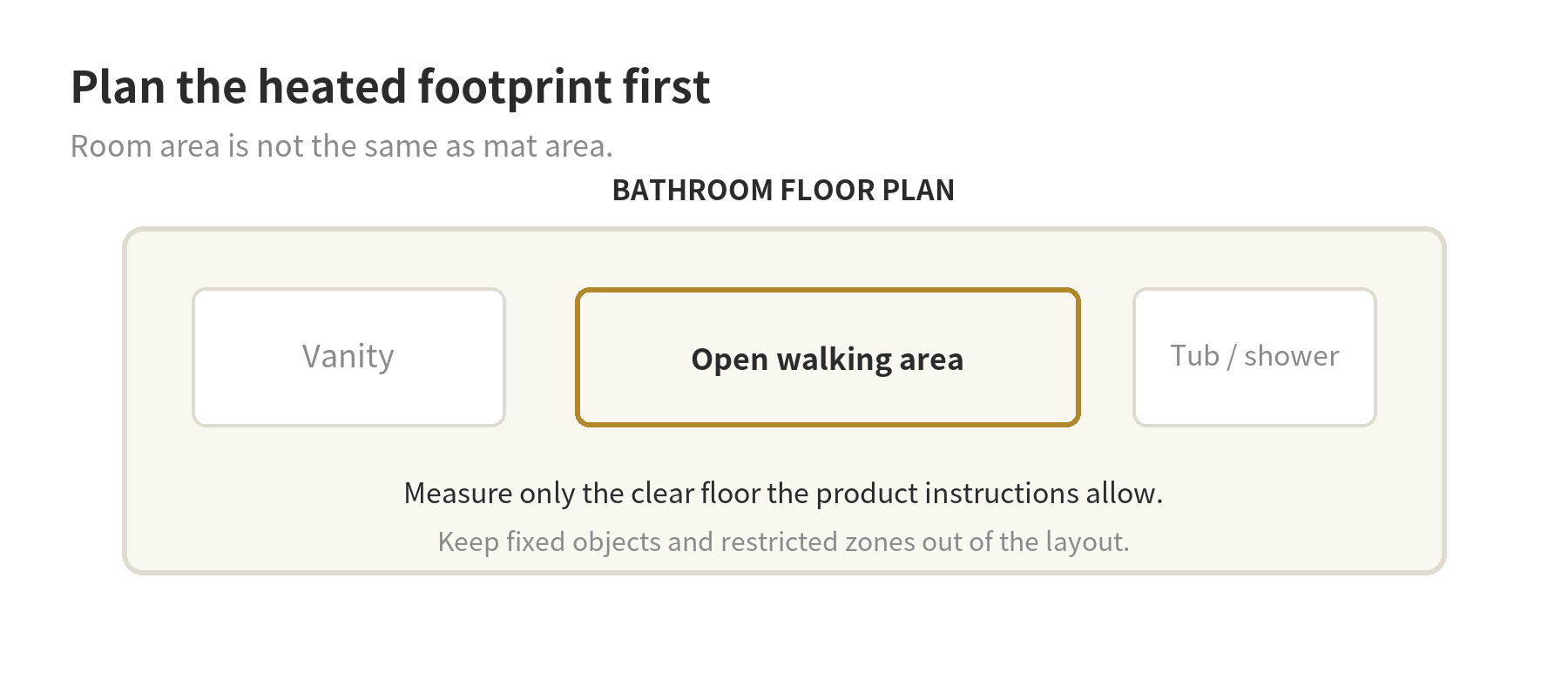
For a bathroom, sketch the clear walking area around the vanity, toilet, tub, and shower. For a kitchen, mark cabinets, a fixed island, appliances, and door swings. Measure the open sections rather than multiplying the full room length by width. A floor mat cannot simply be cut to make it smaller: the carrier may be cut or turned only as its instructions allow, while the heating cable itself must remain intact.
Think through floor height at the same time. The mat, mortar, and new tile can raise the finished surface, affecting door clearance, transitions, cabinet toe kicks, and appliance fit. A floor plan with the proposed layers gives the installer a better basis for checking those details before material is set.
Match the mat to the finish material
Tile and stone are common pairings for electric floor warming, but that does not make every mat compatible with every tile installation. Check the mat instructions, mortar requirements, substrate preparation, and tile maker’s limits as one system. The Home Depot’s heated-floor guide says the mat must be encapsulated in mortar and advises following the manufacturer’s floor-covering requirements.
Some systems are designed for other finishes, including certain vinyl, laminate, or engineered wood products. That compatibility is model-specific. For example, Schluter’s DITRA-HEAT product guidance lists alternate floor coverings with separate requirements, while its installation handbook says to verify the covering type and installation criteria. Do not assume that a mat sold for tile can be placed under any floating floor or carpet.
Check whether the subfloor is clean, sound, and level enough for the selected assembly. SunTouch’s TapeMat instructions specify embedding the mat in self-leveling or polymer-modified thin-set mortar over listed substrates. These details matter because the heating element needs the prescribed coverage and floor materials above it. If the existing floor needs leveling or repair, resolve that before laying the heating system.
Check the electrical plan before selecting a kit
A heating mat is a fixed electrical load, so confirm the circuit and thermostat requirements before buying material. The Home Depot’s installation guide says some systems require a dedicated circuit, while others may use an existing circuit if enough capacity is available. It also notes that GFCI protection may be built into a thermostat or provided at the breaker, depending on the system.
Read the specific manufacturer instructions for voltage, circuit protection, thermostat compatibility, and whether the unit includes GFCI protection. The Schluter DITRA-HEAT handbook calls for a Class A GFCI on each circuit and says its matching thermostats include that protection. That instruction is for that system; it is not a universal substitute for checking the mat’s own manual and local electrical rules.
Have a licensed electrician assess wiring and make the line-voltage connections where required. The Home Depot guide recommends an electrician for controls and thermostat wiring. If the product’s voltage does not match the planned circuit, or the panel cannot accommodate the load, stop before installing the mat and revise the electrical plan.
Dry-fit and test before mortar hides the cable
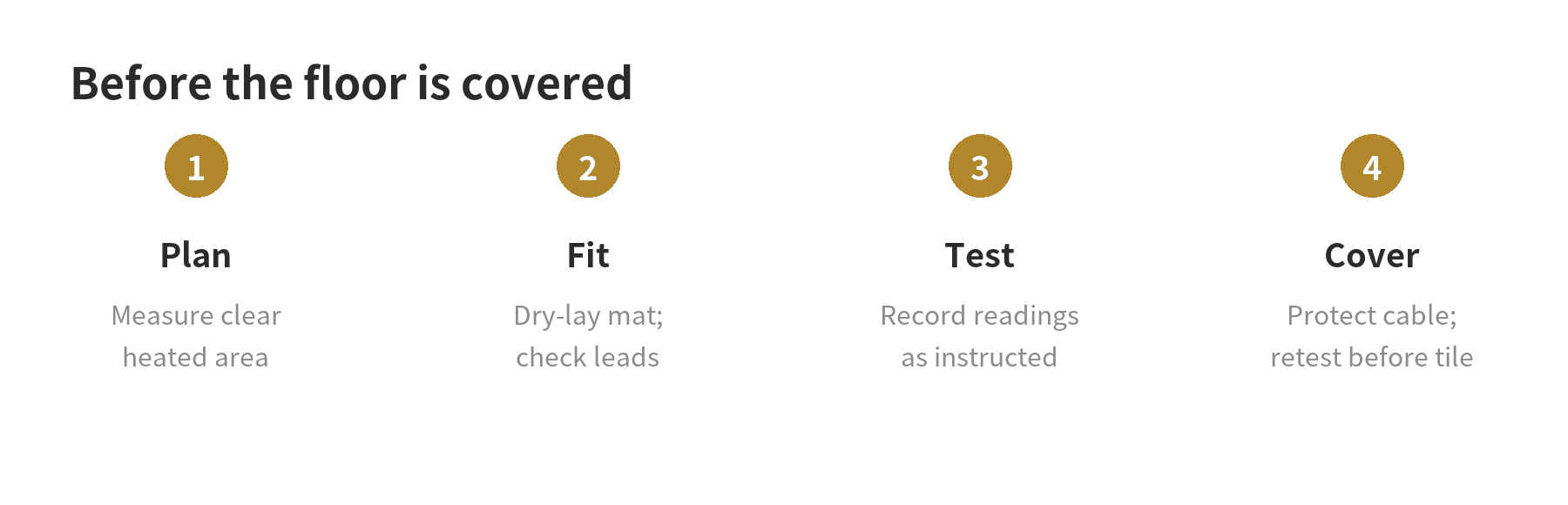
Lay out the mat without mortar first. Confirm that the power lead reaches the planned thermostat box, the cable stays within the allowed heated footprint, and turns do not pinch or overlap the heating wire. Keep the cable away from any locations the manual excludes, such as under fixed cabinets or certain fixtures. Each product sets its own spacing and no-heat zones.
Check the subfloor for sharp debris that could damage the cable. The Home Depot installation guide directs installers to inspect the mat and use a digital multimeter to measure resistance according to the manufacturer’s values. Repeat the prescribed test after the mat is positioned and at each later stage specified by the manual. Record the readings so the installer can identify a change before the system is buried under mortar and tile.
Place the floor sensor in the location and conduit arrangement specified by the thermostat instructions. Keep the sensor from contacting the heating cable if the manual directs that separation. Photograph the final cable route and sensor position before covering them; the record helps locate the embedded system if flooring work is needed later.
Plan for a bathroom or kitchen renovation
In a bathroom, coordinate the heated area with the shower waterproofing and floor drain details. A heating mat does not replace a waterproofing assembly, and a system approved for a bathroom floor is not automatically approved inside a shower. Check the manufacturer’s instructions for wet-area limits and clearances before the floor is prepared.
In a kitchen, map cabinet footprints and appliances before ordering a mat. The clear heated area may be much smaller than the room, and a fixed island can divide the floor into separate strips. Consider where the thermostat will go and whether its sensor can be installed as specified without crossing the heating cable.
Use a renovation scope that names the flooring assembly, mat area, electrical work, thermostat, sensor, and testing steps. If comparing project approaches, the site’s bathroom remodel overview can help frame the surrounding work, while its flooring guide covers finish-material considerations.
What to confirm before the floor is closed
- The mat’s coverage matches the measured clear floor area.
- The finished flooring and mortar match the mat instructions.
- The thermostat, sensor, voltage, and GFCI arrangement are compatible.
- Required resistance checks are recorded at the stages stated by the manufacturer.
- The mat route, sensor location, and floor-height changes are documented.
Keep the product manual, test readings, and installation photos with the renovation records. Before turning the system on, follow the manufacturer’s curing-time and startup instructions for the mortar and floor covering. The timing and temperature limits depend on the materials selected, so use their written instructions rather than a general schedule.
FAQ
Can a heating mat go beneath a bathroom rug?
Check the mat and floor-covering instructions before using a rug over a heated floor. A thick rug or pad can trap heat, and the Home Depot heated-floor guide cautions that thick carpet and padding may not work well with radiant heat.
Can I cut the heating wire to fit a small bathroom?
No. The Home Depot guide says the heating wire cannot be cut; follow the system’s instructions for cutting or turning its mesh carrier while keeping the cable intact.
Does every heating mat need a separate GFCI breaker?
No single answer applies to every system. Some controls include GFCI protection, while other products require protection from the circuit; check the exact mat and thermostat instructions with the electrician.
Should I heat the entire bathroom or kitchen?
Base the mat area on the manufacturer’s permitted layout and the floor space that remains clear of fixed objects. The room’s full area is not automatically the correct coverage size.