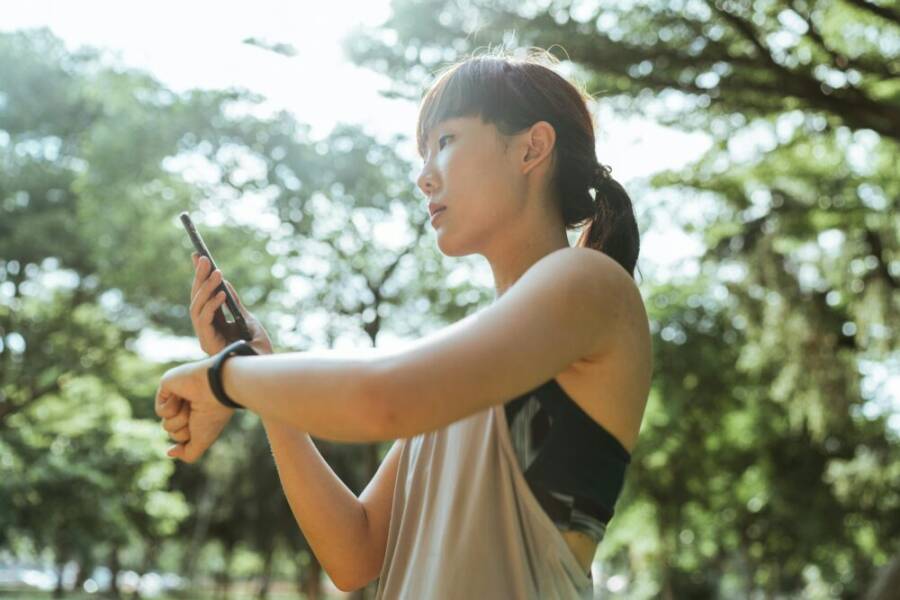
Fitness creators rely on more than just energy and charisma. The right smartphone shapes video quality, stabilization, battery life, and how smoothly you can edit on the fly for TikTok and Reels. This guide highlights the choices that help your workouts look sharp, feel effortless, and get noticed.
When you film, stabilization and fast autofocus matter as much as the camera specs. A strong phone keeps up with fast moves, clean colors, and steady footage even during high intensity sets. You’ll also want easy, on phone editing to publish more content with less friction.
If you’re chasing efficiency and value, this guide points to options that balance price with performance, so you can stay consistent. Whether you’re new to short form video or scaling up a fitness channel, the right smartphone can save you time and boost engagement.
What makes a phone ideal for fitness TikTok and Reels creators
Choosing the right phone for fitness content means more than screen size or battery life. It’s about how well the device captures fast, high-energy moments, stays steady during jumps and sprints, and streamlines on‑the‑fly editing so you can post more often. Below, you’ll find practical guidance on the key areas that matter for quick clips, clean audio, and efficient workflows.
Video quality that pops on quick clips
Fast workouts demand equipment that preserves detail in motion. Look for phones that support high frame rates and sharp resolution in a 9:16 format, which is the standard for TikTok and Reels. A phone that records at 1080p or 4K with smooth 30 to 60 fps helps sprint moments, burpees, and jump squats look crisp rather than blurred. Color accuracy matters too; accurate skin tones and true-to-life outfits help your audience identify with the moment rather than guess at lighting issues.
For brighter gym lights or outdoor sun, HDR can improve contrast without blowing out highlights on skin or bright apparel, so your footage remains natural even in harsh lighting. If you shoot on a bright track or a sunlit court, consider a camera with good dynamic range to maintain detail in shadows and highlights. Early frame-rate choices set the tone: 30 fps works well for steady talking points between moves, while 60 fps can capture high-energy sequences with extra fluid motion.
Helpful tip: prioritize phones that balance sharpness with color clarity. When skin tones look right and outfits pop, viewers stay engaged longer and are more likely to watch the clip through to the end. For more on frame rates and the best practices for TikTok, see how frame rate choices align with quick clips. https://www.shortsgenerator.ai/blog/what-frame-rate-does-tiktok-use/
Stabilization and motion performance for workouts
Stabilization is the hidden workhorse of fitness filming. Optical image stabilization (OIS) reduces camera shake during handheld filming, while gyro-based stabilization uses sensor data to smooth out motion in post or during capture. Together, they keep running, jumping, and rapid transitions from turning into a wobbly mess.
When you’re filming while moving, these features matter most. OIS helps during mid-run clips and quick direction changes, while gyro stabilization can smooth out the jump cuts you make between sets. If you often film while moving fast, a phone with robust stabilization reduces post production time and makes re-shoots less necessary.
Gimbals are another option for ultra-smooth footage, especially when you want cinematic pans or complex angles. A phone that plays nicely with gimbals gives you the flexibility to shoot dynamic sequences without sacrificing image quality. For practical tips on keeping video steady on the go, this guide walks through steadying techniques and when a gimbal makes sense. https://www.tiktok.com/discover/how-to-film-steady-on-iphone-while-running
Battery life and heat control during long shoots
Long shoots require endurance from your device. Look for phones that can film for extended periods without throttling performance due to heat. Consistent video quality matters; if the phone starts to dim, cool down, or lower frame rates mid-session, your content will suffer.
To keep sessions going, plan for sessions with manageable lengths, and use power saving modes when you’re not actively filming moves. Quick charging can help you top up between takes, and some phones handle heat better when charging while recording for short bursts. If you need to run back-to-back sessions, test your device in advance to map out any heat spikes and know when a rest period is necessary. For more on how to maintain performance during longer shoots, see practical guidance on video camera power management. https://www.mixcord.co/blogs/content-creators/how-to-get-better-quality-on-tiktok
Audio clarity in gym and outdoor environments
Audio quality can make or break fitness clips. Gym environments bring bright hum from fans, treadmills, and weights, while outdoor shoots add wind and crowd noise. The built-in mic on most phones does a decent job, but it often benefits from a closer mic or a lapel mic for voiceovers. If you’re narrating during a workout, consider an external microphone or a compact wireless headset for clearer voice pickup.
In a gym, aim to place the mic close to your mouth without blocking movement, and use a windscreen or foam cover for outdoor recordings to reduce breathy noise. If you record voiceovers after filming, a simple USB-C or Lightning microphone connected to your phone can dramatically improve clarity. When in doubt, test a quick sample in both environments to determine whether external mics or headsets will noticeably improve your voice track. For guidance on improving TikTok audio quality with your phone, explore practical tips here. https://www.facebook.com/groups/runnerslovingrunning/posts/9152807634823592/
Editing tools and creator features you need
Efficient editing saves time between filming and posting. Modern phones come with built-in editors that cover basic trimming, transitions, and color adjustments, but most creators rely on external apps for deeper edits. Popular options such as CapCut and InShot integrate smoothly with short‑form video workflows, letting you add captions, effects, and music quickly.
AI features in the editing apps can automate tasks like motion tracking, auto-cropping for different aspect ratios, and smart color corrections, which helps you keep a consistent look across videos. A fast editing workflow might look like this: shoot in a single 9:16 clip, drop it into CapCut for quick cuts and captions, export in the correct format, and post directly to TikTok or Reels. If you’re exploring the best devices for video work, check out reviews that compare on‑device editing experiences and app compatibility. https://www.digitalcameraworld.com/buying-guides/best-phone-for-video-recording
Incorporating these elements into your setup makes it easier to publish more often without sacrificing quality. A phone that balances video quality, stabilization, heat management, and editing flexibility helps you stay consistent and grow your audience over time. For a quick summary of the most important specs to prioritize, revisit the core checks above and align them with your production style.
Top phones for fitness creators in late 2025
Choosing the right phone for fitness content means weighing video quality, stabilization, editing ease, and how well the device fits into your workflow. In late 2025, a few models stand out for fitness TikTok and Reels, delivering steady footage, fast edits, and dependable battery life. Below are the strongest options across four categories to help you pick the best tool for your style and budget.
Best overall option for most creators
A balanced phone should deliver crisp video, reliable stabilization, solid battery life, and a smooth editing on‑device experience. The standout option for many fitness creators in late 2025 is a flagship that pairs excellent video quality with robust software support and a strong ecosystem of editing apps. This model captures clean colors and accurate skin tones in gym lighting, handles fast action without excessive motion blur, and offers a reliable editing path that lets you publish quickly.
Why it fits fitness content: It combines top-tier stabilization with fast performance for on‑phone editing. You can shoot in 4K at high frame rates, color grade inside the device, and export ready-to-post clips in minutes. The ecosystem is broad, with popular editing apps like CapCut and InShot integrated smoothly, so you keep your production flow tight. For readers weighing alternatives, see the broader camera and video performance landscape in Digital Camera World’s latest buying guide. The best phone for video recording and vlogging
Notes on the top pick: expect excellent dynamic range for gym lighting and a user experience that minimizes friction between shoot, edit, and upload. If you want absolute reliability in a single device, this is the option to consider first.
Best Android option for heavy editing and control
For creators who want more manual control and deeper editing capabilities on the device, an Android flagship with strong hardware and a flexible camera app is ideal. Look for a model that offers robust RAW capture, adjustable frame rates, and advanced stabilization options. This choice lets you dial in exposure and focus precisely for each clip, then perform detailed color work and effects without bouncing between devices.
How it helps your workflow: You gain precise control over shutter speed, ISO, and white balance, which is invaluable for mixed lighting in gyms and outdoors. The editing suite on the device is powerful enough to handle multi‑clip sequences, motion tracking, and color grading, reducing your reliance on a desktop setup. If you want to compare this approach with other high‑end Android options, see VOXILENS’ roundup of top creator smartphones. Top smartphones for content creators in 2025
Tip: pairing a capable Android flagship with a compact external mic can push your overall audio quality to the next level without adding a lot of gear.
Strong budget option with solid performance
Starting out or building a lean kit means prioritizing value without sacrificing too much quality. A midrange phone in late 2025 can still produce excellent 1080p and 4K footage, stabilize well for gym moves, and run popular editing apps smoothly. Look for a device with dependable stabilization, good low‑light performance, and a clear, bright display for on‑device editing.
What you get for the price: a clean, practical experience with capable video modes, a fast processor for quick edits, and enough battery life to shoot multiple short workouts. It’s a smart entry point for creators who post consistently but aren’t ready to invest in a flagship. If you want a broader perspective on midrange camera phones, PCMag has a current review of the best options for 2025. The Best Camera Phones We’ve Tested for 2025
Multitasking and editing on the go with a foldable
A foldable phone brings a large screen to the pocket, which can be a real advantage for editing on the fly and reviewing footage between takes. The expansive display makes framing and color checks easier, and the software usually supports split-screen multitasking for quick reference guides, captions, and music tracks while you edit. For fitness creators who post frequently and juggle multiple clips, a foldable device can boost efficiency without a laptop.
What to watch for: durability and weight matter, as you may be shooting during workouts or carrying the device around a gym. Ensure the phone’s software ecosystem provides solid on‑device editing tools and good app compatibility. If you’re curious about foldables in this space, consider checking out a detailed comparison in a dedicated creator’s guide. Best phones for video recording and vlogging
Compact or niche pick for specific needs
Some creators require a phone that excels in a particular area, such as low light performance or exceptional microphone quality. A smaller device can be a smart choice for those who film in tight spaces, travel light, or need a phone that fits
Conclusion and quick buying checklist
You’ve seen how the right smartphone can elevate fitness content on TikTok and Reels. The goal here is to wrap up with a practical, action‑oriented conclusion and a concise buying checklist you can follow in minutes. This section helps you lock in a decision quickly without sacrificing the video quality, stabilization, or editing flow that keeps your audience coming back.
Five-step buying checklist
A simple, actionable checklist to finalize your purchase decisions:
- Define budget
- Set a clear price range and identify what you can realistically invest in this year.
- Remember, you can find capable options at multiple price points; the goal is to maximize value for video quality and editing speed.
- Prioritize stabilization and low light
- Look for strong optical image stabilization (OIS) and good low‑light performance.
- Check how the phone handles fast action, color accuracy, and skin tones in gym lighting.
- Check battery life for long shoots
- Prioritize phones that can film for uninterrupted sessions and handle quick recharges between takes.
- Consider heat management during longer shoots and whether you need rapid charging.
- Confirm editing apps and ecosystem
- Ensure the phone supports your preferred editing apps like CapCut or InShot and can export in your target aspect ratio without fuss.
- Favor devices with a smooth on‑phone editing experience to minimize post‑production friction.
- Test handling and weight in your hand
- If you shoot while moving, ergonomics matter. Hold tests help you confirm comfortable one‑hand grip and stable framing during workouts.
- Consider a compact case or grip accessory if you plan frequent motion shots.
For quick reference, you can explore guidance on frame rate choices and on‑device editing workflows to inform your decision. For frame rate considerations, see this quick overview. https://www.shortsgenerator.ai/blog/what-frame-rate-does-tiktok-use/
To read more about on‑device editing workflows and compatibility, check this detailed guide. https://www.digitalcameraworld.com/buying-guides/best-phone-for-video-recording
If you want broader comparisons on camera performance across devices, this roundup provides useful context. https://www.pcmag.com/picks/the-best-camera-phones
Quick image: visual takeaway
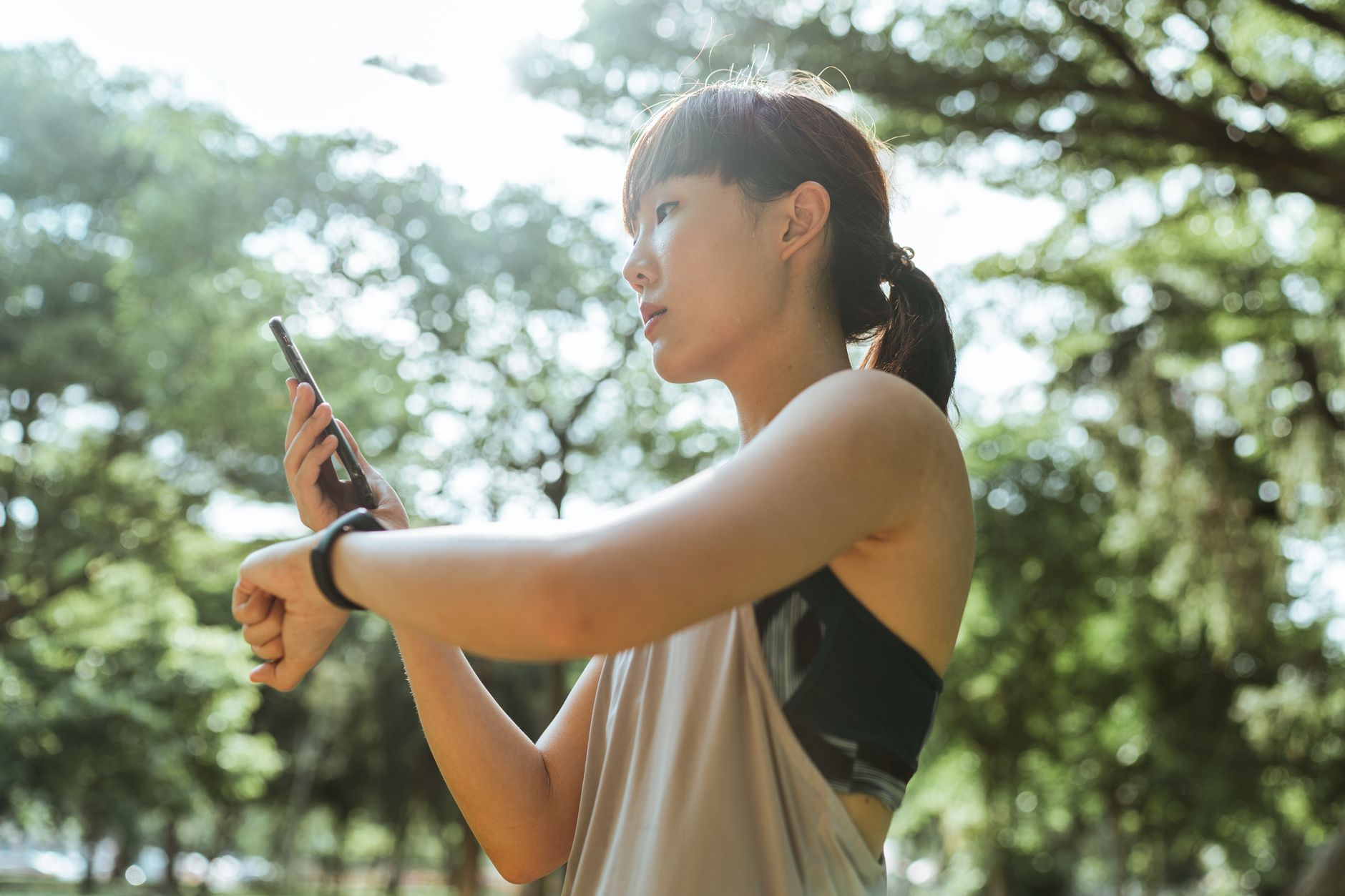 Photo by Ketut Subiyanto
Summary of practical tips
- Prioritize stabilization first, then frame rate flexibility.
- Balance battery life with heat management to avoid mid‑shoot slowdowns.
- Double‑check your editing workflow before buying, ensuring smooth on‑phone edits.
- Choose a device that fits your hand and your editing style, not just the best camera.
If you’re weighing options, consider how each model handles gym lighting, rapid transitions, and the editing apps you rely on daily. The right smartphone makes your work easier and your content more consistent. For further reading on top creator smartphones and how they perform in practice, you can explore broader buying guides and reviews linked above.
Conclusion
Choosing the right smartphone changes how you film, edit, and post fitness content on TikTok and Reels. A dependable smartphone with solid stabilization, strong battery life, and easy on‑device editing keeps your workouts moving and your audience engaged. Prioritize stability and editing flow, then balance camera quality with your budget to stay consistent and productive.
If you pick a model that fits your style, you can publish more often without sacrificing quality. Share your results after trying the recommended setups, and let others learn from your workflow. Your next video could be the one that grows your audience, so go ahead and choose a smartphone that matches your pace and ambition.