
Home safety starts at the door, and smart locks make a big difference. They blend convenient access with real security for homes, apartments, and rental units. If you’re shopping at Home Depot, you’ll find a growing selection that fits different door types, budgets, and smart home setups. This guide helps you pick the right one, understand what to expect during installation, and get the most out of your new lock.
Smart locks aren’t just about convenience. They also give you control over who enters your space, day and night. You can grant temporary access to a pet sitter or a cleaning crew, monitor activity from your phone, and keep a log of who came and went. If you value simplicity and security in one package, a smart lock from Home Depot is worth a closer look.
What Makes a Good Smart Lock for Home Use
Choosing a smart lock starts with understanding your door and your daily routine. Here are the core factors that separate good options from the rest.
- Lock type and backset: Most residential doors use a standard 2 1 8 inch backset, but some newer doors use 2 3 4 inches. Verify your door prep before buying. A lock that fits your door will save time and reduce installation friction.
- Power and maintenance: Look for long battery life and clear battery indicators. Many locks run on AA or lithium batteries and alert you when power is low. A low maintenance lock saves you from unexpected lockouts.
- Connectivity: Locks can connect via Bluetooth, Wi Fi, or a home automation hub. Bluetooth works well for local use, while Wi Fi or a compatible hub enables remote access and automation routines.
- Access options: Keypad entry, fingerprint sensors, or traditional keys as a backup provide different levels of convenience and security. Some models offer all three for flexibility.
- Security features: Strong encryption, tamper alarms, and built in auto relock help prevent unauthorized entry. Consider locks that log entry events in an app so you can review activity.
- Home integration: If you use voice assistants or a smart home platform, check compatibility. A lock that works with your existing ecosystem saves setup time and headaches later on.
- Build quality and warranty: A sturdy chassis and a solid warranty reduce the risk of failures. Look for metal bodies and reinforced strike plates for durability.
This combination of compatibility, reliability, and ease of use makes certain smart locks standout when you shop at Home Depot. You’ll notice two broad options when you walk the aisles: locks that replace your existing deadbolt and more modern deadbolts that integrate a smart module. Either path can suit most homes, but your choice will influence installation complexity and future upgrades.
Popular Brands You’ll Find at Home Depot
Home Depot carries a mix of well known brands and reliable smart lock lines. Here’s what to expect and why each matters.
- Schlage: A trusted name in door hardware, Schlage smart locks emphasize durability and straightforward operation. They often come with multiple access options, strong encryption, and solid app support. If you want a lock that feels familiar and well built, Schlage is a solid fit.
- Kwikset: Kwikset offers practical options with good value. They frequently feature combo packs that include keyless entry, keypad options, and Bluetooth connectivity. Kwikset locks are known for easy installation and broad compatibility with common home systems.
- Ultraloq: Ultraloq brings flexibility with models that deliver keypad, fingerprint, and Bluetooth access. Some Ultraloq options include built in Wi Fi, which helps when you want remote control without an extra hub.
- Other brands and bundles: Home Depot also stocks other reputable lines with similar features. Expect a mix of keypad and biometric options, with connectivity through Bluetooth or Wi Fi. The common thread is reliability, straightforward setup, and clear instructions.
When you’re browsing, prioritize models that clearly list the connectivity type, battery life, and any required hub. If you’re newer to smart home tech, a model with built in Wi Fi and a simple app can reduce complexity and speed up setup.
Understanding Connectivity and Security
The right connectivity makes a lock useful beyond the moment you install it. Here’s how different options work in everyday life.
- Bluetooth only: Quick access from your phone when you’re nearby. It’s secure for home use since a nearby device is usually required. You won’t get remote control outside your home without an additional hub.
- Wi Fi: Enables remote access from anywhere and makes automation possible. It’s more convenient but can introduce exposure if security features aren’t up to date. Choose models with regular firmware updates and strong encryption.
- Hub enabled (Z Wave or Zigbee): Some locks work through a dedicated hub that connects to your smart home network. This setup can expand your automation capabilities and keep devices responsive even if your Wi Fi momentarily drops.
- Battery and backup: Most locks use replaceable batteries. Look for long life indicators and a mechanical key option as a backup. This combination keeps you from getting locked out during a power issue or battery failure.
In practice, a typical Home Depot shopper might choose a Bluetooth lock for easy daily use and add a Wi Fi capable model or a hub to enable remote access. If you already use a smart home platform, you may want a lock that integrates with that ecosystem to keep things running smoothly.
Installation at Home Depot: What to Expect
Installing a smart lock can be simple or a bit more involved, depending on your door and the model. Here’s a practical plan to help you go from box to locked with confidence.
- Check door compatibility: Measure backset, bore hole diameter, and door thickness. Most standard doors fit common deadbolt locks, but some doors require a specific type of strike plate or mounting bracket.
- Remove the existing hardware: You’ll remove the old deadbolt and latch. Save the screws if they can be reused, and keep track of any parts you’ll replace.
- Install the new exterior assembly: Align the exterior and interior components, making sure the latch aligns with the strike plate. Many models include mounting screws and a simple template to guide installation.
- Wire management and hub setup: If your lock needs a hub or a bridge, place it in a convenient location with reliable Wi Fi coverage. Follow the app prompts to connect the lock to your network.
- Test and program: Program access codes or fingerprints and verify that the lock relocks automatically after doors close. Test entry with the keypad, app, or physical key to confirm proper function.
- Final checks and maintenance: Ensure doors close smoothly and the strike plate catches properly. Replace batteries if needed and test the backup key option periodically.
If you’re unsure about any step, Home Depot staff can help you choose a model that matches your door type and installation preferences. For most apartments and single family homes, the process should take under an hour once you’ve laid out the steps.
Accessibility, Rentals, and the Apartment Dilemma
Smart locks are especially appealing for renters and short term tenants. They offer flexible access without changing the door hardware in a way that could violate lease terms. When you’re shopping at Home Depot, consider models that are easy to remove and don’t permanently modify the door. A few key considerations:
- Temporary installation: Look for locks that clamp onto the existing deadbolt rather than drilling new holes. This makes it easier to return the door to its original state when you move.
- Remotely managed access: If you frequently grant access to guests or service providers, choose a lock with robust guest codes and time based access features.
- Safety and compliance: Ensure that the lock does not interfere with fire safety hardware or door alarms. A well chosen device keeps safety intact while giving you modern access control.
Use Case Scenarios: Tailoring Your Pick
Different living situations benefit from different smart lock features.
- Busy households: A model with a keypad and automatic relock helps everyone enter quickly. Pair it with a voice assistant to unlock with a simple command when hands are full.
- Remote work or travel: A lock that supports remote monitoring and temporary codes helps you manage access even when you’re away.
- Rentals and vacation homes: A durable lock with clear guest codes and event logs gives you control without constant key exchange.
Battery Life and Security: Practical Tips
To keep your smart lock dependable, focus on maintenance and prudent settings.
- Battery health: Use high quality batteries and replace them using the app’s reminders. Keep spares handy so you’re never stuck at the door.
- Auto relock: Set an appropriate auto relock time. Too short a delay may annoy guests; too long a delay may compromise security.
- Alerts and history: Use the app to review entry events. Date stamps and user data help you spot unusual activity and respond quickly.
- Firmware updates: Regular updates fix bugs and strengthen security. Enable automatic updates if possible.
Balancing price and value is essential, especially at a retailer like Home Depot where you’ll see a range of options. A well built lock that meets your connectivity needs and door specs often pays off over time with fewer hassles and better protection.
A Quick Buy Guide for Home Depot Shoppers
- Start with the door: Confirm backset, bore size, and door thickness. If you’re unsure, ask a hardware specialist at the store.
- Pick your connectivity: Bluetooth only for near term use, or Wi Fi hub options for remote access and automation.
- Decide on access methods: Keypad, fingerprint, or key backup. A mix often delivers the best balance of convenience and security.
- Check for hub compatibility: If your home already uses a smart home platform, verify compatibility to avoid a second hub.
- Review the warranty: A longer warranty is a sign of confidence in the product. It also provides peace of mind for busy households.
These steps help you compare options quickly at Home Depot and choose a smart lock that will meet your daily needs without surprises.
Images to Inspire Confidence
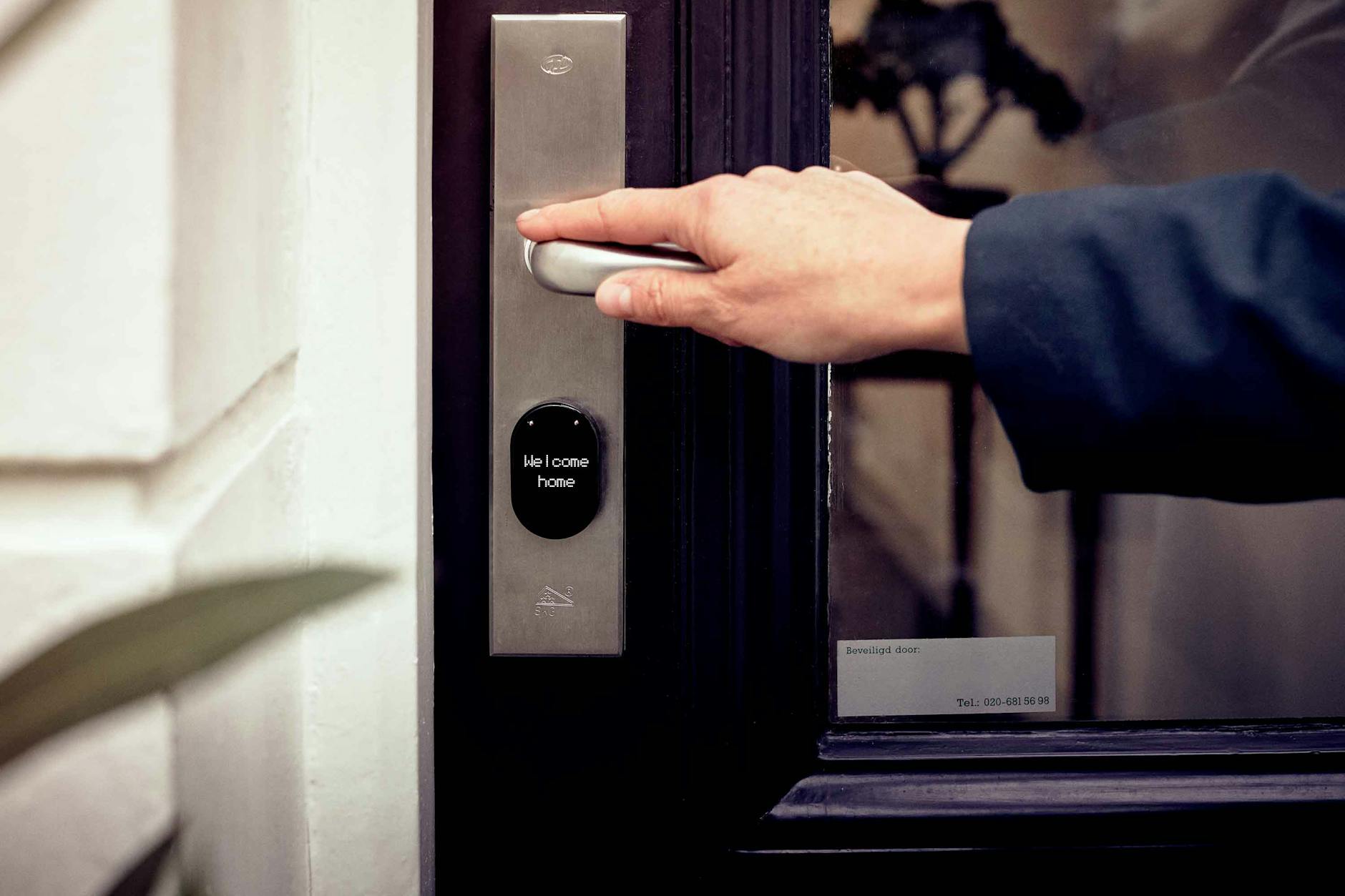
Photo by Joppe Beurskens
Conclusion: Ready to Upgrade Your Front Door
A smart lock from Home Depot can transform how you manage access to your home. With the right model, you gain easy everyday use, strong security, and flexible control whether you’re home or away. Start by checking your door’s specifications, then compare brands that balance reliability with smart home compatibility. If you take the step to install, you’ll enjoy clearer monitoring of who enters your space and fewer trips to the key ring. Consider your daily routines, and pick a lock that fits. Your door will thank you for the upgrade.
What will you use your smart lock to do first? Will you set up guest codes for trusted family or service providers? Share your plans and experiences in the comments, and if you’re weighing models, tell me which features matter most to you.