You’ve felt it before. Your phone turns scorching hot while you scroll through social media or charge it overnight. That phone overheating can stop you in your tracks and make you wonder what’s wrong.
Overheating isn’t just uncomfortable. It risks permanent damage to components or points to deeper issues like a failing battery. Left unchecked, it shortens your device’s life and drains power faster than normal.
The big question stays: is it a worn-out battery or a rogue app pushing your processor too hard? Apps cause most cases through heavy tasks like gaming or video calls. Batteries play a role too, especially if they’re old or swollen.
This guide helps you spot the difference fast. You’ll learn key signs for each cause, simple tests to run right now, and quick fixes to cool things down. No guesswork needed, just clear steps for your smartphone.
Start with these checks, and you’ll know if it’s time to close apps, update software, or replace the battery. Safe scrolling awaits.
Key Signs Your Phone Overheating Points to a Battery Problem
Overheating often stems from apps, but persistent heat without clear triggers screams battery trouble. Your smartphone’s battery powers everything, and when it fails, it generates excess heat as a warning. Spot these signs early to avoid bigger issues.
Phone Feels Hot with Little Use
Picture this: you set your phone down after a quick check of texts, and it stays warm to the touch. Idle heat like that marks a classic battery red flag. Normal operation brings light warmth, say during charging or a brief email sync, but it fades fast.
A faulty battery keeps producing heat around the clock. Chemical reactions inside damaged cells don’t stop; they build up warmth even on standby. If your phone feels hot after sitting unused for 30 minutes, blame the battery over apps. Test it by powering off completely. Heat lingers? That’s your cue.
Battery Drains Fast Even on Standby
Nothing frustrates like a full charge vanishing overnight. Rapid drain on standby ties straight to faulty battery cells. Healthy batteries hold power steady; worn ones leak energy through unstable reactions that also spit out heat.
Think of it as a slow puncture in a tire. Air (or charge) escapes without input, and the friction warms things up. Check your battery stats in settings. If it drops 10 percent or more per hour idle, pair that with warmth, and you’ve got a battery culprit. Apps might drain too, but they need screen time or background runs to do it.
Sudden Shutdowns at Higher Battery Levels
Your phone blacks out at 40 percent charge? That’s no glitch; it’s a safety shutoff from a bad battery. Devices protect themselves by powering down above 20 percent when voltage spikes or drops erratically due to damage.
A degrading battery can’t deliver steady power. Heat builds as it strains, triggering the cutoff to prevent fires or explosions. Apps rarely cause this at high levels; they hog resources during use instead. Note the pattern: multiple shutdowns with heat but no heavy tasks? Head to a repair shop for a battery swap.
Clear Clues Overheating Comes from Apps or Software
Apps and software often trigger overheating in your smartphone. Unlike battery issues that simmer constantly, these problems heat up during use. You notice the back of your phone grow warm fast when you launch certain tasks. Pinpoint these patterns, and you’ll know to target apps instead of hardware.
Heat Spikes During Specific Tasks
Your phone stays cool most of the day, but it scorches after you open a game or video app. This points straight to software strain. Heavy apps push the processor and graphics chip hard, which builds heat quick.
Think about popular culprits. Social media apps like Instagram, TikTok, or Facebook refresh feeds and play short clips, taxing your CPU. Streaming services such as YouTube or Netflix keep the screen bright and decode video non-stop. Games crank everything to max, often hitting over 50 degrees Celsius in minutes.
I see it often with the Camera app too. Snap a burst of photos or record long videos, and warmth spreads fast. GPS apps for navigation do the same by tracking location while running maps. The key? Heat rises right with the activity and drops once you close the app. Test it: play a game for 10 minutes, then quit. If temps fall within five minutes, apps take the blame.
High Battery Use from Certain Apps
Apps that drain battery fast also generate heat. They run in the background, sync data, or refresh content without you noticing. Check your settings to spot the top offenders.
Open your phone’s Settings app and tap Battery. Most devices show a list of apps sorted by power use over the last day or so. Look for ones marked as active in background or high screen time. Common drainers include WhatsApp, Snapchat, and TikTok, which ping notifications and track location even when idle.
Here’s a simple way to review:
- Scroll to the top drainers.
- Tap an app for details, like wake locks or data usage.
- Note if it spikes during light use, such as pocket time.
If one app eats 20 percent or more of your battery with little screen on, force-stop it or restrict background activity. Update the app too; bugs in older versions often cause excess work and warmth.
Lags and Freezes Alongside Heat
Heat pairs with stutters when software overloads your phone. Apps bog down the system, making everything slow while temps climb. You scroll, and frames drop; games hitch mid-action.
This happens because rogue apps max out RAM and CPU. Background tasks from Facebook or email sync clash with foreground use, straining resources. Your processor heats up as it juggles too much.
Watch for these combos:
- Jerky animations during app switches.
- Apps crash or reload often.
- Overall slowness that eases after a restart.
A quick fix starts with closing recent apps. If heat and lag return only with specific software, clear cache or reinstall. Persistent issues? Scan for malware, as it hogs power quietly. Your smartphone runs smoother and cooler once you tame the software load.
Step-by-Step Tests to Pinpoint the Cause
You have the signs in mind. Now test your phone to nail down the problem. These checks take minutes and work on iPhone or Android. Start simple, then build from there. You’ll see if apps spike heat or if the battery simmers on its own.
Start with Battery Usage Stats
Battery stats reveal top power hogs fast. High use from one app points to software strain. Steady drain with no big users flags the battery.
Check these steps on your device.
For iPhone:
- Open the Settings app.
- Tap Battery.
- View the graph for the day and app list below. Scroll to View All Battery Usage for details over the last 8-10 days.
- Note apps at 30 percent or more. Close them if they run heavy tasks.
- Tap Battery Health up top. Capacity under 80 percent means replace soon; it ties to extra heat.
For Android:
- Open Settings.
- Tap Battery (or Battery & device care on Samsung).
- Check the usage graph and Battery usage or Usage details for top apps over 24 hours or 7 days.
- Spot outliers. Force stop high drainers.
- Look for Battery diagnostics in more settings. Watch for temp alerts.
If apps dominate the list during hot spells, they cause it. Low app use but constant warmth? Battery needs attention.
Close Apps and Monitor Heat
Apps in the background push your processor hard. Force close them and watch the temperature drop. Tweak a few settings too for a clear read.
Follow these actions:
- Swipe up from the bottom (iPhone) or tap recent apps button (Android) to show open apps.
- Swipe away each one or tap Close all.
- Lower screen brightness to half in quick settings.
- Turn off WiFi, Bluetooth, and location if not in use.
- Feel the phone after 10 minutes of light use like texting.
Heat fades quick? Apps were the issue. Still warm? Move to the next test. Your smartphone runs cooler with fewer tasks active.
Update Software and Test Idle
Old software or buggy apps create loops that build heat. Update first, then idle test to check for battery heat.
Run these steps:
- Go to Settings > General > Software Update (iPhone) or Settings > System > System Update (Android).
- Install any available OS updates.
- Open App Store (iPhone) or Google Play (Android). Update high-drain apps from battery stats.
- Restart your phone.
- Set it aside for 30 minutes with screen off and no charging.
Phone stays hot after idle? Battery generates heat alone. Temps drop to normal? Software fixed it, or apps were culprits. Power off fully for a final check; lingering warmth confirms battery trouble. Act on results to keep your device safe.
Quick Fixes and When to Call a Pro
Tests point to the cause. Act fast to cool your phone and prevent damage. Apps often fix with simple tweaks. Battery problems need pro help to stay safe. Pick the right path based on your results.
Easy Steps to Cool Down App Issues
Apps overload your processor and build heat quick. Target software first with these steps. They cut strain and drop temps in minutes.
Start by closing background apps. Swipe to recent apps and shut them down. Force-stop top drainers in settings. Your smartphone runs cooler without extras running.
Turn on power-saving mode next. It limits CPU speed and background tasks. Find it in quick settings or battery menu. Heat falls as power use drops.
Lower screen brightness too. Bright screens pull more juice and warmth. Slide it to half or less. Set auto-brightness if it helps.
Remove your phone case during hot spells. Cases trap heat like a blanket. Let air flow free for fast cooling.
Skip heavy use while charging. Games or videos double the load. Charge first, then play.
Enable airplane mode in weak signal spots. Your phone hunts connections and heats up. Toggle it off when needed.
Keep apps and OS updated. Bugs cause loops that spike heat. Check app stores often.
Try these one by one. Most app heat vanishes quick. Your device stays smooth.
Handle Battery Problems Safely
Battery heat lingers on idle or drains fast. Don’t ignore it. A bad battery risks fire or shutdowns.
Skip DIY swaps. Smartphone batteries hold chemicals that spark if mishandled. Puncture one, and it swells or bursts.
Take it to an official repair spot instead. Apple Stores, Samsung centers, or Google spots use right tools. They check health and fit genuine parts.
Expect 1-3 hours for the job. Costs run $50 to $150 by model. Many add warranty on the new battery.
Check warranty first. Free fixes cover most issues if time remains.
Bring your tests results. Techs confirm battery fault fast.
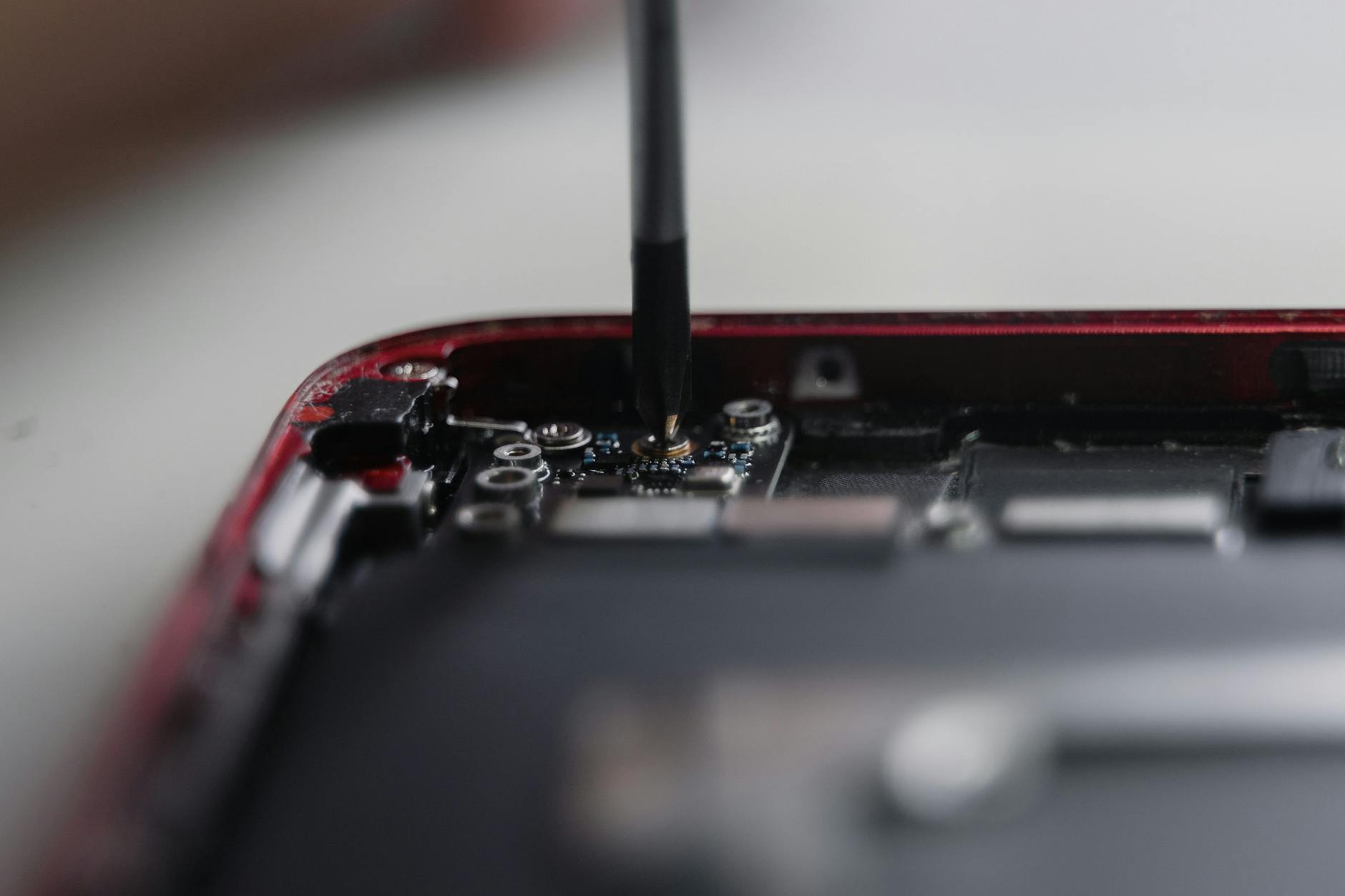
Photo by Tima Miroshnichenko
Heat persists after app fixes? Pros handle it right. Your phone lasts longer with a fresh battery.
Conclusion
Spot phone overheating from a battery issue with idle heat, fast standby drain, or shutdowns at high charge levels. Apps cause spikes during games, videos, or high battery use paired with lags. Run the tests now: check battery stats for top drainers, close apps and monitor temps, then update software for an idle check.
Your smartphone stays safe when you act fast. Apps fix quick with closes and updates; batteries need pro swaps to stop risks like swelling or fires. Recent checks show apps lead most cases, but don’t skip battery health views.
Grab your phone today. Run these steps in minutes to cool it down and extend its life. Share your results or fixes in the comments below. What caused your heat? Let’s help each other keep devices running smooth.