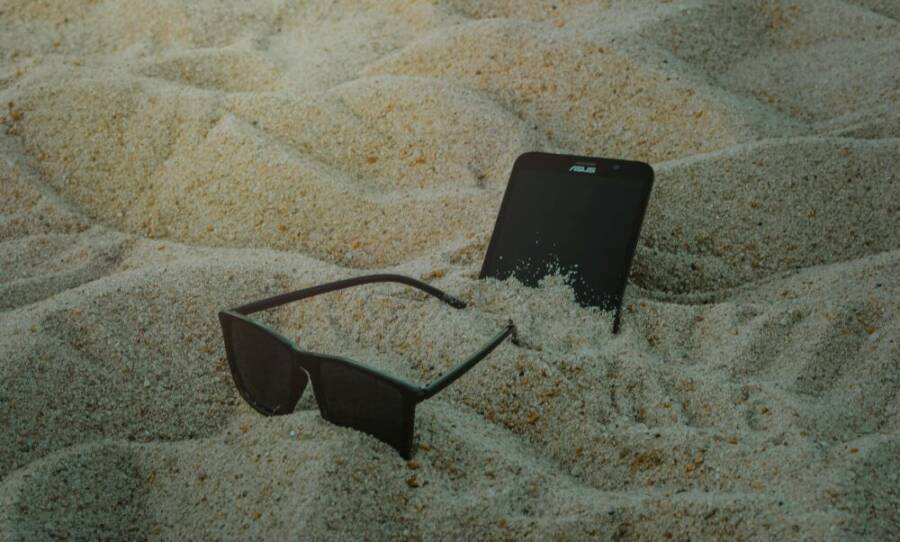
A beach day can turn sour in seconds when sand slips into your phone. Sand and dust sneak into ports and cracks, causing performance issues or long term wear. This guide shows simple habits and quick fixes to protect your smartphone from the tiny particles that show up at vacations, on construction sites, or in dusty towns.
Why Sand and Dust Harm Phones So Fast
Sand and dust seem harmless, but they act like tiny abrasives and magnets for trouble. In coastal days, desert trips, or dusty city pockets, particles cling to screens and sneak into ports, speakers, and buttons. Once inside, they clog cooling paths, irritate seals, and create micro-scratches that speed up wear. The result is slower performance, shorter battery life, and more frequent sensor or charging issues. Understanding how these particles behave helps you defend your device quickly and keep it running smoothly in harsh environments.
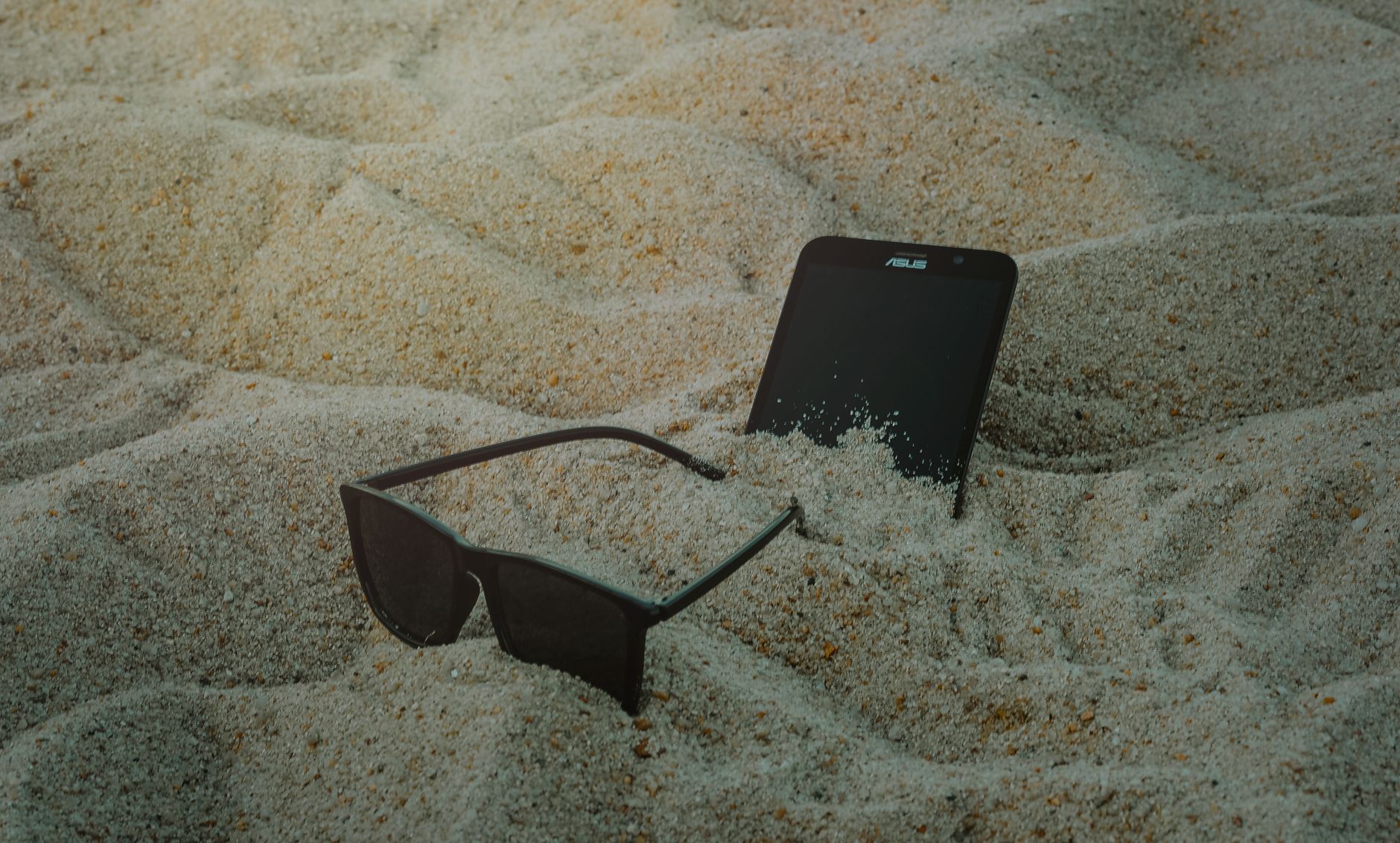 Photo by Min An
Vulnerable Parts That Get Hit First
Dust loves to settle where moving parts meet hard surfaces. The camera lens is a prime target, with grit causing blurred images and micro-scratches that degrade clarity over time. The charging port and headphone jack are natural entry points; dust can block connections or trap moisture, leading to charging issues or corrosion. Volume buttons and speakers are also on the front line, as particles pack into tiny crevices, muffling sound or creating sticky controls. Dust builds up slowly, then suddenly hampers performance. Quick checks: wipe the camera lens with a microfiber cloth, inspect the charging port for debris, gently press each button to feel any grit, and listen for distorted audio from the speakers. Regular blading with compressed air or a soft brush can help, but avoid aggressive cleaning that pushes debris deeper. Keep a small pocket kit handy for on-the-go clearing.
Signs Your Phone Has Sand Damage
Early signs are subtle but telling. A laggy touch screen can indicate debris under the glass or fouled sensors. Dirt specks under the display imply compromised seals or trapped particles behind the screen. Poor audio, such as crackling or muffled sound from speakers, hints at dust within the speaker housing. If charging becomes inconsistent or slow, debris in the port may be the culprit. Acting fast matters because dust that lingers can escalate into longer-term issues, including overheating or accelerated wear on moving parts. If you notice any of these symptoms, pause activities near sand, power down if necessary, and clean with care or seek service.
Learn more about how dust and debris affect smartphone components.
For deeper context on common phone damage types, see this overview: What Are Types Of Phone Damages? – Mobile Xpert.
Pick Cases and Covers That Block Dust
When you’re near sand or dusty trails, the right case and cover setup makes a big difference. A solid protective shell pairs with sealed ports and tactile buttons to keep particles out without sacrificing ease of use. In this section, you’ll quickly size up the best rugged options and learn why certain seals and materials matter. Whether you’re beach-bound or canyon trekking, choosing the right armor for your smartphone can save you from flaky ports, blurry photos, and constant cleaning.
Best Rugged Cases for Sand Protection
Protecting your phone from sand starts with a case that blocks grit at the most vulnerable points. Look for models from OtterBox, Lifeproof, and Spigen that emphasize robust seals, port covers, and drop protection. These brands typically include molded gaskets around charging ports and responsive side buttons that staydust-free with everyday use. Price varies based on material and level of protection, but you’re paying for peace of mind in sandy environments. Pros include strong impact resistance and reliable seals; cons can be bulkier pockets and higher price. For sand-heavy days, these rugged picks are worth the extra heft.
- OtterBox: Known for multi-layer protection and solid port seals that keep dust out even when you’re swimming or laying on the sand.
- Lifeproof: Waterproof and dustproof designs that maintain usability in wet or gritty conditions.
- Spigen rugged line: A lighter option with reinforced edges and splash resistance, offering a balanced mix of protection and pocketability.
Photo by Ethan Tran
In practice, you’ll notice how these cases feel when you slot the phone into a beach bag or pocket. The sealed ports stay cleaner longer, and the tactile controls remain responsive even after a day in windy sand. If you’re price-conscious, read reviews that compare daily grit resistance and ease of cleaning. For quick shopping guidance, see trusted roundups that weigh durability, price, and real-world drop tests. For example, case comparisons discuss how OtterBox, Lifeproof, and Spigen stand up to sand and shocks, helping you pick the right level of protection.
Relevant reads:
- https://casebx.com/blogs/reviews/otterbox-vs-spigen
- https://www.otterbox.com/en-us/lifeproof?srsltid=AfmBOoqg82p3IgL5TrH0y94FNivlUrjdMYti9Fmi01-Ez0IxIYfdtS11
Screen Protectors and Skins That Repel Particles
A good screen shield and a dust-repellent skin add a second line of defense. Hydrophobic tempered glass or matte skins shed sand more easily and resist micro-scratches. Hydrophobic coatings repel moisture and fine dust, helping to keep pixels clear even after a day at the beach. When selecting protectors, prioritize edge-to-edge coverage, anti-smudge coatings, and easy alignment guides to avoid air bubbles during installation. For skins, look for matte finishes that minimize grit adhesion and improve grip.
Installation tips:
- Clean thoroughly with a microfiber cloth before applying.
- Use dust-free environments to avoid trapping particles under the glass.
- Align precisely to avoid gaps at the edges where sand can accumulate.
If you combine a rugged case with a high-quality screen protector, you reduce the chance of scratches and tiny particle intrusion dramatically. For a deeper dive into edge-to-edge protection and real-world performance, check out trusted comparisons and practical reviews that highlight how protectors perform in sandy conditions. Some guides compare different brands and screen materials to help you choose the best combination for your needs.
Relevant reads:
- https://www.travelestapp.com/8675/6-best-shockproof-device-cases-for-beach-festivals/
- https://casebx.com/blogs/reviews/otterbox-vs-spigen
Daily Habits to Keep Sand Away from Your Phone
A few simple habits can save your phone from gritty trouble. By treating your device like a valuable gear item on the go, you reduce the risk of sand sneaking into ports, speakers, and seals. The goal is quick, repeatable actions you can perform before, during, and after outdoor activities. Think of these as your on-the-ground beach and dusty-workday routines that protect performance and extend lifespan.
Smart Moves for Beach and Pool Days
Keep sand out from the start with practical, field-ready routines. Use a dry bag or waterproof pouch whenever you’re near water or loose sand; you’ll find models designed to float and seal securely, making it easy to grab your phone without worrying about dust. Before you head out, stash the phone in a barrier that acts like a mini shield, and avoid putting it in sandy pockets or directly on a towel that could transfer grit. If your phone is waterproof, give it a quick rinse after a splash or a wipe-down to remove salt and sand residue, then dry with a clean microfiber cloth. For quick, trusted options, see dry bag solutions like the UNBREAKcable Waterproof Phone Pouch and other verified pouches that protect while you enjoy the day. UNBREAKcable Waterproof Phone Pouch and The Waterproof Pouch I Trust to Keep My Phone Dry offer practical setups for beachgoers. If you’re planning active water days, a dedicated dry bag inside your bag can keep your device completely sand free, even in windy conditions. For more compact carry, consider the New Wave waterproof pouch that doubles as a bag insert and keeps dust at bay. New Wave Waterproof Phone Case
Tips for Hiking or Job Sites with Dust
Dust on the trail or at a work site loves to hitch a ride into pockets and bags. Start with a plan to store the phone upright in a small, sealable container or a dedicated pocket that faces away from the grit. Use ziplock backups or small, protective covers to keep dust out during transit; this is especially useful when climbing into dusty cabins, trucks, or equipment enclosures. Wipe the device before use if it’s been sitting in a dusty area, then power up and test touch sensitivity in case a few specks migrated under the screen. A simple upright storage approach reduces the chance of debris getting into the charging port or speakers, and it makes cleaning faster if you do need to check the device mid-shift. For extra peace of mind, explore rugged, dust-resistant cases that pair with port covers. Quick, practical options can be found in rugged case lines and protective accessories that balance protection with usability. If you want a quick reference, see guides comparing pouch protection and case durability in dusty environments. For example, recommended pouches and portable covers from trusted sources help you pick the right setup for work or outdoor adventures. The Waterproof Pouch I Trust to Keep My Phone Dry and New Wave Waterproof Phone Case offer reliable, field-tested options.
Clean Your Phone Right After Dust Hits
Dust can silently hunt your phone after a windy beach day, a dusty trail, or a busy construction site. The moment grit touches ports or speakers, it can start a slow clock on performance and longevity. In this section, you’ll find practical tools and a clear, step by step method to remove dust safely. Think of this as a quick recharge for your device after every gritty encounter, so you stay connected without carrying the sand home.
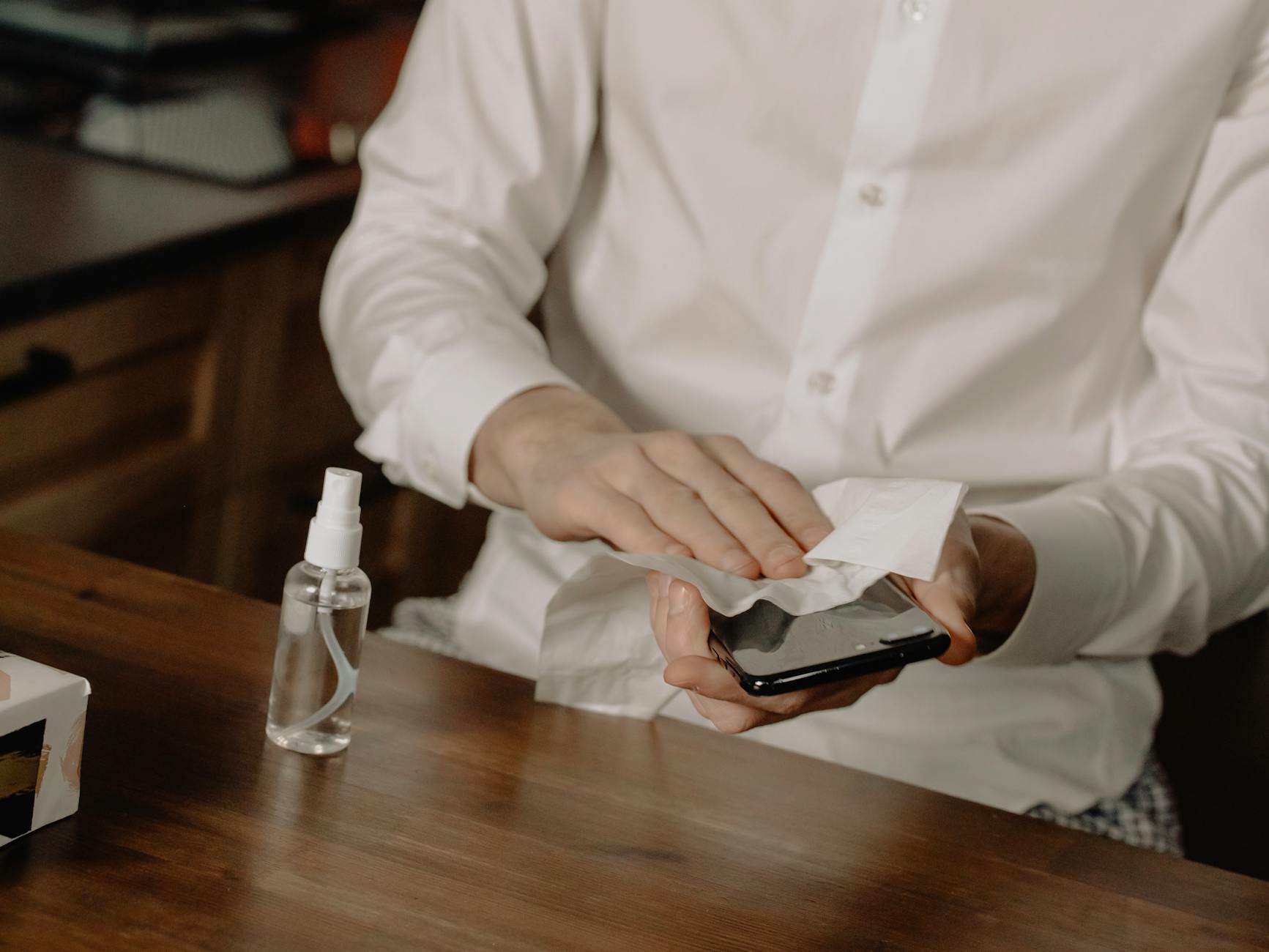 Photo by cottonbro studio
Tools for Safe Sand Removal
Keeping your toolkit simple and reliable makes dust removal easy on the go. Essentials include a horsehair brush to loosen debris, canned air for gentle blowouts, microfiber cloths for streak-free wiping, and isopropyl wipes for a quick disinfect and dry. Where to buy is straightforward: big-box retailers, electronics stores, and reputable online marketplaces stock these items. A small, portable kit is ideal for beach trips or job sites, letting you tackle grit before it settles. When shopping, prioritize non-abrasive brushes, lint-free cloths, and high-purity isopropyl wipes to avoid residue. For quick purchasing ideas, see examples from major retailers and dedicated cleaning kits.
- Reliable tool options to compare include compact brush sets, carbon-free canned air, and microfiber cloth bundles.
- Look for verified reviews that explain how well each tool works with different phone finishes and ports.
Relevant reads:
- https://www.amazon.com/phone-dust-cleaner/s?k=phone+dust+cleaner
- https://www.walmart.com/c/kp/cell-phone-cleaning
Step by Step Guide to Dust Off Your Phone
A calm, methodical approach beats frantic tapping. Start by powering the device down to avoid shorting sensors. Use the horsehair brush to loosen sand from ports and crevices. Follow with a gentle blast of air to dislodge stubborn particles without forcing debris deeper inside. Wipe the screen last with a microfiber cloth to prevent smudges from migrating across the surface. Finally, test the device by powering up and checking touch response, camera clarity, and speaker output. Warnings: never spray canned air directly into ports from very close range, and avoid applying liquid cleaners directly to the device. If you notice persistent grit or reduced performance, consider a professional cleaning and resealing.
- Power off the phone before cleaning.
- Brush ports and around the camera lens to loosen grit.
- Blow speakers and other openings gently.
- Wipe the screen last to prevent transferring dust onto clean areas.
- Test after cleaning to ensure sensors respond and audio is clear.
For more on how dust affects hardware and safe cleaning practices, see external guides and product reviews from trusted sources.
- https://www.otterbox.com/en-us/lifeproof?srsltid=AfmBOoqg82p3IgL5TrH0y94FNivlUrjdMYti9Fmi01-Ez0IxIYfdtS11
- https://mymobilexpert.com/what-are-types-of-phone-damages/
Conclusion
Protecting your phone from sand and dust comes down to smart gear and simple habits. Rugged cases with solid port seals, a reliable screen protector, and a compact dust removal kit form the core defense against grit in harsh environments. Pair these with a dry bag or waterproof pouch to keep your smartphone safe on beach days or dusty hikes.
Adopt quick routines before, during, and after you head out. Store the device upright in a protective pocket, wipe it down after exposure, and power off before cleaning to avoid issues. With the right setup, you’ll enjoy clearer photos, steady charging, and longer device life.
Gear up now for worry free fun. A trusted case, a good screen shield, and a small cleaning kit are worth the investment for any outdoor plan. Share your top tips in the comments to help others protect their smartphone on sand, dust, and adventures. When you protect your device, you protect your plans.