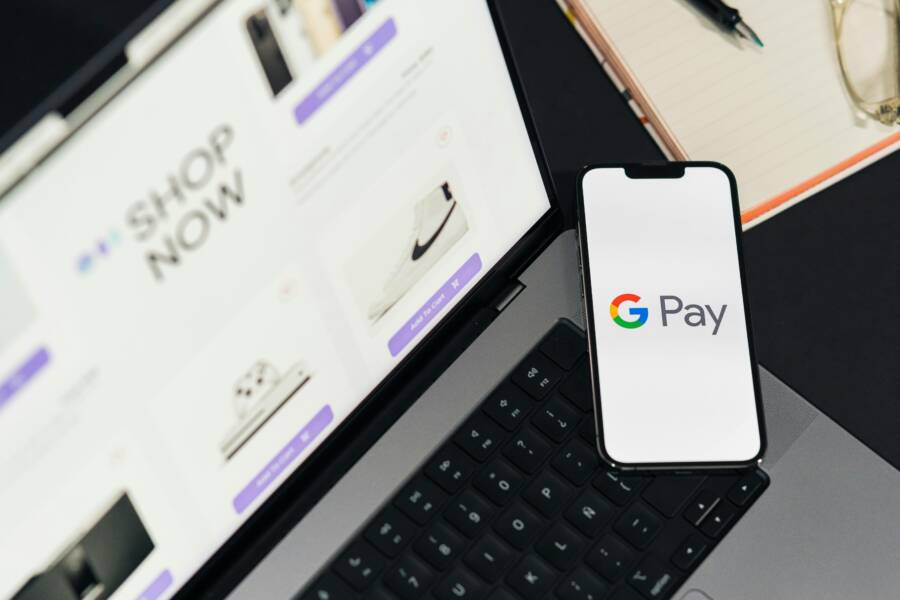
Picture this: you stand in line at your favorite coffee shop, eager for that morning brew. You pull out your phone, open the payment app, tap to pay, and crash. The screen freezes or closes. Apps like Apple Pay, Google Pay, or PayPal fail right at checkout. This hits during peak times, like busy lunches or quick store runs.
These crashes frustrate everyone. They stem from simple issues like spotty networks or app bugs. Your phone processes payments fast, but glitches disrupt that flow. Most fixes take under five minutes.
This guide walks you through it all. First, spot common causes. Then, try quick fixes. Move to advanced steps if needed. Finally, learn prevention tips. You’ll get your payments smooth again with steps anyone can follow. No tech degree required.
Spot the Top Causes of Payment App Crashes at Checkout
Payment apps crash at checkout for a few main reasons. They handle secure data transfers under pressure. Weak links break the chain. Here’s what trips them up most.
Poor Internet or Network Signal
Weak Wi-Fi or mobile data causes most timeouts. Checkout needs steady connection to verify payments. In crowded stores, signals drop fast.
Check your signal bars. Run a quick speed test app. If under 5 Mbps, that’s the culprit. Switch to another network. For example, step outside for better cell service. Or connect to store Wi-Fi if available. This fixes half of crashes right away.
Outdated App or Phone Software
Old app versions hide bugs that flare up at payment. Developers patch these weekly. Your phone’s OS matters too. iOS or Android updates fix compatibility issues.
Open your app store. Search the payment app. Tap update if ready. Check phone settings for OS updates. Outdated software risks security too. Banks flag old versions during checkout.
Low Storage Space or Overloaded Memory
Full storage slows everything. Apps like Google Pay need space for temp files. Background tasks eat RAM, causing overload at tap-to-pay.
Check storage in settings. Free up if under 10% left. Close unused apps. Your smartphone runs smoother with room to breathe. Crashes drop when memory flows free.
Quick Fixes to Get Your Payment App Working Again
Start here. These steps solve 80% of issues fast. No tools needed. Test checkout after each one.
Restart clears glitches best. Power cycles refresh your phone’s system.
Restart Your Phone and the App
Power off your phone fully. Wait 30 seconds. Turn it back on. This resets RAM and stops stuck processes.
For the app: On iOS, swipe up from bottom, pause, swipe away the app card. Relaunch it. On Android, go to settings, apps, select the payment app, force stop, then open fresh.
Why it works: Temporary errors vanish. One user fixed Apple Pay this way mid-grocery run. Takes two minutes tops.
Switch to a Stronger Internet Connection
Toggle airplane mode on for 10 seconds, then off. This resets networks.
Connect to stable Wi-Fi. Avoid public ones for payments. Use mobile hotspot from another phone if data lags.
Test with a small purchase. Move to an open area. Strong signal keeps data flowing without drops.
Clear browser cache if the app uses web views. These basics revive most apps quick.
Advanced Steps for Stubborn Payment App Crashes
Basics fail? Go deeper. Back up contacts and photos first. Your data stays safe.
These target root problems. Follow steps exact for your phone.
Clear App Cache and Data
Cache builds junk files over time. It clogs payments.
On Android: Settings > Apps > Select payment app > Storage > Clear cache. If no luck, clear data (re-enters login).
On iOS: No direct cache clear. Offload app: Settings > General > iPhone Storage > Select app > Offload App. Reinstall keeps accounts.
Payments test clean after. Example: PayPal users report full success post-clear. Takes three minutes. Resets without full wipe.
Update or Reinstall the App
Updates fix known crashes. App stores push them automatic, but check manual.
Open App Store (iOS) or Play Store (Android). Search app. Hit update.
Still stuck? Delete and reinstall. Permissions reset fresh. Log in again. Grant NFC or biometrics access.
Test checkout in a safe spot. Reinstall solved Google Pay freezes for many. Back up wallet first if linked.
Contact app support last. Share error logs from settings. Pros handle rare bugs.
Prevent Payment App Crashes Next Time
Build habits now. Avoid repeats.
- Update weekly. Set app store auto-updates. Phone OS too.
- Keep 20% storage free. Delete old photos, unused apps monthly.
- Close background tasks. Swipe away before checkout.
- Use strong networks. Wi-Fi over data when possible. Test signal first.
- Monitor battery. Low power throttles apps.
- Limit linked cards. Fewer options speed verification.
Follow these, and crashes fade. If issues persist across apps, seek phone repair. Dust or hardware faults play a role.
Your smartphone deserves care for reliable payments.
Conclusion
You now know how to spot causes like weak signals or full storage. Quick restarts and network switches fix most. Advanced clears and reinstalls handle tough cases. Prevention keeps it smooth long-term.
Try these next checkout. Smooth payments await.
Share your fix in comments. What app crashes most for you? Subscribe for more phone tips. Thanks for reading.