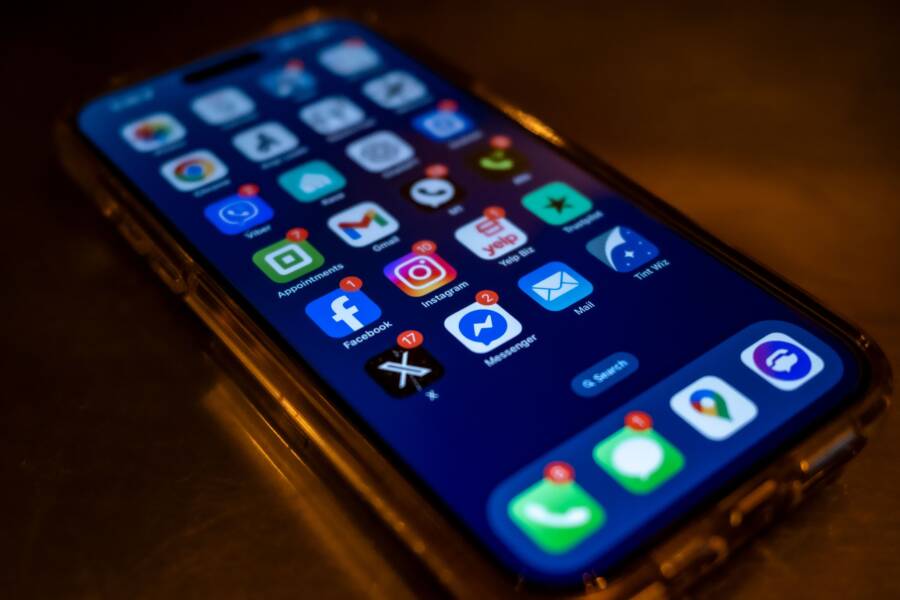
Seeing a disabled message on your smartphone is frustrating, but you can usually fix this issue yourself. This alert often occurs because of unpaid balances, suspicious account activity, or unintentional violations of the terms of service.
You do not need a new device to regain access to your apps. This guide explains how to identify the cause of your account lock and provides the steps to restore your smartphone access.
If you are ready to fix your account, follow these methods to contact support and verify your identity.
Why Did My App Store or Play Store Account Get Disabled?
Store providers disable accounts to maintain the integrity of their platforms and protect user data. When you encounter a restriction on your smartphone, it usually happens because of an automated safety trigger or a policy violation. Understanding these common pitfalls helps you identify why you lost access and how to start the recovery process.
Common Payment and Billing Triggers
Financial discrepancies are the most frequent reason for a locked account. When you add a payment method to your smartphone, the provider expects that the account can cover your digital purchases. If this expectation fails, the system automatically restricts your ability to download or update apps.
Multiple factors contribute to payment-related lockouts:
- Unpaid balances often occur if a transaction is rejected after you receive your content. When the provider cannot collect the funds later, they block the account until you settle the debt.
- Expired payment cards prevent the successful processing of subscriptions or pending charges. If your bank declines the automated renewal, the store flags the account as non-compliant.
- Rapid failed transaction attempts frequently signal potential fraud to the provider. If you enter your security code incorrectly several times or use a card that the bank rejects repeatedly, the store assumes the card is stolen or compromised.
You should check your email for notifications regarding failed payments before contacting support. Providers often include specific instructions on how to clear an outstanding balance through your account settings.
Security and Terms of Service Violations
Store providers actively monitor for suspicious behavior to keep every smartphone user safe from unauthorized access. If the system detects patterns that deviate from your normal usage, it may disable your account to prevent potential theft or abuse.
Unauthorized logins are a primary trigger for security locks. If someone attempts to sign into your account from a new, unrecognized location, the system restricts access as a defensive measure. This protects your personal data and prevents malicious actors from making unauthorized purchases using your saved payment methods.
Using prohibited applications also forces a permanent or temporary disable. The terms of service strictly forbid software that attempts to bypass regional restrictions, manipulate app rankings, or facilitate illegal content. If the platform detects these applications on your device, it views your account as a security risk.
By imposing these restrictions, providers effectively stop compromised accounts from being used to distribute malware or engage in fraudulent activity. While the lockout feels intrusive, it functions as a necessary barrier against identity theft and platform manipulation. You can usually resolve these security flags by verifying your identity through the official account recovery portals provided by the store.
Steps to Fix a Disabled Apple ID Account
When your Apple ID is disabled, your smartphone loses its connection to the App Store, iCloud, and other core services. This lock happens as a security precaution, often because of incorrect password entries or suspected unauthorized access. You can regain control by verifying your identity through established security protocols.
Verifying Your Identity via Security Questions
Security questions represent a traditional layer of protection for your Apple account. When you first set up your Apple ID, you chose specific questions and answers to confirm your identity if you were locked out. These legacy methods remain a reliable way to regain access when modern two-factor authentication fails or is unavailable.
If you cannot remember the answers to your security questions, you must reset them through the official Apple iForgot portal. Use these steps to refresh your security credentials:
- Visit the iforgot.apple.com website on a computer or another device.
- Enter your Apple ID email address to begin the recovery process.
- Select the option to reset your security questions when prompted by the system.
- Verify your identity using your trusted phone number or a recovery key if you set one up previously.
- Create a new set of security questions and answers that you can easily recall or store in a secure, offline password manager.
Once you update these credentials, the system clears the restriction on your smartphone. You might need to sign out of your Apple ID in the settings menu and sign back in to apply the changes. Always choose questions that provide objective answers, as this makes it easier to recover your access in the future.
Contacting Apple Support for Escalated Issues
Sometimes, automated recovery tools fail to resolve the issue. If you have attempted the standard password resets and security question verification without success, you should contact Apple Support directly. Professional agents have tools to investigate deeper account blocks that the self-service portals cannot address.
You should reach out to an official representative in these specific situations:
- The system displays a message stating that your account is disabled in the App Store and iTunes, which often requires a manual review by the billing department.
- You no longer have access to the trusted phone number or email address linked to your account.
- The error message persists even after you have confirmed your identity through multiple security checks.
To get help, visit the getsupport.apple.com website. Select your specific device model and the issue regarding your disabled account. You can schedule a call or start a chat session with an agent. Have your device serial number and any relevant transaction emails ready to help the representative verify your identity faster. Professional support agents possess the authority to lift blocks that result from complex billing disputes or extended periods of account inactivity, ensuring your smartphone functions correctly again.
Steps to Recover a Disabled Google Play Account
When your Google account is locked from the Play Store, you lose access to app downloads, updates, and in-app purchases. Restoring access requires a methodical approach to satisfy Google security protocols. You must address any pending billing issues or policy disputes to clear the restrictions on your smartphone.
Updating Your Payment Information
Billing errors represent the most common cause for a locked Google Play account. The system often flags accounts when a primary payment method fails to process, leading to an unpaid balance. You must resolve these outstanding charges before Google restores your ability to use the store.
Check your current settings by following these steps:
- Sign in to the pay.google.com portal using a web browser on your computer or smartphone.
- Select the Settings tab to review your listed payment profiles and address information.
- Check the Subscriptions and services section for any failed transactions or suspended services.
- Update or remove expired credit cards, debit cards, or billing addresses that cause processing errors.
- Add a new, valid payment method if your primary card is no longer accepted by the platform.
Once you update your details, the system may automatically verify your account status. If the block remains, you must contact your bank to confirm that your card supports international digital transactions. Clear communication with your financial institution often resolves issues where the bank blocks the transaction before it reaches Google. After confirming your payment info is accurate, the store usually reactivates your account within a few hours.
Filling Out the Account Appeal Form
If your account remains disabled after you resolve payment issues, you must initiate a formal appeal. Google provides a specialized contact form to review cases involving policy violations or suspicious activity. You must provide accurate, verifiable information to help the support team process your request efficiently.
Include these specific details when submitting your appeal:
- Your full contact email address, which serves as the primary way for the team to reach you.
- The specific email address associated with the disabled Google Play account.
- A clear explanation of your situation, such as an accidental payment failure or a recently resolved security alert.
- Supporting documentation, including transaction IDs for recent purchases if you have them available.
- A brief statement confirming that you own the device and the associated account.
Avoid using emotional language in your request. State the facts clearly, as the support team relies on objective data to restore access to your smartphone. If you suspect a mistake led to the block, mention any recent activity that might have triggered an automated security flag. Once you submit the form, wait for an official response through your registered email address. Avoid sending multiple requests for the same issue, as this can slow down the review process for your specific case.
Maintaining Long-Term Account Stability
Keeping your account active prevents the stress of unexpected lockouts. You can minimize these risks by managing your security settings and billing habits regularly. Small, consistent actions protect your smartphone from being blocked by store algorithms.
Strengthening Your Security Credentials
Weak passwords create easy targets for automated security systems. Use unique, complex passwords for your store accounts to prevent unauthorized access. If you reuse the same password across multiple websites, a data breach elsewhere puts your smartphone apps at risk.
Use these habits to improve your account safety:
- Enable two-factor authentication on every account. This adds a layer of protection that prevents logins from unrecognized devices.
- Store your credentials in a reliable, encrypted password manager rather than browser memory.
- Update your security questions if you feel they are too easy to guess.
- Review your linked devices list every few months to remove hardware you no longer use.
Keeping your recovery information current is just as important as choosing a strong password. If you lose access to your primary email or recovery phone number, you may face permanent account loss. Check your contact details annually to verify they are still active.
Managing Billing and Subscriptions
Most involuntary account blocks stem from payment errors. Automate your financial upkeep so you avoid late payments or expired card issues. When your payment method remains valid, the store has no reason to flag your account for suspicious behavior or non-payment.
Check these areas to keep your payment profile healthy:
- Monitor your monthly subscriptions for services you no longer use. Many people trigger an account block because they forget to update a card after a subscription renewal fails.
- Set up low-balance alerts with your bank. You want to know before a transaction hits your account if you lack sufficient funds.
- Use a dedicated credit or debit card for digital purchases. Keeping this separate from your main bank account helps you track spending and identify potential fraud more quickly.
Review your transaction history in the app store settings at least once every three months. This helps you catch unauthorized charges early. If you see a transaction you don’t recognize, report it immediately to the store support team. Acting fast limits the risk that the store will lock your account due to suspected fraud.
Conclusion
Most account restrictions stem from minor billing errors or temporary security flags. You can usually restore your access by updating payment details or verifying your identity through official support channels. Keeping your recovery information current is the best way to prevent future locks.
Be patient while waiting for a response from Apple or Google support teams. Manual reviews take time, but clear communication helps resolve these issues. Once you clear the restriction, you can return to using your smartphone apps without further interruption.