Creators live in a constant loop of ideas and notifications, and it can wear you down fast. A quick scroll becomes a deep drain, leaving you tired, unfocused, and low on real momentum. On average, people spend hours each day on screens, with many creators pushing 10 hours or more when work and personal use stack up; that load is a direct path to burnout if not managed.
This post shares practical phone habits that save energy and spark creativity. Think simple rules like setting clear screen limits, taking deliberate breaks, trimming apps you dont need, and building steady schedules. These small changes add up, giving you more mental space for ideas and fewer late night energy dips.
You’ll learn how to guard your attention without sacrificing productivity. By shaping your daily routines around purposeful phone use, you can cut down eye strain, reduce fatigue, and keep creativity flowing. We’ll cover easy wins you can start today, plus quick routines that keep you on track over the long haul. And yes, the smartphone stays in your toolkit, not in the driver’s seat. This guide is about reclaiming control so you create more, with less stress.
Set Screen Time Limits to Keep Your Creative Fire Burning
Creative momentum relies on sharp attention and steady energy. Too much screen time, especially mindless scrolling, dulls focus and drains creative spark. By setting clear limits and building in regular breaks, you protect your brain from fatigue and keep ideas flowing. A practical approach is to couple limits with deliberate reset moments that refresh your eyes, posture, and mind.
Build in Regular Breaks for Sharp Focus
About 44% of our screen time tends to be mindless scrolling that tires the brain and saps motivation. Instead of powering through, schedule short breaks to reset. Try 5 minutes every 30 to 60 minutes. Use that time to stretch, take a quick walk, or simply look away from the screen and gaze at something in the distance. These micro-breaks recharge attention, improve mood, and help content creation stay fresh.
To make breaks automatic, try simple reminders:
- Use a timer or clock alarm set to 25–50 minutes of work followed by a 5-minute break.
- Place a sticky note on your monitor with a fast action for the break, like “stretch now.”
- Enable a recurring reminder on your phone to step away at regular intervals.
- Queue a 5-minute stretch routine in a video app so you don’t have to think about it.
- Schedule a quick outdoor moment if possible, even a breath of fresh air can reset your energy.
These resets keep you from hitting a wall mid-project. You’ll return with clearer eyes, better ideas, and a faster path to publishable content. For creators, these tiny pauses are not a waste of time; they are the fuel that sustains momentum and quality. If you want to explore how breaks impact focus, this overview highlights the positive effects of micro-breaks on performance and well being.
Clean Up Your Phone to Cut Distractions Fast
Distractions are a constant drain for creators. A ping here, a like there, an ad update in the corner of your screen can pull you away from deep work in seconds. Cleaning up your phone is not about eliminating notifications entirely; it’s about keeping what truly matters in the foreground. When you silence the noise, you reclaim focus, energy, and momentum for the work that moves your projects forward. Below is a focused plan to reduce interruptions without losing the benefits of social feedback or timely alerts.
Silence Notifications to Guard Your Peace
Pings spike stress and break flow. The constant blips pull your attention away from the task at hand, making it harder to return with the same vigor. Start by muting nonessential notifications: likes, comments, and ads are common culprits that draw you back into feeds you don’t need for current work. Keep only key alerts visible, such as messages from collaborators, calendar reminders, and important client updates. This selective approach creates longer stretches of deep work and smoother transition between tasks.
Implement these steps to reduce noise quickly:
- Turn off nonessential push notifications in your social apps. Focus on notifications that require immediate action.
- Disable banners and lock-screen alerts for social apps. You don’t want content nudging you while you’re in the zone.
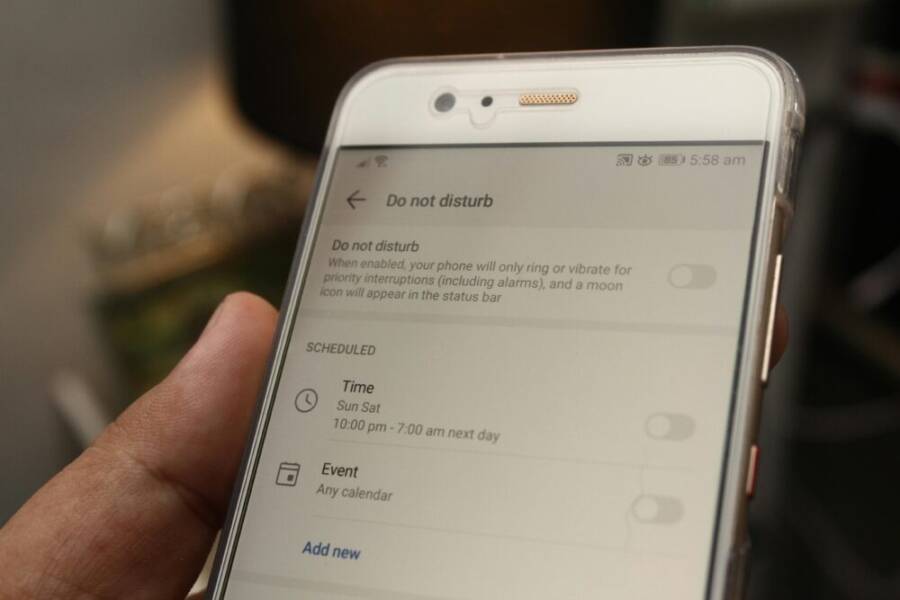
- Use Do Not Disturb during deep work windows, then schedule a short, predictable check-in time.
- Create a priority list for notifications. If it isn’t on that list, it won’t interrupt your flow.
- Consider alternative notification models, like batch updates once every hour.
For creators, the payoff is real: longer, uninterrupted work sessions, lower anxiety about missing important feedback, and a clearer path to publishing. If you want more on the impact of notifications on mental health, see recent discussions on how this influx can heighten stress and disrupt focus.
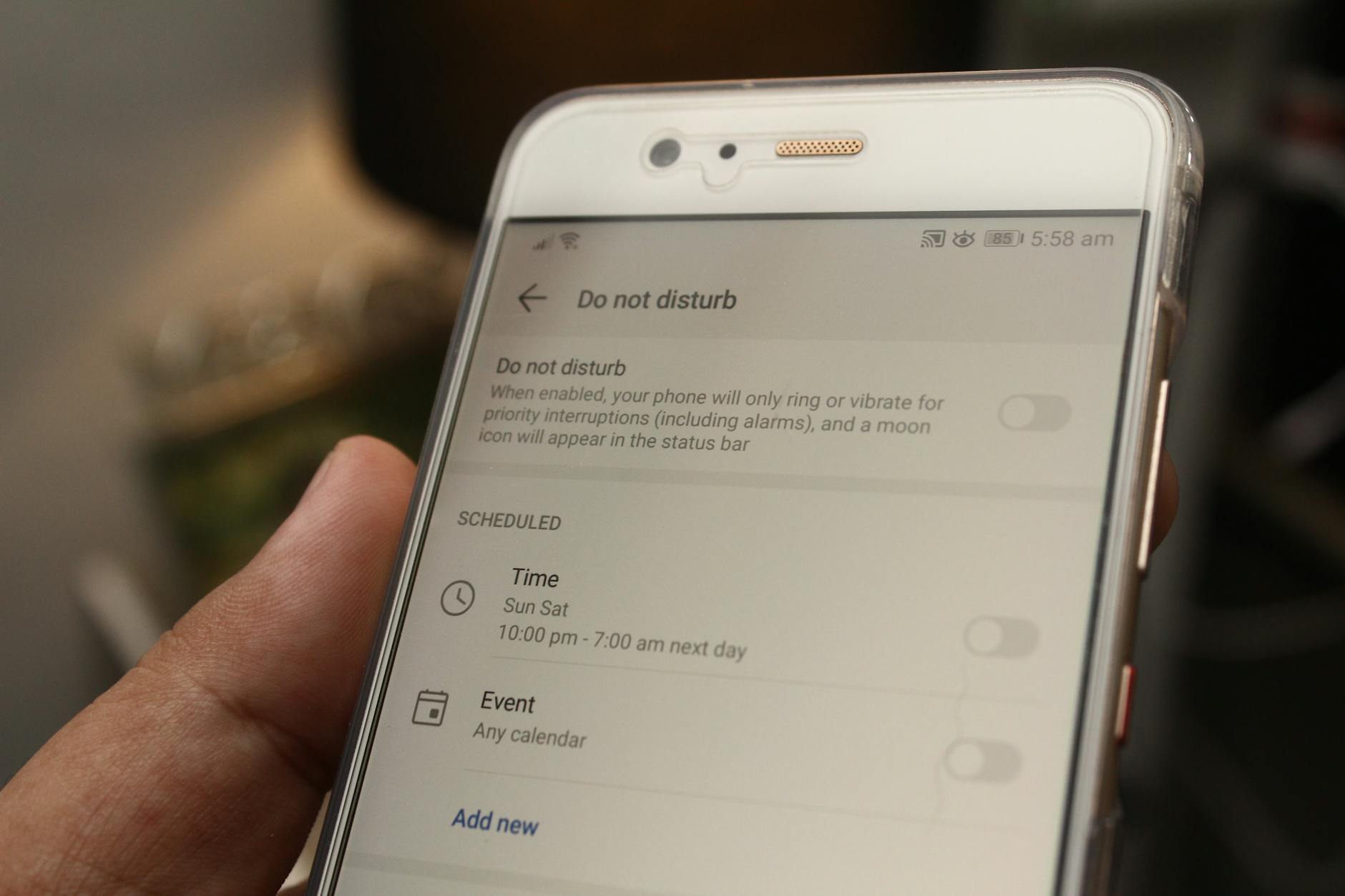
Photo by Daniel Moises Magulado
Schedule Content Time to Work Smarter Not Harder
Smarter scheduling turns a busy day into productive progress. For creators, the goal isn’t to cram more tasks into the day, but to guard attention and conserve energy for ideas that matter. A practical approach is to cap social media checks so you can stay in the flow when inspiration hits. This section focuses on limiting scroll time while still getting timely feedback and staying connected.
Cap Social Media Scrolls for Real Progress
Heavy users often blame apps for wasted time. The key is to restrict checks to brief, purposeful windows and avoid rabbit holes that derail momentum. Aim for 15 to 20 minutes to scan posts or messages, and treat those windows as appointments rather than ad hoc wandering. When you stick to a tight window, you reclaim large swaths of mental space for content ideas, planning, and creative experiments.
To keep scroll time from spiraling, try these practical tactics:
- Schedule fixed check-in moments, such as mid-morning and late afternoon, and nothing outside those blocks.
- Use a timer to enforce a 15–20 minute limit; when the timer goes off, step away even if you haven’t finished.
- Create a fast pre-break rule, like “read two comments, respond to one message, and log off.”
- Prepare a short 3-item post-workout routine for your eyes and posture, such as a 2-minute stretch or a 5-minute walk.
- Turn off auto-playing videos when you can. This reduces the lure of endless doomscrolling.
These adjustments free up time for life and ideas, not just more content. They also reduce fatigue and eye strain, helping you stay sharper across shoots, scripts, and edits. If you want a quick read on how social apps influence productivity, this Forbes piece offers a clear look at the workday impact. https://www.forbes.com/sites/jackkelly/2023/07/10/the-problem-with-scrolling-through-social-media-during-the-workday/
Add Phone-Free Zones for Full Recharge
Creating spaces where phones stay out of the way can dramatically improve focus, reduce stress, and boost creative energy. A phone-free zone is simply a place or time where you commit to not using your device. For creators, these zones become laboratories for deep work, more meaningful work sessions, and better recovery between projects. Think of them as protected real estate for your brain, where the mind can breathe and ideas can surface.
Decide where and when to set up zones
The most effective zones are practical and easy to maintain. Start with a few high-impact locations and label them as protected spaces. Common options include your work desk during dedicated writing time, the bedroom for winding down, and a dedicated room or corner for creative planning or editing. Time-based zones can work just as well, such as the first hour after waking up or the last hour before sleep.
Tips to pick zones that stick:
- Choose locations you can physically access without thinking twice. A phone-free desk or a reading nook makes the rule natural, not punitive.
- Align zones with your energy patterns. If mornings are your best for idea generation, set a phone-free zone then.
- Make the rules public to your team or collaborators. A simple note like “no phones in this space during Deep Work” increases accountability.
For inspiration on why device-free spaces matter, see discussions on the benefits of device-free zones for mental rest. https://www.pausa.co/blog/top-benefits-of-device-free-zones-for-mental-rest
Establish clear boundaries and expectations
Boundaries work when they are concrete and easy to follow. Define what qualifies as a zone and what does not. Create a simple etiquette card for yourself and teammates if you work with others.
Clear boundaries to consider:
- Time-bound rules: “No phone use in the writing nook from 9 to 11 am.”
- Space-bound rules: “The conference room is a phone-free zone during brainstorming sessions.”
- Content-bound rules: “Limit social apps to a designated ‘inbox’ window outside the zone.”
Communicate these rules in a friendly, non-negotiable way. When people know what to expect, they’re more likely to respect the boundaries and maintain momentum.
Practical implementations that actually work
Put the plan into action with small, repeatable steps. The goal is consistency, not perfection. Here are effective tactics you can apply right away.
- Create a physical reminder: a sign on the door or a dedicated tray for phones outside the zone.
- Use a designated charging station outside the zone to avoid temptation.
- Schedule a daily reset: after each deep-work block, take a short break and reintroduce your device only if needed.
- Pair with a micro-habit: bring a notebook or a sketchpad into the zone to anchor your attention.
If you struggle with leaving your phone out of sight, try a gradual approach. Start with short, daily phone-free periods and slowly extend the duration as you build the habit.
Tools and routines to support phone-free zones
A few simple tools can help you maintain the habit without friction. Consider a seasonal calendar to plan zone times, a basic habit tracker, and a gentle reminder system to nudge you back into the zone when needed.
- Habit tracker: Mark each day you successfully stay in a phone-free zone.
- Gentle reminders: Set a one-minute notification that appears before you enter a zone, signaling it’s time to switch off distractions.
- Alternate activities: Have a go-to activity ready for the zone, such as outlining a video script, sketching thumbnail ideas, or compiling a shot list.
Consistency compounds. After a few weeks, your brain will start associating zones with smooth focus, better energy, and faster progress on your projects.
Benefits you can expect from regular phone-free zones
- Improved concentration and deeper work sessions
- Reduced cognitive load and fewer context switches
- Better sleep quality when zones extend to evening routines
- More time for high-value creative tasks, like planning, scripting, and editing
To explore broader benefits of digital breaks, you can read about digital detox and its impact on mental health and creativity. https://blog.wellness360.co/disconnect-to-reconnect-benefits-of-a-digital-detox/
Overcoming common challenges
Every new habit faces resistance. Here are practical ways to keep phone-free zones alive even when life gets busy.
- If a deadline looms, pre-plan the zone and adjust the schedule in advance. Small, consistent blocks beat sporadic bursts of effort.
- If you rely on feedback, designate a separate, non-disruptive channel outside the zone for urgent input. For example, set a brief daily window for messages from collaborators.
- If you miss a day, don’t punish yourself. Recommit the next day and use a quick 5-minute reset exercise to re-anchor the habit.
Any approach that reduces interruptions during your best creative times will pay off. You’ll notice you can produce more high-quality work with less stress.
Real-world example: a simple, effective setup
- Zone: Writing desk from 9 am to 11 am, Monday through Friday.
- Boundaries: No phone in the zone. If a notification is essential, it can be handled briefly during a 2-minute break.
- Support: A small tray by the door for phones; a notebook and pen ready to capture ideas.
- Routine: Begin with a 2-minute breathing exercise, then outline the top three tasks for the session. End with a 2-minute recap and a quick plan for the next block.
This approach creates a predictable pattern that protects your best creative time and reduces the friction of staying in the zone.
The role of mindset in sustaining phone-free zones
Mindset matters as much as the setup. View phone-free zones as investments in your creative health, not as a temporary restraint. When you focus on what you gain—clearer thinking, more energy, faster progress—the discipline becomes a natural part of your workflow. If you want to learn more about sustaining digital discipline, practical guides on digital detoxing offer helpful perspectives. https://www.health2conf.com/blog/health-20-conference-highlights-growing-trend-digital-detoxing
By integrating phone-free zones into your routine, you reclaim space for real work and real rest. The result is steadier energy, stronger focus, and a more reliable path from idea to publishable content. Consider starting with one simple zone this week, then expand as you and your team adapt.
Conclusion
These habits form a practical path to steady creativity without the burnout trap. By setting screen time limits, building micro breaks, trimming distractions, scheduling content windows, and creating phone free zones, you protect focus and energy for your best work.
Recap of top habits:
- Set clear screen time limits and regular resets.
- Schedule brief, purposeful checks rather than endless scrolling.
- Silence nonessential notifications to protect deep work.
- Create phone free zones for deep thinking and recovery.
- Use a simple habit tracker to stay consistent.
Pick one to start today, for example by checking your total screen time and choosing a modest daily limit. Small, consistent changes compound into real momentum over time. A single adjustment can free mental space for ideas, planning, and better execution.
Balanced use of a smartphone can actually boost output, provided you keep control. Your focus should drive your content, not the constant ping of alerts. As you test these tactics, you’ll notice steadier energy, clearer ideas, and more reliable progress toward publishing.
We’d love to hear what works for you. Share your tips or a quick win in the comments, and tell us which habit you’ll try first this week.