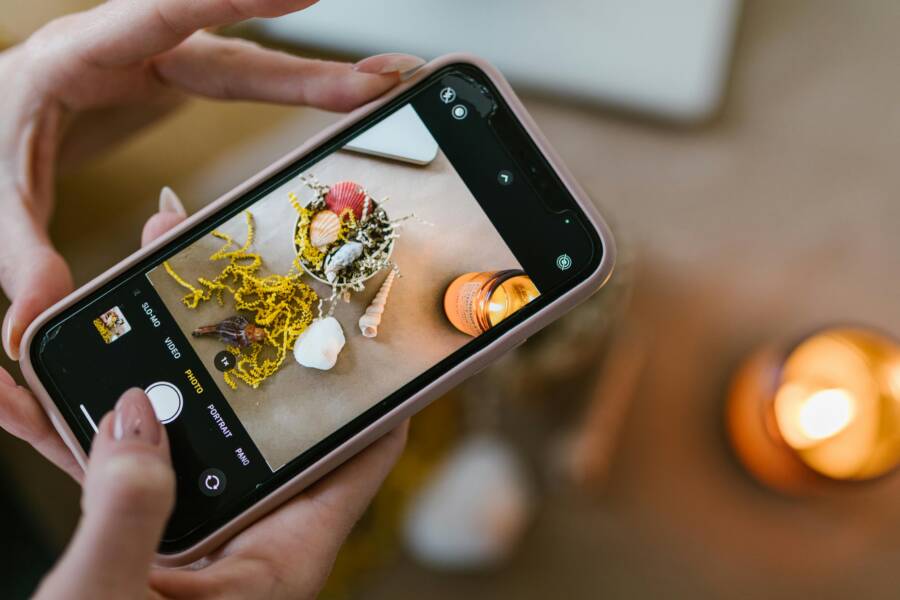
You don’t need expensive cameras or professional studio equipment to take appealing food photos. Most modern smartphone models provide all the technical power required to capture high-quality images.
Success depends on three basic elements: soft lighting, clean composition, and simple editing techniques. When you master these principles, your everyday meals will look like they belong in a professional cookbook.
Learn how to adjust your settings and frame your next shot for better results.
The Golden Rules of Lighting for Appetizing Images
Good lighting separates amateur snapshots from professional food photography. Your smartphone sensor works best when it has a clear, consistent light source to read. Harsh light often washes out colors or creates confusing, dark spots that hide the texture of your food. By managing how light hits your dish, you make the ingredients look fresh and inviting.
Why Natural Side Lighting Wins Every Time
Natural light remains the most reliable tool for your smartphone photography kit. You should position your dish next to a window to take advantage of soft, directional light. This placement creates a natural shadow on one side of the food, which adds depth and dimension to your frame. Without these shadows, food often appears flat and lifeless on the screen.
When the light enters from the side, it highlights the ridges of a crust, the moisture on a vegetable, or the layers in a sandwich. You can move your table or plate closer to the window if the light feels too dim. Always turn off overhead kitchen lights before you shoot. Artificial ceiling bulbs often cast an orange or yellow tint that conflicts with the cool, blue-toned natural light coming from outside. This color mismatch makes editing your photos much more difficult later on.
Avoiding Harsh Shadows and Unwanted Glare
Direct sunlight can quickly overwhelm your camera sensor. You might notice heavy, pitch-black shadows or bright white spots on your food when the sun hits it directly. These high-contrast areas lose detail and make your dish look unappealing. You can easily fix this by diffusing the light to create a softer, more even glow.
Place a thin white curtain between the window and your food to block the intense rays. If you do not have a curtain, a simple piece of white parchment paper or a thin white sheet works well. The goal is to soften the light so it wraps around your food rather than hitting it like a sharp beam.
- Use a white foam board or a piece of white paper as a reflector on the side opposite your window to fill in dark shadows.
- Keep your phone lens clean to prevent light flare from scattering across the image.
- Turn your plate periodically to see which angle catches the light in the most flattering way.
When you diffuse the light, you maintain the color accuracy of your ingredients. Your smartphone captures more detail in both the bright and dark areas of the scene. This balance produces a clean image that requires very little post-processing.
Setting Up Your Shot for Maximum Visual Appeal
A great food photo starts before you press the shutter. You need to organize the frame so the viewer focuses on the most appetizing parts of the meal. Your smartphone camera captures every detail, so tidy up your background and consider the spacing of your props. Small adjustments to your composition turn a casual photo into a professional-looking image.
Mastering the Rule of Thirds on Your Screen
The rule of thirds is a standard method for creating balanced photos. It works by dividing your frame into nine equal segments using two horizontal lines and two vertical lines. You place the most interesting parts of your food along these lines or at the spots where they intersect. This technique keeps your image from looking stagnant or too centered.
Most smartphone settings have a built-in grid feature to help you visualize these lines. You can turn this on easily:
- Open your device Settings app.
- Scroll down to find the Camera section.
- Toggle the Grid switch to the on position.
Once the grid is visible on your camera screen, look for the intersection points. If you are photographing a plate of pasta, try placing the most textured portion of the dish on one of the top intersections. This creates a natural focal point that draws the eye immediately. Use the horizontal lines to align the horizon or the edge of your table. Level shots often look more stable and professional when they follow these simple grid lines.
Choosing the Best Angle for Different Types of Food
Every dish has a unique shape, and selecting the right angle highlights its best features. You should adjust your position based on how tall or wide your food is. A standard mistake is shooting everything from the same eye-level perspective. Instead, move your body around the table to find the view that makes the ingredients pop.
Flat lay photography works best for wide, shallow items. When you shoot from directly above, you capture the entire layout of a meal. This angle is perfect for:
- Bowls of colorful salad or smoothie bowls.
- Pizza or flatbreads where the toppings are the highlight.
- Tablescapes with multiple plates and drinks.
Side-on shots are better for dishes with height or layers. You want to capture the vertical volume that makes the food look substantial. Use this angle for:
- Tall stacks of pancakes or waffles.
- Burgers with thick layers of ingredients.
- Layered cakes or tall sandwiches.
If you are shooting a drink or a tall parfait, a 45-degree angle is a safe middle ground. This perspective mimics how you see food while sitting at a table. It provides a clear view of the top while still showing the height of the glass. Always experiment with these three positions to see which one makes the food look its best.
Quick Smartphone Hacks to Elevate Your Gallery
Small technical adjustments often provide the most significant improvements to your food photos. You do not need professional equipment to solve common issues like blurriness or color distortion. Simple habits applied before you press the shutter button make your images look sharp and professional.
Locking Focus and Exposure Before You Click
Your camera automatically guesses where to focus and how much light to let in. This guess is frequently wrong when photographing food, as the camera may focus on a plate rim instead of your subject. You can fix this by using the tap-and-hold method on your screen.
Point your camera at the most detailed part of the dish, such as the garnish or the main protein. Tap that area on your screen and hold your finger down for a second. A yellow box usually appears, often labeled as AE/AF Lock. This setting prevents the camera from shifting focus if you move your hand or if the light changes.
While the lock is active, you can also adjust the brightness. Most phones show a small sun icon next to the focus box. Drag this icon up or down to lighten or darken the shot until the colors look natural and the texture is visible. Locking these settings creates a consistent look, especially if you plan to take multiple shots of the same meal.
Cleaning Your Camera Lens Regularly
Dirty lenses are the most common reason for hazy or glowing food photos. Your smartphone travels everywhere with you, so it easily collects oil from your fingers, dust from pockets, or lint from bags. This buildup scatters light, which makes your photos look soft and low-contrast.
Always wipe your lens with a clean microfiber cloth before you begin shooting. Avoid using your shirt or a rough paper towel, as these can leave tiny scratches on the protective glass over time. A simple wipe often restores the crisp sharpness that makes food look fresh. If you take photos in a kitchen, check the lens for water spots or steam residue before starting. Clear glass allows your sensor to capture accurate colors and fine details, which reduces your work during the editing phase.
Simple Editing Steps to Make Flavors Pop
You can transform an average photo into a mouth-watering image with minor tweaks. Smartphone editing apps offer powerful tools that pull out the natural appeal of your food. You do not need professional software to improve color, clarity, or appetite appeal. Small adjustments to your image settings produce a clean, professional finish that highlights the freshness of your ingredients.
Essential Adjustments for Color and Contrast
Begin your editing process by adjusting the basic properties of your image. Most free apps provide sliders that allow for immediate changes to brightness, contrast, and saturation. These three settings serve as the foundation for a professional-looking food photo.
Start with brightness if your photo looks too dim or loses detail in the shadows. Increase this slightly to reveal textures like the steam on a hot bowl of soup or the surface of a crust. Be careful not to go too far, as excessive brightness washes out the colors and makes the image look flat.
Contrast brings life back into your photo by separating the dark areas from the light ones. Push the contrast slider up to make your colors stand out and provide depth. A subtle increase often makes ingredients look crisp rather than blurry.
Saturation adds intensity to the hues in your food. You want the greens in your salad to look fresh and the reds in your berries to look vibrant. Move the saturation slider in small increments to find a balance. Too much saturation results in unnatural, neon-colored food, while too little makes your meal appear dull or grey.
Using Warmth to Make Food Look Fresh
White balance is the secret to making food appear warm, cozy, and appetizing. Smartphone cameras sometimes default to cool, blueish tones that make fresh ingredients look uninviting. By shifting the white balance toward the yellow or amber spectrum, you add a natural glow that mimics a well-lit dining environment.
Look for the warmth, temperature, or tint slider in your chosen photo application. A slight shift toward the warm side usually makes toasted bread, roasted meats, and golden sauces look more delicious. This adjustment taps into the psychological connection between warm tones and freshly cooked meals.
Test this with different types of food:
- Baked goods benefit from a warmer tint, which emphasizes the golden-brown crust.
- Fresh produce like leafy greens sometimes requires a more neutral balance to keep the color crisp and bright.
- Creamy sauces look more appealing when you add a touch of warmth to prevent them from appearing stark white or clinical.
Pay attention to your phone screen while you slide the temperature bar. You should stop as soon as the image feels natural to the eye. Excessive warmth can turn your whites into yellow or orange tones, so keep the change subtle for the most realistic results. Once you nail these simple adjustments, your smartphone captures images that invite the viewer to take a bite.
Conclusion
Great food photography relies on your eye for detail rather than expensive equipment. You now have the skills to control light, compose clean frames, and edit for natural color using only your smartphone.
Consistency is the real secret to growth. Practice these techniques with your next meal to build your confidence and refine your personal style.