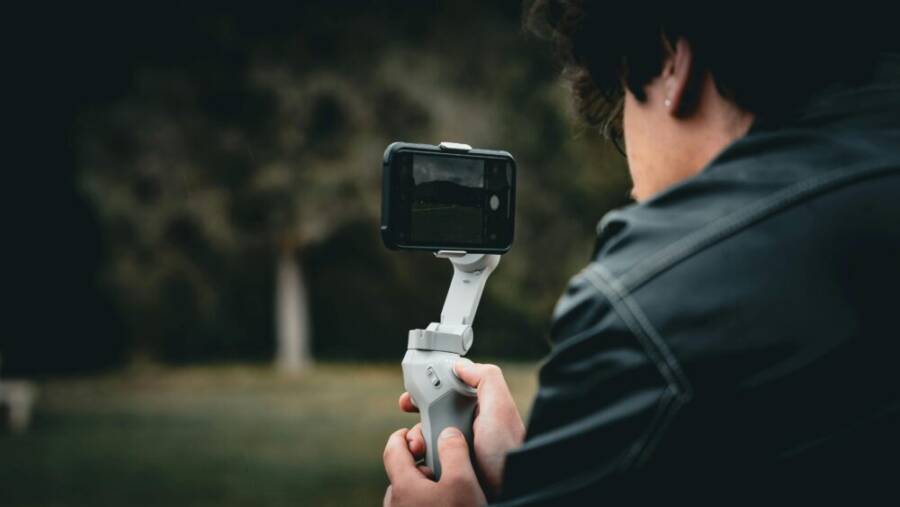
Picture this: You’re a YouTube creator chasing the perfect sunset shot on a busy street. Your footage comes out shaky, and your phone dies halfway through. Frustration hits hard when gear fails during those on-the-go moments.
Smartphones have become essential tools for YouTubers who film vlogs, tutorials, and daily life content without a full camera setup. They pack pro-level features right in your pocket. Reliability counts most when you’re mobile and need quick uploads.
In this iPhone vs Samsung showdown for YouTube content creators, we’ll compare the latest flagships on what matters. Both deliver strong results, but one edges out for smooth video, while the other wins on endurance.
Key factors include camera quality for crisp 4K footage and stabilization that keeps shots steady even when you run. Battery life supports long shoots without constant charging. Editing apps speed up your workflow from raw clips to polished videos.
We’ll break down video performance head-to-head, test real-world battery during all-day filming, and check editing ease on each platform. You’ll see how iPhone shines with effortless stabilization and color accuracy, ideal for talking-head vlogs. Samsung pulls ahead with versatile zoom and AI tools for creative edits, perfect if you push boundaries.
No matter your style, these phones handle YouTube demands well. Stick around to find your best match and level up your channel today.
Video Quality Face-Off: Smooth Clips or Detailed Shots?
YouTube creators face a big choice in video quality. Do you want buttery-smooth clips that hold up during fast action, or shots packed with fine details from afar? The iPhone 16 Pro Max nails stability for everyday vlogs, while the Galaxy S25 Ultra crushes it with zoom and low-light prowess. Both smartphones shine in 4K, but they target different needs. Let’s break it down.
iPhone 16 Pro Max: Effortless Pro Video
The iPhone 16 Pro Max makes pro-level video feel simple. Its Action Mode locks in steady footage even when you run or bike through a crowd. You tap it on in the Camera app, and it crops the frame slightly to deliver rock-solid stability, perfect for dynamic vlogs.
Automatic stabilization works across all modes. It smooths out hand shakes without extra effort, so your clips look polished right away. Consistent sharpness stays strong frame to frame, which keeps viewers hooked on talking-head videos or quick walkthroughs.
Beginners flock to this smartphone for fast shoots. No fiddling with settings; just point and record. You get reliable results that need little editing before upload.
Here are key strengths in 4K recording:
- 4K at 120 fps: Capture slow-motion highlights with full detail.
- Dolby Vision HDR: Colors pop vividly for eye-catching thumbnails.
- ProRes support: Edit in Final Cut Pro with maximum flexibility.
Check out this complete guide to Action Mode for step-by-step setup. Pros like these make it a go-to for creators who value speed over tweaks.
Galaxy S25 Ultra: Zoom and Detail Powerhouse
The Galaxy S25 Ultra stands out for creators who chase distant subjects. Its 100x Space Zoom pulls in clear shots from events or wildlife, far beyond what most phones offer. You can film a stage performer across a stadium and still catch facial expressions.
Advanced AI steps up in low light. It boosts exposure and reduces noise on the fly, so nighttime street vlogs look bright and clean. Night shots hold details that others wash out.
Experienced creators love the control. Toggle manual modes for exposure, focus, and white balance. Pair it with Director’s View to switch cameras mid-clip without stopping.
These features suit bold YouTube styles:
- AI-enhanced low light: Auto-adjusts for sharp footage after sunset.
- Log video profile: Grades colors in post for cinematic looks.
- Expert RAW: Extends to video for pro tweaks.
Samsung’s official Galaxy S25 Ultra page details the camera specs, and tests confirm its zoom edge. If your content demands reach and refinement, this phone delivers.
Must-Have Features for Non-Stop Filming
When you’re chasing content on the go, your phone needs to keep up. This section covers the non negotiable features that let you film all day without interruptions, while still delivering professional results. We’ll look at stabilization, battery life, and in-phone editing tools. Each feature matters, because the right combination lets you capture more, with less downtime between shoots.
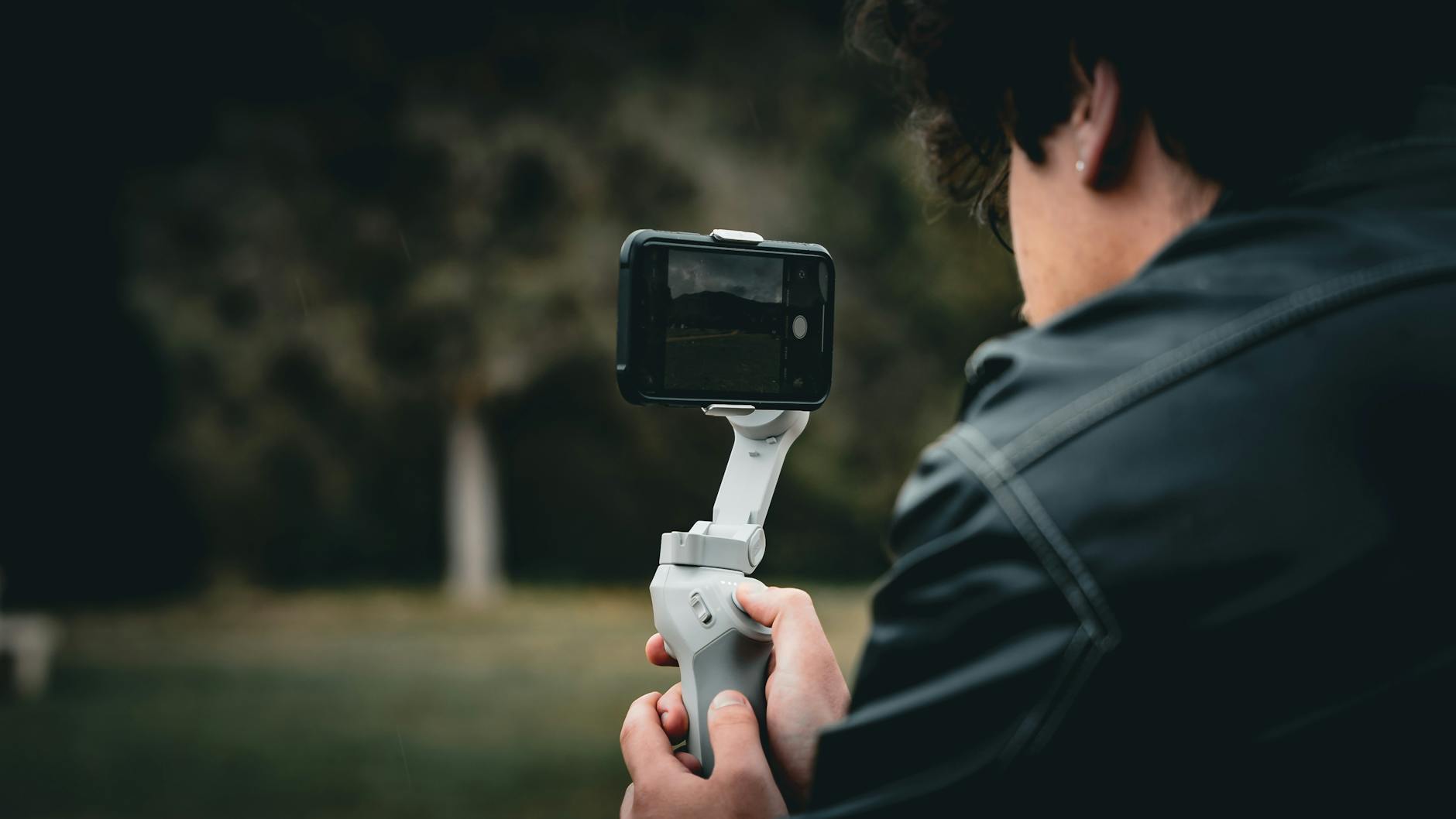 Photo by Muhammet Rasi t Kaplan
Stabilization: Keep Footage Rock Steady
Stability is the backbone of mobile video. When you walk to a new scene or track a subject, a phone that stabilizes well saves you from re-shoots and heavy editing.
- iPhone users often enjoy automatic stabilization that works across modes without manual tweaks. In walking shots, the system smooths minor shakes so your talking-heads and stroll-through clips stay steady with minimal effort.
- Samsung models tend to offer strong stabilization, especially in pro or enhanced modes. For dynamic footage, you may notice a smoother ride when you enable the right settings, and many creators report that pro-grade options yield superior balance during movement.
Real-world takeaway: choose a device that stabilizes consistently in the everyday moments you shoot. If your workflow hinges on quick, hands-free footage, the iPhone’s out-of-the-box stability is a strong ally. If you push long takes or fast action, a Galaxy device with its tuned pro modes can give you a touch more control over how the motion feels. For extra polish, pairing a gimbal with either phone can remove any last bit of shake.
If you want to read more about stabilization nuances across these devices, Apple’s and Samsung’s camera pages offer deep dives into how each brand approaches video stabilization (and how to enable the best options for your style).
Battery Life: Film All Day Without Worry
Long filming days demand stamina. After all, you don’t want a sudden stop to recharge or swap batteries in the middle of a shot.
- Samsung’s larger battery capacity tends to translate to longer all-day use under typical creator workloads. A 5000 mAh cell, combined with fast wired charging, helps you cover more shooting windows without missing a beat.
- The iPhone still performs well in real-world scenarios thanks to efficient hardware and software optimization. While its battery capacity is lower on paper, smarter energy management often yields all-day endurance for many creators.
Transitioning between shooting sessions becomes practical when you can top up quickly. Samsung’s fast charging can shave charging time significantly during longer shoots, while iPhone users benefit from reliable MagSafe or wired charging options if you have the appropriate charger on hand.
In real-world terms, plan for a full day of filming with a comfortable buffer. For locations far from power, a reliable portable charger or power bank is essential, especially if you’re running a multi-camera setup or plan extended B-roll sessions. If you want a quick comparison, check the official tech spec pages for up-to-date charging speeds and battery life estimates.
If you’re curious about the practical differences in charging speeds, the Samsung Galaxy S25 Ultra supports rapid wired charging that can bring the battery from low to a substantial level quickly, while the iPhone 16 Pro Max responds well to high wattage chargers and MagSafe wireless options. For a side-by-side look, see manufacturer specs and independent testing on reputable tech sites.
Editing Tools: Polish Videos on Your Phone
Editing on a phone speeds up your publishing cycle. The right tools let you go from rough cut to ready-to-upload in minutes, without transferring to a laptop.
- Samsung’s Galaxy AI features embedded in the gallery app help with quick tweaks and smart enhancements. This can reduce the need to export to a separate editor for basic polishing.
- iPhone users get a clean, streamlined editing experience built into the Photos and iMovie ecosystem. While it covers most basics, some creators prefer third-party apps for advanced color grading and effects.
Practical workflow tips:
- Quick color tweaks: adjust exposure, shadows, highlights, and color balance to match your brand’s look.
- Speed ramps and transitions: simple cuts and speed changes can elevate a talking-head video or a product demo.
- Audio sync and cleanup: a solid mic setup and in-app audio enhancements make a big difference for clarity.
For those who want deeper control, both ecosystems support pro tools and external apps. If you need more advanced color grading, consider apps that export to or integrate with desktop editors for additional flexibility.
External links for deeper learning:
- Apple camera and video features overview for pro-style edits
- Samsung camera and editing tools page with AI-assisted options
Images used in this section are for illustrative purposes to show on-the-go filming. The practical guidance above reflects how these devices perform in real-world YouTube workflows, and you can adapt it to your shooting style.
Notes on practical use:
- If you shoot long-form tutorials, plan battery swaps or wireless charging setups.
- For travel vlogs, lean into stabilization in walking shots and use quick edits to maintain pace.
- When editing on mobile, keep a consistent export setting to maintain quality across platforms.
For more hands-on guidance, consider testing both devices with a day-long shoot to see how their default workflows align with your editing habits. You can also explore community reviews and creator experiences to gather a fuller picture of what smooth, non-stop filming looks like in practice.
Relevant resources:
- Official iPhone camera features
- Samsung Galaxy S25 Ultra camera and editing tools
Photo by Muhammet Rasit Kaplan Credit: Photo by Muhammet Rasit Kaplan on Pexels
External links cited above provide a practical baseline for comparing how each device handles non-stop filming. Use this as a starting point to tailor your gear setup to your channel’s needs.
Screen Size, Speed, and Easy Workflow
When you’re crafting YouTube content on the go, the right device blends a big, bright screen with smooth motion and a workflow that keeps you editing fast. In this section, we’ll explore how screen size and refresh rate impact your framing and review accuracy, then move to how each ecosystem keeps your editing and transfers painless. Think of this as the practical side of choosing a device you can rely on from shoot to publish.
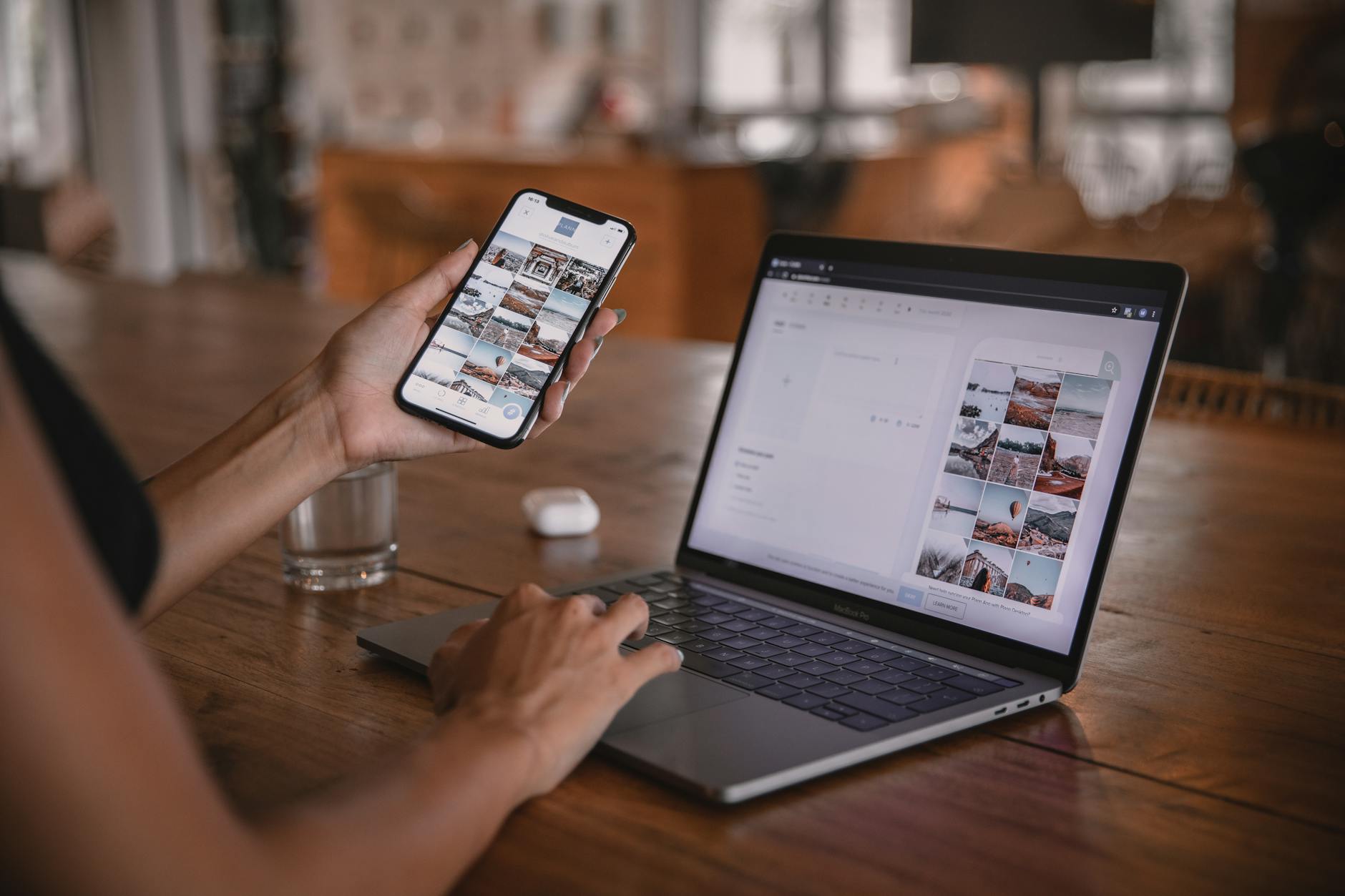 Photo by Plann
Bigger Screen for Spot-On Reviews
A larger screen translates to more accurate framing, better color judgment, and fewer mistakes when you’re reviewing footage on the fly. Samsung’s Galaxy S25 Ultra and Apple’s iPhone 16 Pro Max both sport expansive 6.9-inch displays, which means plenty of real estate for checking detail, zooming into a shot, and reading the on-screen editing cues without squinting. The bigger canvas helps you spot issues like edge softness, aliasing, or awkward lighting moments right away, so you can redo a take before you move on.
Two practical realities matter here:
- With Samsung, the surface often feels more expansive for long sessions, especially when you’re toggling between apps, previewing a clip, and adjusting exposure on the fly. The 1440 x 3120 resolution on many Galaxy flagships delivers crisp details that help you evaluate micro-textures and subtle color shifts.
- On the iPhone side, the display remains incredibly color-accurate and bright, which makes it excellent for quick pass-fails in daylight or mixed lighting. The iPhone’s display tends to feel slightly more forgiving in direct sun due to strong brightness and reliable tone mapping.
For creators who rely on constant visual feedback during shoots, the screen quality directly affects your confidence in the moment. Consider using an HDMI or wireless external monitor when you need ultra-precise color checks or a larger viewing angle during a location shoot. To compare screen performance in depth, see reviews that pit these flagships against each other on brightness, color accuracy, and panel quality. For further reading, this comparison from CNET covers camera and display details that matter for creators. Galaxy S25 Ultra vs iPhone 16 Pro Max: Camera, Battery and All Specs Compared
Speed and Fluidity: How Fast the Workflow Feels
Beyond screen size, how quickly you can move from shot to edit matters. Both devices deliver buttery motion thanks to high refresh rates and efficient software, but there are nuances you’ll notice in practice.
- Refresh rate and touch responsiveness: Both phones offer up to 120Hz, which keeps scrolling and interface navigation silky. When you’re scrolling through clips, trimming, or applying quick edits, the snappiness reduces fatigue and speeds up decisions.
- On-device processing: The iPhone ecosystem leans on tightly integrated hardware and software. For many users, this translates to snappier performance in common editing tasks and smoother transitions in iMovie or third-party apps. The Galaxy line emphasizes AI-assisted enhancements and powerful on-device tools that can speed up color adjustments, noise reduction, and quick remastering of clips.
- Quick transfers: Apple’s ecosystem shines with seamless transfers between iPhone, iPad, and Mac via AirDrop and iCloud. Samsung devices often pair well with a wider range of PCs and Android tablets, which is a practical plus if your setup spans multiple brands.
In day-to-day terms, you’ll notice the iPhone feels instant for basic edits and quick social-ready cuts, while Samsung offers more granular control in pro-like modes and fast, AI-assisted tweaks that can shave minutes off your workflow during heavy editing days. If you’re juggling multiple devices for your production, a simple rule of thumb helps: stay within one ecosystem if speed and simplicity are your priorities, or mix and match if you value maximum flexibility and pro-level controls.
To deepen your understanding of how these speeds play out in real life, you can explore hands-on guides and official device pages that unpack processing power, RAM management, and the practical effects on video editing timelines.
Easy Workflow: Transfers, Apps, and Quick Edits
A smooth editing workflow starts with easy transfers and a robust app ecosystem. Here’s how each platform stacks up for YouTube creators who live in their phones.
- Apple ecosystem: Transfers are effortless within Apple devices. If you own a Mac or iPad, you can push clips from your iPhone to your desktop with AirDrop, then continue editing in Final Cut Pro or iMovie. This continuity simplifies version control and keeps your color profiles and metadata consistent across devices.
- Samsung ecosystem: Samsung devices play well with a variety of PCs and tablets, including non-Android setups. You can leverage Samsung’s gallery tools for quick tweaks and then export to common editors or cloud storage. This flexibility is great if your gear includes Windows laptops or third-party tablets.
Editing apps and tools worth knowing about:
- Quick color tweaks, transitions, and noise reduction can be done directly in the device’s native apps, reducing the need to export and re-import.
- For more advanced work, both ecosystems support popular mobile editors that sync with desktop pipelines. If you edit primarily on mobile, look for apps that offer seamless cloud syncing and easy proxy workflows to speed up rough cuts.
Practical tips to optimize your mobile workflow:
- Create a consistent media organization system on your phone so you can locate footage quickly.
- Use keyboard shortcuts or external controllers when available to speed up rough-cut editing.
- Keep a portable charger or power bank handy to maintain momentum between shoots.
External resources for deeper workflow optimization:
- Apple camera and video features overview for pro-style edits
- Samsung Galaxy S25 Ultra camera and editing tools
If you want a direct side-by-side view of how these ecosystems affect your editing cadence, the CNET piece linked above provides a practical overview of camera speeds, battery behavior, and the practical implications for creators who shoot, edit, and publish from a single device.
Images and visuals can make your setup feel tangible. For example, a quick shot of a mobile editing workflow—showing a phone connected to a laptop with the editing timeline on screen—helps readers visualize the path from capture to publish.
External links cited in this section:
- Galaxy S25 Ultra vs iPhone 16 Pro Max: Camera, Battery and All Specs Compared
Notes on practical use:
- If you shoot long-form tutorials, plan battery swaps or wireless charging setups.
- For travel vlogs, lean into stabilization in walking shots and use quick edits to maintain pace.
- When editing on mobile, keep a consistent export setting to maintain quality across platforms.
This section helps you weigh the trade-offs between screen size, speed, and a hassle-free workflow. The right balance depends on where you film most, how you edit, and whether you value a tightly integrated ecosystem or broad compatibility with other devices. For many creators, the answer is a practical blend of the two approaches: a strong display, reliable speed, and an editing process that fits your routine.
Pros, Cons, and Who Wins for You
In this section, we weigh the practical strengths and weaknesses of each flagship for YouTube creators. The goal is to help you choose the device that fits your workflow, shooting style, and publishing pace. Think of these points as a quick decision guide you can refer to before your next gear update.
Pros
- iPhone 16 Pro Max: Effortless stabilization and color accuracy make talking-heads and on-the-go vlogs look polished with minimal editing. The out-of-the-box experience favors creators who want reliable results fast, without juggling many settings. Its ecosystem also smooths the transition from capture to edit if you rely on Mac systems.
- Galaxy S25 Ultra: Versatile zoom, strong low-light performance, and advanced AI tools give you creative flexibility. If you shoot distant subjects or require punchy, high-detail footage, this device shines. The on-device editing options speed up polishing clips straight from the phone.
For creators who value a simple, predictable workflow, the iPhone approach reduces friction. If you crave depth and control in post, the Galaxy path offers more knobs to twist in real time. External testing and side-by-sides consistently show both phones delivering cinematic results, with each excelling in distinct areas. For deeper context, see industry comparisons that highlight how these devices stack up in real-world tests. I shot over 100 videos with the iPhone 16 Pro Max vs Galaxy S25 Ultra and the Galaxy S25 Ultra page that covers camera and editing tools. Samsung Galaxy S25 Ultra camera and editing tools
Cons
- iPhone 16 Pro Max: AI-driven enhancements are strong, but some advanced color grading or pro-level tweaks may require third-party apps or a desktop workflow for complete control. Battery life, while solid, can lag behind larger-capacity Android rivals under heavy video workloads.
- Galaxy S25 Ultra: The extensive feature set can overwhelm newcomers. Pro modes, RAW video options, and more aggressive AI adjustments demand a learning curve. In some lighting, color science may require manual tweaks to match the iPhone’s natural tones.
In short, the iPhone trades ultimate control for ease of use. The Galaxy trades ease for macro-level control and flexibility. If you want a quick, dependable mobile setup, the iPhone minimizes your pitfalls. If you want the option to push for creative looks and longer shoots, the Galaxy provides more doorways to explore. For external perspectives on reliability and pro workflows, see references that compare endurance and performance for creators. iPhone 16 Pro Max vs S25 Ultra: An Obvious Conclusion and a hands-on look at the two devices’ strengths. Samsung Galaxy S25 Ultra vs iPhone 16 Pro Max
Who Wins for You
- If you prioritize speed and consistency in a fast-paced editing cycle, the iPhone route wins. You’ll spend more time filming and less time tweaking, thanks to reliable stabilization, color handling, and strong app integration. This is ideal for daily vlogs, quick tutorials, and content calendars that demand predictable turnaround.
- If you need reach, versatility, and advanced editing capabilities on-device, the Galaxy path wins. The deeper toolset supports stylized looks, distant subject shooting, and a workflow that can scale with complex projects, multi-camera clips, and in-depth color work.
To determine which phone matches your channel, map these questions to your process:
- Do you publish multiple times weekly with quick edits? The iPhone may keep you moving faster.
- Do you shoot a lot of B-roll from angles far away or in low light? The Galaxy offers more control in those scenarios.
- Do you edit primarily on a phone or do you rely on desktop software? If you lean desktop, the ecosystem can guide how you transfer files and finish projects.
For a practical comparison, a few creator-shared insights highlight how speed and control translate into real results. For example, a recent hands-on test contrasts 4K performance, battery behavior, and editing cadence between the devices. You can also read a detailed comparison of how each device handles camera work, battery life, and editing tools in reputable tech outlets. Tom’s Guide hands-on video test and PCMag’s flagship showdown offer practical takeaways for creators deciding which path to follow.
In the end, your winning device comes down to your content style and your editing habits. If you shoot mostly on the move and value a stress-free workflow, the iPhone is a strong fit. If you push for specific looks, long takes, or advanced color work, the Galaxy is a better partner. Both phones can power high-quality YouTube videos; the choice is really about where you want to place your emphasis.
Conclusion
Both iPhone and Samsung phones bring strong tools for YouTube creators, and your best pick comes down to your workflow and style. The iPhone 16 Pro Max shines with effortless stabilization, reliable color accuracy, and a smooth path from capture to publish, which keeps your daily vlogs and quick tutorials moving quickly. Its simple, predictable setup helps you film more and edit less, a solid win for speed and consistency.
The Galaxy S25 Ultra brings depth and control with powerful zoom, strong low light, and on‑device editing options that let you push creative looks. If you often shoot distant subjects or need more advanced color work, this smartphone offers doors to deeper customization and longer, more varied shoots.
A practical approach is to test in your hands first. If you can, try both in a store or by using your current device for a day of filming and editing. Your real workflow will reveal which strengths matter most to you, whether that means speed and reliability or flexibility and depth.
If you want to share your choice, drop a comment below and tell us which path fits your channel. Or subscribe for more practical gear comparisons and hands‑on tips to grow your audience with confidence. Either way, you’re equipped to elevate your content.