It happens more often than you think. You run out the door on a scorching day, tuck your phone into a hot car seat, and forget about it until the screen looks funny and the battery drains in minutes. Extreme heat doesn’t just feel uncomfortable; it can hamper performance and shorten your device’s life.
Heat can push a phone’s battery to its limits. Batteries drain faster when the temperature climbs, and long exposure can degrade capacity over time. Screens also suffer; bright, direct sun can wash out colors and make it hard to see, while glare tempts you to crank up brightness and drain power even more. Short, sunny trips can become big problems if you’re not careful.
Luckily, protecting your phone in heat is mostly about simple habits. Keep the device out of direct sun, especially in cars or on dashboards. If you’re hiking or at the beach, store it in a shaded pocket or a cooling pack when possible. Use adaptive brightness and turn on power saving modes to reduce heat generation during busy days.
In this guide you’ll learn practical steps you can take now. We’ll cover quick ways to manage charging in hot weather, how to recognize signals that your phone is overheating, and what to do if it gets too hot. By the end you’ll know how to keep your device running smoothly, enjoy longer battery life, and avoid costly heat damage to your smartphone.
Spot the Dangers: Why Heat Hurts Your Phone
Extreme heat isn’t just uncomfortable. It can push your device beyond its comfort zone, causing short term slowdowns and long term wear. Recognizing the warning signs helps you act fast and protect your hardware. Below are the key indicators and what each one means, followed by the deeper impact heat has on the device’s internals.
Key Signs Your Phone Is Getting Too Hot
When your phone starts to feel unusually warm to the touch, take note. A device that remains hot after a short period of idle use or after a quick charging session should raise alarm. Slow charging can be a hint that the battery is trying to regulate itself under heat stress. If the phone frequently shuts down unexpectedly, that’s a clear overheating signal, not just a random glitch. Bright screens in direct sun can pierce through the glare but at the cost of faster battery drain and more heat generation. Aim to keep the device below roughly 95°F (35°C) when you’re outdoors. If you notice consistent warmth, stop using heavy apps, move to shade, and consider removing cases that trap heat. For more practical tips, see https://us.norton.com/blog/mobile/why-does-my-phone-get-hot and https://www.samsung.com/uk/support/mobile-devices/what-to-do-when-your-phone-heats-up/.
Long-Term Harm Heat Causes Inside Your Phone
Heat compounds stress on the processor and other components over time. Repeated exposure can accelerate glue failure, especially around battery and display assemblies, which may lead to loose connections or screen issues. When a phone repeatedly runs hot, the battery chemistry wears faster, reducing capacity and peak performance. This isn’t just about one bad day of sun; it’s about cumulative heat exposure that shortens the device’s lifespan. Addressing overheating early helps protect both performance and longevity. If you want to explore more on this topic, check out https://idrtech.us/phone-repair-tips/phone-overheating-and-shutting-down-causes-fixes/ and https://www.cnet.com/tech/mobile/keep-your-phone-from-overheating-when-the-temperature-spikes/.
Daily Habits to Keep Your Phone Cool in Scorching Weather
Heat can sneak up on you during summer adventures. Small changes to how you store, protect, and use your device can make a big difference in performance and longevity. Below are practical, easy-to-implement habits that keep your phone from overheating in the most intense heat. Each tip includes quick rationale and actionable steps you can take today.
Store Smart: Best Spots Away from Heat Sources
Keep your phone out of direct heat and sunlight whenever possible. When you’re on the go, slide it into a shaded pocket or a cooled bag compartment rather than leaving it on a dashboard or in a sunlit sleeve. If you’re indoors, choose rooms with air conditioning or fans rather than hot, sunlit spaces. For outdoor activities, a small insulated pouch or cooler bag helps buffer temperatures. Remember, dashboards can reach extreme temperatures fast and damage the battery. By choosing shaded storage and cool environments, you extend battery life and reduce heat stress. For further reading, see practical tips from CNET on keeping your phone cool in summer, and Norton’s guidance on why phones overheat and how to prevent it.
- Quick tip: avoid leaving the phone in a car trunk or glove box for extended periods, and opt for shaded, airflow-friendly spots instead.
- Practical example: during a beach day, stash the phone in a vented pocket or a small cooler sleeve inside your bag.
https://www.cnet.com/tech/mobile/how-to-keep-your-phone-cool-in-the-sweltering-summer/
https://us.norton.com/blog/mobile/why-does-my-phone-get-hot
Choose Cases and Covers That Help Beat the Heat
A good case can help manage heat, but not all are created equal. Prefer vented or slim cases that allow heat to escape and air to flow around the device. When a day heats up, consider removing a bulky case to improve cooling, especially during charging or heavy app use. Silicone cases provide light protection and better heat dissipation than thick plastic or rugged builds that trap heat. If you’re outside in direct sun, a thinner, breathable case can make a measurable difference. For more context on keeping devices cool, check out expert guidance from major outlets on summer heat management.
- Quick comparison: silicone versus thick plastic — silicone tends to transfer heat more slowly but still allows airflow, while thick plastics can insulate and trap heat.
- Practical approach: switch to a vented or slim case during peak heat hours, and remove bulky covers when you’re actively gaming or streaming.
https://www.cnet.com/tech/mobile/how-to-keep-your-phone-cool-in-the-sweltering-summer/
Safe Charging and Usage Rules for Hot Days
Charging in shade makes a tangible difference. If possible, plug in USB chargers that are in a shaded area or use a portable battery pack kept in a cool bag. Unplug the charger once the phone hits around 80% to minimize heat buildup during charging. Limit activities that drive high heat, such as long gaming sessions or continuous video streaming, especially when outdoors. Turn off nonessential features like high refresh rate display, location services, and background apps when you don’t need them. Practicing these rules helps preserve battery health and keeps the device usable in the heat. For further tips on battery care and overheating, refer to reputable guides on keeping phones cool under temperature spikes.
- Quick reminder: avoid charging in direct sun or inside a hot car; shade and airflow matter.
- Real-world tip: if you’ve been gaming for a while on a hot day, pause and move to a cooler spot before continuing.
https://www.cnet.com/tech/mobile/how-to-keep-your-phone-cool-in-the-sweltering-summer/
https://idrtech.us/phone-repair-tips/phone-overheating-and-shutting-down-causes-fixes/
Quick Fixes to Cool Down an Overheating Phone
Summer heat can push a smartphone past its comfort zone in minutes. These fast, practical fixes help you cool things down without guesswork. Try them now to reduce heat, protect performance, and extend battery life.
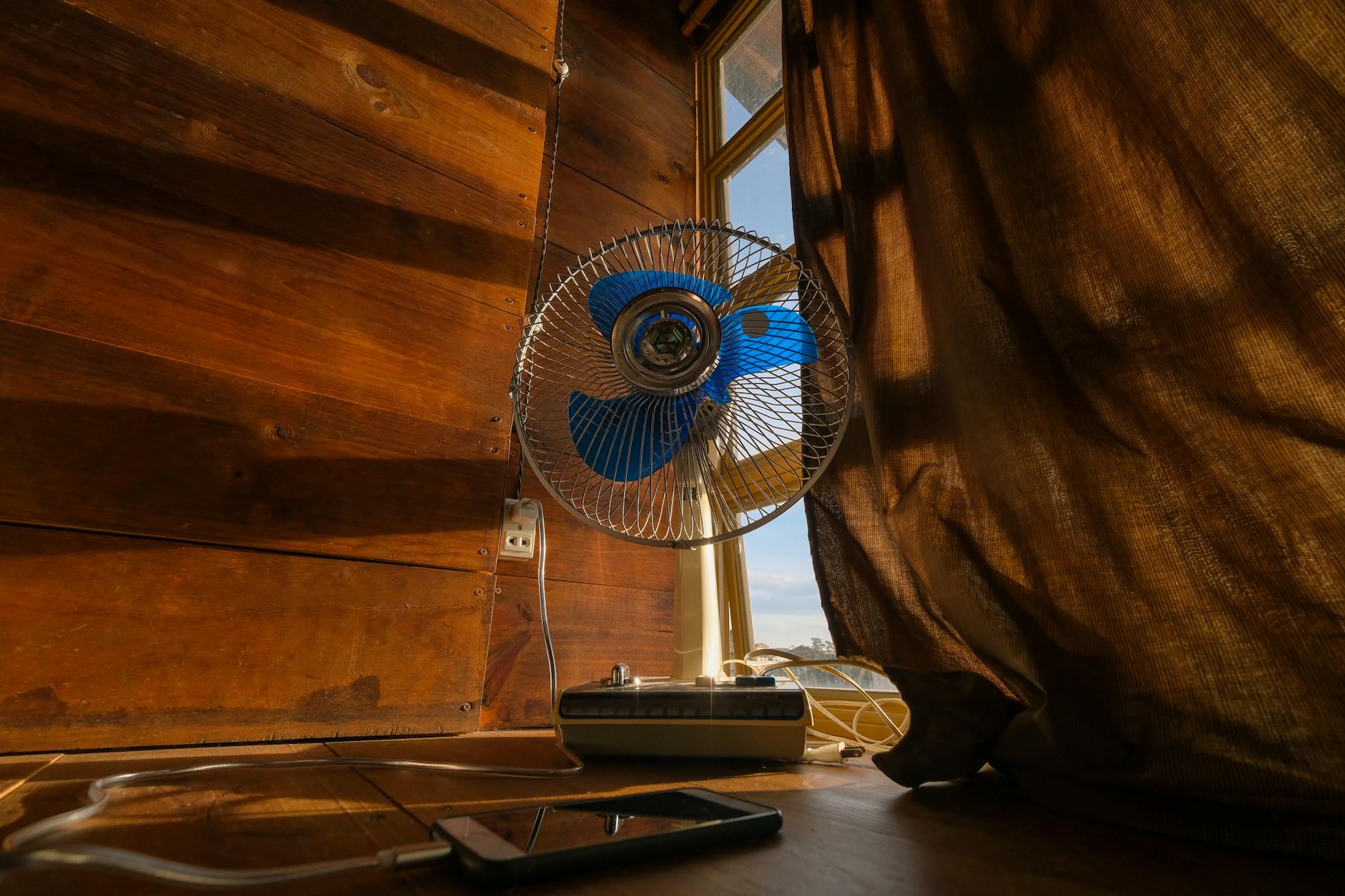 Photo by Dương Nhân
Proven Cooling Tricks You Can Try Right Now
Air dry the device for a few minutes in a cool, shaded spot. The goal is to shed heat gradually, not shock components with sudden temperature changes. Remove the case if it traps heat, but only when you’re finished charging or gaming for a while. In a pinch, set the phone to airplane mode to halt background activity and reduce heat generation. Then test in real heat conditions to see how the device responds. Quick actions like these can lower surface temperature and improve responsiveness within minutes. For more detailed guidance, see practical tips from trusted sources on keeping a phone cool in hot weather.
- Quick actions you can take today: air dry for a few minutes, remove the case during high heat, enable airplane mode when you don’t need connectivity.
- Real-world test: after a long outdoor session, recheck performance in shade and resume normal use if temperatures drop.
External reads:
- Keep your phone cool with practical tips from reputable outlets.
- Why phones overheat and how to prevent it.
Settings Tweaks to Cut Phone Heat Fast
Lowering brightness reduces the load on the display and the energy drawn by the backlight, which translates to less heat. Close unused apps to relieve the processor and RAM from background tasks that can cause steady heat buildup. Keeping software up to date ensures your device has the latest optimizations for power efficiency, battery health, and thermal management. Each of these adjustments works together: a dimmer screen, fewer active processes, and updated code all contribute to cooler operation and longer peak performance. For quick, actionable guidance, explore reputable guides on how to keep a phone cool during temperature spikes.
- Brightness drop: easier on the battery, reduces heat from the display.
- App management: fewer background tasks means less CPU work and less heat.
- Software updates: improved energy efficiency and thermal controls.
External reads:
- How to keep your phone cool in the summer
- Tips for preventing overheating while charging
Gear Up: Tools and Accessories for Heat Protection
When heat spikes, the right gear can save your phone from quick battery drain and warped screens. Below are practical add-ons and routines that shorten the heat struggle and keep your device performing at its best. Each pick includes where to get it and why it matters, so you can shop with confidence and stay connected in sizzling conditions.
Must-Have Add-Ons That Shield from Extreme Heat
Heat can push a smartphone past its comfort zone, but a few smart accessories make a big difference. A vented, slim-case keeps air flowing around the chassis, so heat dissipates faster during long use in the sun. A compact cooling fan or insulated pouch provides an extra buffer on hot days, helping maintain battery health and performance. Finally, a portable shade or reflective sleeve reduces direct sun exposure when you’re on the go. These items are widely available at major retailers and online marketplaces. For a quick starting point, see options like a thermal case or cooling accessories from reputable outlets such as Amazon and major tech retailers.
- Quick note: choose products labeled specifically for heat protection to ensure compatibility with your model.
- Real-world use: on a beach trip, store your phone in a ventilated pocket and swap to a thinner case during peak heat hours.
- Where to shop: reputable marketplaces and electronics retailers offer a variety of cooling cases and protective sleeves.
https://www.amazon.com/keep-phone-cool-heat/s?k=keep+phone+cool+in+heat
https://www.huffpost.com/entry/protect-tech-overheating-summer_l_68828998e4b0c2d9e4d95347
Build Heat-Resistant Routines for Travel and Outdoors
Outdoor adventures demand a simple, repeatable heat protection routine. Start by carrying a lightweight insulated pouch or cool bag for keeping your phone out of direct sun and in a breathable environment. When you hike, beach, or roam crowded markets, make a habit of tucking the device in a shaded pocket and avoiding dashboards or metal surfaces that radiate heat. A small, portable fan can offer on-the-go relief during longer waits or scenic overlooks. Remember to remove bulky cases during charging or heavy app use to improve cooling. For further guidance, you can explore practical tips from major outlets on keeping phones cool in hot weather.
- Quick tip: set up in shade before heavy use to prevent heat buildup.
- Practical example: during a summer hike, place the phone in a ventilated shoulder bag with a moisture barrier.
- Where to read more: reliable sources on phone cooling and heat management.
https://www.cnet.com/tech/mobile/how-to-keep-your-phone-cool-in-the-sweltering-summer/
https://us.norton.com/blog/mobile/why-does-my-phone-get-hot
Conclusion
Protecting your phone in extreme heat comes down to a few simple, repeatable habits that fit into everyday life. Store your device in shade or a cool bag, and swap to a vented or slim case during peak heat to help heat escape rather than trap it. When you charge, do it in a shaded spot and unplug around 80 percent to reduce heat buildup, then keep nonessential features off to ease the load on the battery. Cut back on bright screens and long sessions outdoors, and close unused apps to lessen heat from the processor. If you travel or spend long days outside, carry a lightweight insulated pouch or portable shade to shield the device from direct sun.
These steps work together to protect the smartphone you rely on for maps, photos, and communication. You’ll notice steadier performance, longer battery life, and less stress on components over time. Remember, the goal is steady, manageable heat, not perfection in a single moment. If you test a few tweaks and keep a light routine, you’ll stay connected even on the hottest days.
If you have your own tricks or lessons from a hot day, feel free to share them. Your experiences help others protect their devices, too.