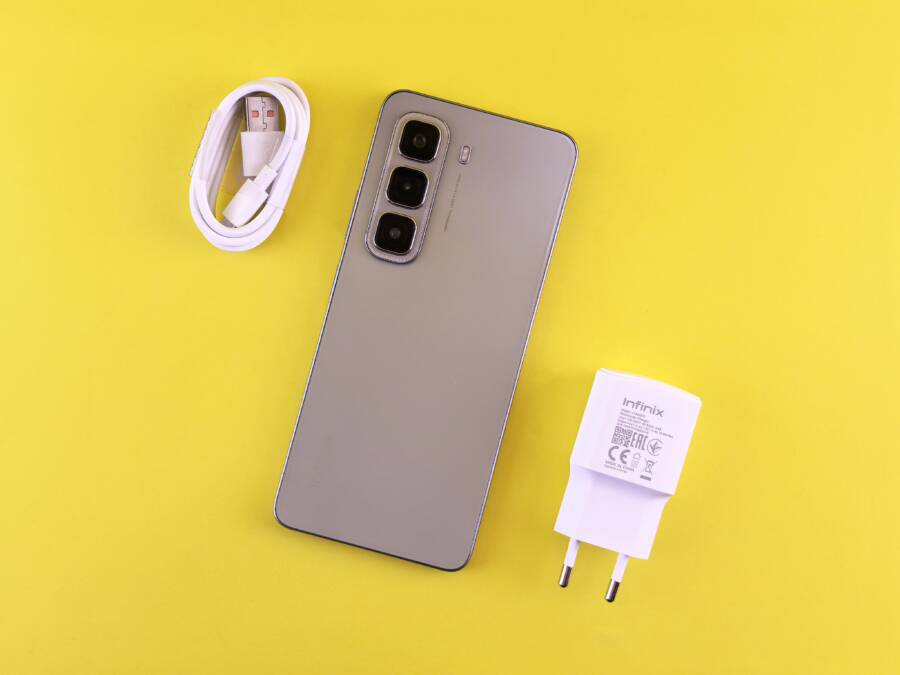
If your smartphone suddenly stops recognizing a specific charging cable, you don’t need to rush to a repair shop. This issue often stems from simple physical debris, a worn-out cable connector, or a minor software glitch that you can resolve at home.
Most users fix this connection error in minutes by cleaning their hardware or performing a quick power cycle. You can usually restore charging functionality without spending any money on parts or professional services.
Follow these troubleshooting steps to determine if the fault lies with your device or the cable itself.
Performing a Quick Hardware Check
Before you troubleshoot software settings or assume your battery is dying, inspect the physical components of your charging system. Dirt, lint, and frayed cables are the most common reasons a smartphone fails to recognize a charger. These issues create a poor contact between the charging port and the cable, which prevents the flow of electricity.
Clearing Out Charging Port Obstructions
Over time, your pockets or bags fill your charging port with pocket lint, dust, and fabric fibers. This debris compresses into a solid mat inside the port, preventing the charging cable from seating firmly against the internal pins. When the connector cannot reach these pins, your device will not initiate a charge.
To clean your port, turn off your smartphone completely. Use a bright flashlight to inspect the interior of the port for visible obstructions. A non-conductive tool is necessary for this process. Use a thin, wooden toothpick or a small, soft plastic pick to gently pry out the debris. Avoid applying excessive pressure, as the pins inside are fragile and easily bent.
Never use metal objects such as paperclips, safety pins, or needles to clean your charging port. Metal conduct electricity, which can cause a short circuit if you accidentally touch the internal contacts while the device has any residual power. Furthermore, a metal tip can easily snap a connector or scratch the delicate components, leading to permanent damage. Work slowly and patiently, scraping small amounts of lint until the port is clear. Once finished, use a blast of compressed air to remove any remaining loose dust.
Identifying Signs of Cable Damage
If the port appears clean, the problem often resides in the charging cable itself. Even if a cable looks functional on the outside, internal wire breaks are common and result in intermittent power delivery. Inspect the cable along its entire length for any signs of physical fatigue. Look for exposed wires, visible kinks, or spots where the outer casing feels flattened or soft. These are clear indicators that the internal conductors have snapped.
Check the charging connector head for signs of oxidation or wear. If you see dark, green, or white buildup on the gold pins, the cable is likely corroded. This corrosion prevents a clean electrical signal from passing between the charger and your phone. If the connector looks bent or loose when attached to your device, the connection is unreliable.
Sometimes, a cable fails internally without showing external damage. Test your smartphone with a secondary cable known to work with another device. If the second cable charges your phone without issue, your original cable is faulty and requires replacement. Replacing the cable is a much cheaper and simpler fix than repairing the internal hardware of your phone.
Troubleshooting Software and Settings
Sometimes your smartphone hardware is perfectly fine, yet the device still refuses to recognize a charge. Software conflicts, frozen background processes, or temporary system bugs can interfere with the charging handshake between your charger and the internal controller. Before you consider a professional repair, try these common software-based fixes to restore your power connection.
Rebooting for a Fresh Connection
A simple restart is often enough to resolve minor software hiccups. Smartphones run dozens of background processes simultaneously, and occasionally, one of these services may hang or become unresponsive. If a process responsible for detecting power input gets stuck, your phone will ignore the charging cable entirely, even when the connection is secure.
Performing a standard restart clears out these temporary files and refreshes the operating system. If a standard restart does not work, try a forced restart. This action cuts power to the processor more aggressively than a normal shutdown, effectively clearing the system memory and forcing the hardware to re-initialize its connection protocols. You can perform this by following the specific button combination for your model, which usually involves holding the power button and volume down key simultaneously for several seconds. Once the device reboots, plug it back into your charger to see if the charging icon reappears.
Testing With Alternative Power Sources
If the software remains unresponsive, the fault might lie with your power delivery chain rather than the phone itself. A loose wall outlet or a malfunctioning wall adapter can supply inconsistent electricity that your smartphone rejects for safety reasons. To isolate the problem, move your charging setup to a different wall outlet in your home or office. Electrical sockets can wear out over time, leading to loose connections that drop power during use.
If you have another charging brick available, use it with your current cable to verify if the original adapter is the culprit. Many modern wall adapters include internal fuses or safety circuits that trip during power surges, rendering the brick useless even if it looks physically sound. You should also try connecting your cable to a different power source, such as a laptop USB port or a portable power bank. If your device starts charging using an alternative adapter or outlet, you know the original power supply is failing and needs replacement. Eliminating these external variables allows you to focus on whether the issue is truly tied to your smartphone settings or the hardware components.
Evaluating When It Is Time to Replace the Cable
Even with careful handling, charging cables eventually reach the end of their lifespan. Identifying when a cable is truly past its prime saves you from wasting time on ineffective troubleshooting. When your smartphone fails to maintain a consistent connection despite a clear port, the cord itself is the most probable suspect.
Recognizing Persistent Performance Failures
Intermittent charging is often the first warning sign of a failing cable. If your device toggles between charging and not charging while sitting still, the internal wiring has likely suffered fatigue. Wiggle the connector near the phone; if the charging icon flickers as you move the wire, the cable lacks the structural integrity to maintain a stable electrical path.
Heat is another critical indicator of degradation. A healthy cable should remain cool or slightly warm during standard operation. If you notice the connector or the cable casing becoming hot to the touch while charging, stop using it immediately. Excessive heat signals that the wire resistance has increased, creating a safety hazard and a sign of failing internal conductors.
Comparing Cable Lifespan and Usage Patterns
Different cables have varying levels of durability based on their materials and construction. Recognizing these differences helps you set realistic expectations for how long your equipment should last.
Most standard cables show visible wear within 12 to 18 months of regular use. If your cable is older than this and shows signs of slow charging, it is likely experiencing internal oxidation or wire degradation. Replacing an aging cable with a high-quality, certified alternative is a low-cost way to ensure your smartphone receives stable, efficient power.
Testing Cable Reliability
You can verify the health of your cord through a simple comparison test. Gather a second cable that you know works perfectly with a different device. Plug that known-good cable into your smartphone and check if the charging behavior stabilizes.
If the issue disappears immediately, you have clear confirmation that the original cable is the failure point. Discard damaged cables to prevent them from accidentally being used again. A faulty cable can cause fluctuating voltages that might interfere with your battery health over time. When in doubt, replacing the cable is an inexpensive way to rule out hardware failure and get your device back to reliable power levels.
Understanding Persistent Port Issues
When basic cleaning and cable testing fail to resolve charging problems, the fault often sits with the internal hardware of your smartphone. Persistent connection failure suggests the physical port on the device is loose, corroded, or disconnected from the motherboard. If you confirm your cables and power adapters work with other devices, your smartphone likely requires a hardware repair.
Considering Professional Repair Options
Determining whether to pay for a professional repair depends on the remaining value of your device and the complexity of the internal damage. Most modern smartphones use a modular charging port assembly, which makes the part replacement relatively inexpensive. However, if your phone requires a full motherboard repair or microsoldering, the costs quickly climb.
A cost-benefit analysis helps you decide the best path forward. If you own a high-end device that is less than three years old, the cost of a port repair usually falls well below the price of a replacement. You pay for the labor and the specific component, which restores the smartphone to full functionality for several more years. Conversely, if your device is aging or has a lower market value, a professional repair might cost nearly as much as buying a newer, used model.
Take your phone to an authorized repair center if the following conditions apply:
You suspect water damage or liquid intrusion has caused internal corrosion.
The charging port feels physically loose or wobbly when you insert the cable.
You already performed a factory reset and verified that external accessories work perfectly.
The device is still under a manufacturer or third-party warranty.
Professional technicians provide a diagnostic service to confirm if the port is the primary failure point. Many shops offer free or low-cost estimates, allowing you to compare the repair quote against the current resale value of your smartphone. If the repair bill exceeds 50 percent of the cost of a comparable replacement device, investing that money into a new unit is often the more logical long-term decision. Avoid unofficial repair kiosks that use non-certified parts, as these frequently lead to further issues with heat regulation or poor battery health. Always prioritize centers that provide a warranty on their repair labor to protect your investment.
Conclusion
Most charging connection issues stem from simple physical debris in the port or a degraded cable. Regularly cleaning the port with a non-conductive tool and verifying hardware with a secondary cable usually restores your smartphone to full working order. If these steps fail, check for software glitches by performing a forced restart before seeking professional help.
Consistent, high-quality charging is essential for battery longevity and overall device health. Keep your port clear and use certified cables to avoid unnecessary hardware strain. Maintaining these physical components preserves the performance of your hardware for years to come.