
Picture this: you’re deep in the wilderness on a multi-week backpacking trip, miles from the nearest trailhead. Your smartphone buzzes with an incoming weather alert, guiding you away from a sudden storm. That simple device just saved your day.
Long backpacking trips demand reliable navigation, safety checks, trip planning, and occasional connection with loved ones. A poor phone setup means dead batteries, shattered screens, or no maps when you need them most. The right setup keeps you safe and on track.
In this guide, we’ll cover power solutions for endless days, rugged protection gear, top apps and offline tools, plus a practical packing checklist. You’ll get the best phone setup tailored for backpackers. Stick around; your next adventure starts here.
Why a Smartphone Setup Matters on Long Backpacking Trips
Your smartphone turns into a lifeline on long backpacking trips. It handles navigation, weather checks, and emergencies when cell service vanishes. A solid setup means you stay found, powered, and calm amid remote trails and unpredictable weather. Poor choices lead to frustration or risk. Focus on reliability, safety, and simplicity to make your phone work for you, not against you.
Reliability when you’re off grid
Off-grid spots demand tools that function without signal. Offline maps let you download trail data ahead of time. They show topography, campsites, and water sources right on your screen. Preloaded routes save your planned path, complete with waypoints and elevation profiles. Offline GPS uses your phone’s built-in chip to track location via satellites, no internet needed.
Test this setup before you go. Load maps for your route, hike a local trail, and check if everything tracks accurately. Battery drain can surprise you, so practice full days in airplane mode.
Build redundancy with these steps:
- Carry a backup device. Pack a cheap secondary phone or GPS unit with the same maps loaded.
- Print key maps. Use paper backups for your main sections; laminate them for weather protection.
Apps like Gaia GPS shine here. They offer detailed offline layers you can customize. Organic Maps works fully offline too, as noted in backpacking guides. Expect crisp performance that keeps you on course for weeks.
Safety and emergency readiness
Emergencies strike fast on trails. Modern smartphones pack SOS features to summon help. On iPhones, hold the side button and volume down to connect emergency services with your location. Android devices offer similar functions through power and volume buttons; some carriers add satellite messaging.
Location sharing keeps family in the loop. Apps like Find My (iOS) or Google’s Find My Device let contacts track you in real time, even offline if pre-set. Switch it on before departure.
Grab basic safety apps for extras:
- Download a beacon app like Garmin inReach mini companion for texts via satellite.
- Add a first-aid guide app with offline access to treat common injuries.
Practice these once home. Dial your test SOS number and share a location. Simple prep saves lives when seconds count.
Simplicity and ease of use
Trail fatigue clouds judgment. A simple phone setup cuts errors like wrong turns or dead batteries. You grab and go without fumbling.
Start with a clean home screen. Pin only navigation, flashlight, and camera. Swipe away extras to avoid distractions.
Keep apps minimal:
- Stick to 5-7 essentials. Offline maps, weather cache, notes for journal, and a compass.
- Enlarge icons. Boost accessibility settings for bigger taps with gloves on.
- Enable one-tap features. Set widgets for battery status and quick airplane mode.
Gloves and rain make screens tricky, so test usability outdoors. This streamlined approach lets you focus on the hike, not the device.
Power, protection, and performance on the trail
On long backpacking trips the phone is more than a gadget; it’s a lifeline. It guides you with offline maps, keeps you safe with SOS features, and helps you stay connected with home when service returns. The goal is a setup that stays reliable under dust, rain, and cold, while remaining light enough to carry all day. In this section, you’ll find practical, field-tested strategies to balance power, protection, and performance so your device works when you need it most.
Battery management and charging plan
Keep your phone alive through weeks on the trail with smart charging habits. Start with full charge cycles before you leave. Top off every night at camp if possible. Use airplane mode during hikes to cut drain from background apps.
Power banks form your main backup. Pick lightweight models with high capacity, like 10,000mAh units that weigh under 7 ounces. They recharge your phone 2-3 times. Check reviews on sites like Outdoor Gear Lab for top picks that hold up in cold weather.
Solar options add free power on sunny days. Clip-on panels with kickstands work best; they generate 5-10W and pair with power banks for storage. Expect slower charging in shade or clouds.
Follow trail etiquette too. Share outlets at huts sparingly. Ask before plugging in at ranger stations. Turn off your screen when charging to save power. Pack cables with reinforced ends to avoid breaks. These steps stretch one full smartphone charge into days of use. For a quick read on battery life tips, see REI’s practical guide to extending battery life on long trips.
If you want a quick reference for reliable portable chargers, these reviews are worth a look:
- Best Power Banks for Backpacking & Hiking
- The Best Power Banks of 2024
- Best Portable Solar Panels for Camping
For a hands-on approach, run a test day with your chosen setup before a major trip. Track how long the battery lasts with GPS engaged and maps loaded offline. You’ll get a realistic sense of how many days you can push between charges and where the weak points are.
Rugged cases and screen protection
Drops on rocks shatter screens. Rain seeps into ports. Dust grinds buttons. Protection matters because a broken phone means no maps or SOS in remote areas.
Look for cases with these features: full-body coverage, raised edges for screen and camera, and IP68 water resistance. Military-grade drop tests (MIL-STD-810G) prove toughness. OtterBox and similar brands balance grip and slim fit.
Screen protectors prevent cracks from impacts. Tempered glass with oleophobic coating repels smudges and oils from sweaty fingers. Apply before the trip for a bubble-free seal.
Balance weight by choosing hybrid cases: TPU sides with hard plastic backs. They add just 1-2 ounces yet guard against 10-foot drops. Test fit with your power bank. See rugged case roundups from Wirecutter and Outdoor Gear Lab for models that won’t slow you down. A solid case lets you focus on the trail, not repairs.
Storage and performance optimization
Heavy apps and full storage slow your phone. GPS maps eat gigabytes. Optimize to keep it snappy.
Keep only essential apps: offline maps, compass, flashlight, and weather cache. Delete social media and games. Aim for 20-30% free space.
Clear cache weekly. On Android, go to Settings > Storage > Free up space. iOS handles it automatically, but a quick restart can help. This frees hundreds of MB without losing data.
Add a microSD card if your phone supports it. 128GB cards store full trip maps cheaply. Pick fast U3 speed ratings for smooth zooming. A long trip benefit note: more space means you can preload larger map areas without hunting for an empty slot mid-hike.
Close background apps before hikes. Lower screen brightness and set a longer screen timeout to conserve power. These tweaks reduce lag and extend battery life, helping your phone stay responsive after days in the pack.
Data backups and offline access
Lost photos sting after epic views. Failed storage strands you without maps. Backups prevent heartbreak.
Copy photos to a microSD card nightly. Use apps like Google Photos with auto-upload over spotty service, then delete originals to save space. Pack a small USB drive for bulk transfers at resupply points.
Offline access saves the day. Download maps, trip itineraries, and first-aid PDFs before leaving. Store user manuals for gear too. No signal? No problem.
Why offline access matters: satellites track location, but data lives local. Gaia GPS or AllTrails let you preload regions. For secure methods, check REI’s quick guide on backing up photos before a backpacking trip. Regular backups ensure memories and essential maps stay available even when the network is down.
Links for deeper reading
- Best Power Banks for Backpacking & Hiking
- Best Portable Solar Panels for Camping
- How to Back Up Photos Before a Backpacking Trip
- Offline Maps and Data Management for Hikers
Together, these practices create a balanced, reliable setup. You’ll have power when you need it, protection that stands up to the trail, and performance that keeps navigation and safety tools responsive.
Apps and offline tools that actually help
When you’re on long backpacking trips, you want tools that work without cell service, don’t drain your battery, and stay reliable in rough conditions. This section highlights practical offline options, safety features, and how to use them without fuss. You’ll find specific apps, pre-download tips, and real-world workflows that keep navigation, safety, and memory capture solid from ridge to river.
 Photo by Kamaji Ogino
Offline maps and navigation apps
Offline maps are the backbone of a dependable trail setup. Start with core options that excel offline, then add niche features that fit your style. Gaia GPS remains a top pick for hikers who want detailed topographic layers you can download ahead of time. It also supports export of routes and waypoints for later reference on the trail. Organic Maps is another strong choice because it runs fully offline and focuses on privacy while still delivering reliable routing and points of interest.
Plan ahead by downloading map tiles for your entire route or the broader area you expect to traverse. This lets you navigate even with no signal and minimizes data usage. A practical approach is to preload a few critical segments: your start, high-contrast terrain features, and shelters or campsites. Carry a secondary device with the same offline data loaded as a backup in case your primary phone dies or is damaged.
Tips to keep battery life intact:
- Download only what you need for each day, not the entire region.
- Switch to airplane mode during hikes; keep GPS running but curb background processes.
- Use a simple home screen with 4–5 essential apps to reduce wakeups.
For deeper reading on reliable offline navigation, see Gaia GPS and offline map reviews, as well as expert trail guides that compare the best hiking apps. You can explore Gaia GPS’s offline trail maps and the general app landscape in the articles linked here:
- Gaia GPS: Offline Trail Maps on Google Play
- Our roundup of the best hiking apps from The Great Outdoors Magazine
- Best Hiking Apps with Offline Maps from MountainHouse
Emergency and safety features
Every hike should include a straightforward safety plan. Modern devices offer SOS calls, real-time location sharing, and satellite communication accessories that can be lifesaving when signals fail. On iPhone, you can trigger emergency services and share your location directly from the lock screen if needed. Android phones provide similar SOS workflows, with some carriers adding satellite messaging for remote areas.
Before you leave, enable location sharing with trusted contacts and set up an always-on status with basic check-in times. A compact beacon option, like a satellite communicator, can be a wise add-on if you expect to be out longer than a typical satellite window. Pair this with a simple safety checklist you can access without wifi, including emergency contacts, nearest shelter, and a basic first-aid protocol.
Carry a lightweight safety kit and a quick-start guide for common injuries. A small offline-first-aid app can provide offline guidance on wound cleaning, blister care, and heat-related illnesses. These measures ensure you’re prepared even when a signal is scarce.
For further reading on safety and SOS features, check resources like offline navigation comparisons and safety-focused gear guides to see how different devices handle emergencies in remote terrain.
Camera and journaling tools
Documenting memories without draining power requires smart choices about resolution and cadence. Most phones offer multiple photo and video resolution options; choosing the right balance preserves memory and battery life. For casual memories, shooting at 12–16 MP with efficient compression provides crisp images without chewing through batteries. If you need higher detail for a future print or large screen, you can switch to 48–64 MP only for standout moments.
A practical journaling approach is to merge quick notes with occasional photo bursts rather than continuous video. Use a dedicated notes app to jot location, time, and weather, then snap a few representative shots that tell the story. Keeping the camera on a lower resolution when you’re moving helps conserve power, while recharging at camp ensures you don’t miss golden moments during low-light hours.
If you want offline access to your photos and journals, services like Google Photos can auto-upload when you have service again, but keep a local backup as you hike. This hybrid approach protects memories and maps alike. For additional guidance on preserving photos, review offline data management tips from trusted hiking gear sources.
Communication when there is no signal
When signals vanish, you still have options. Offline messaging apps and satellite devices provide a fallback to stay in touch with campmates or loved ones. A compact satellite messenger can send basic texts or SOS signals when you’re out of reach. If you’re carrying a phone, ensure the messaging app you rely on has offline or delayed transmission features so you don’t miss messages the moment a signal returns.
As a practical workflow, set up one reliable offline messaging method before departure. Test sending brief updates from a low-coverage area to confirm reliability. If staying connected is a priority, a satellite communicator paired with your phone can cover the gap between trails and resupply points. With this setup, you can share your progress, request help if needed, and maintain peace of mind for everyone back home.
For further reading on offline communication options, explore guides that compare satellite devices with standard messaging apps for hikers and backpackers.
References and further reading
- Gaia GPS: Offline Trail Maps on Google Play
- Best Hiking Apps with Offline Maps from The Great Outdoors Magazine
- Gear-focused comparisons for GPS platforms on backpacking trips
In summary, the right mix of offline navigation, safety features, memory capture, and offline messaging can keep you connected to your path and your people without relying on cell service. Use the recommendations above to assemble a durable, efficient setup that stays faithful to the trail.
Practical gear setup and packing checklist
A well-thought gear setup keeps your phone reliable on weeks-long treks. This section outlines a practical, light, and resilient approach to choosing your device, powering it safely, keeping cables neat, and ensuring your data stays intact before you head into remote terrain. Follow these concise tips to stay connected, navigable, and prepared without carrying unnecessary bulk.
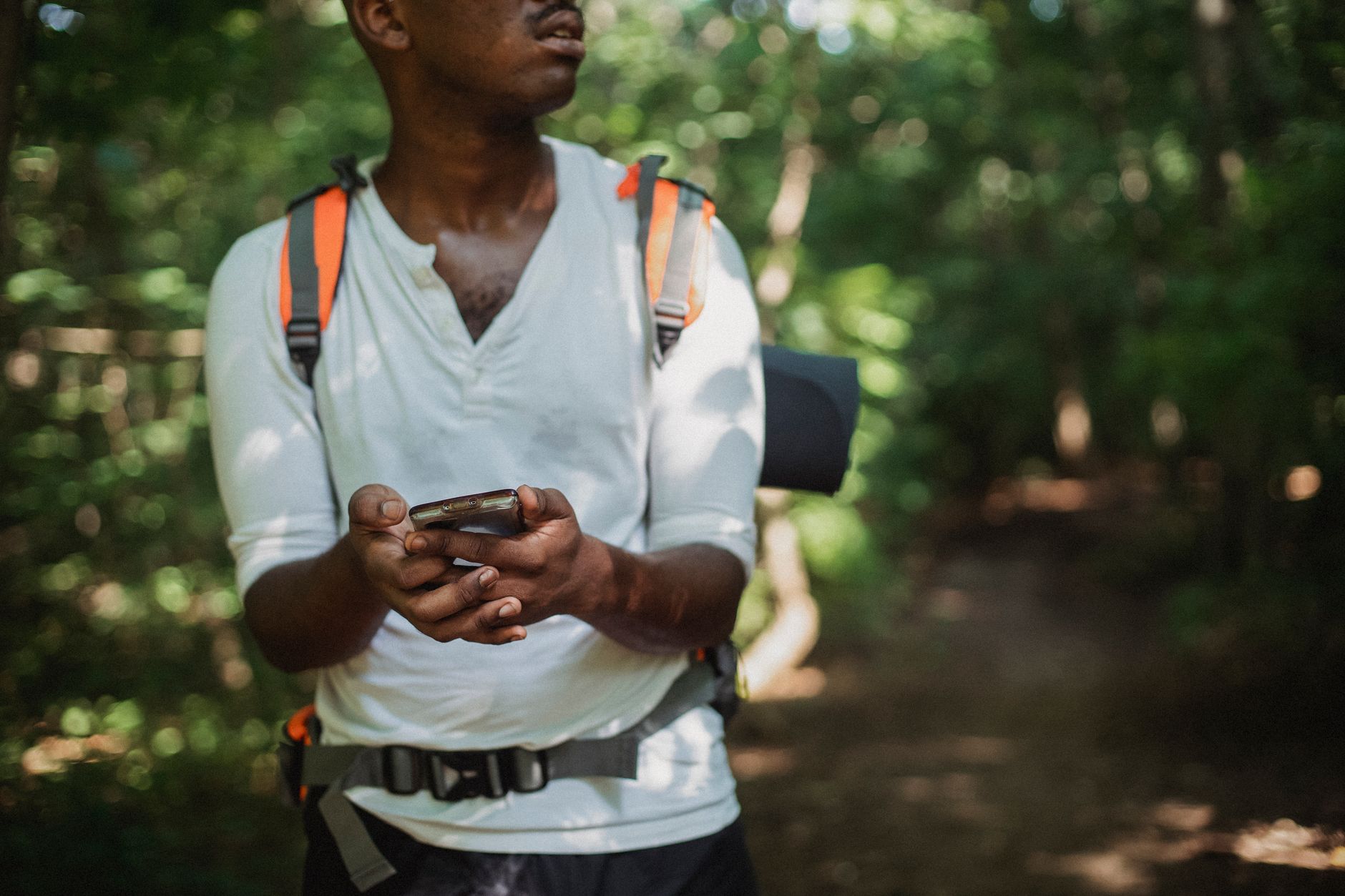 Photo by Kamaji Ogino
Choose the right phone and data plan
Pick a model known for long battery life, reliable radios, and robust offline map support. A compact device with a big battery can outlast a days-long hike. For data plans, consider eSIM options or dual-SIM setups so you can switch to a local plan when you resupply or rely on offline maps when signals vanish. Choose a plan with good coverage in expected areas, plus a convenient add-on for satellite messaging if you’ll be out of range.
- Look for a phone that supports offline maps well and has a dependable GPS receiver.
- Consider an eSIM or a small SIM kit so you can switch providers without swapping hardware.
- Preload maps and routes for your entire intended area; keep a backup device with the same data loaded as a safety net.
Helpful references: Gaia GPS offline maps and general hiking app comparisons can guide your choice. For offline navigation options, review articles comparing top hikers apps and offline map support from trusted outlets.
Charging gear and power bank setup
For trips spanning days, a compact solar charger paired with a lightweight USB-C power bank is a solid setup. A small solar panel (5–10W) recharges a 10,000 mAh pack during sunny stretches, then you top up your phone at camp. Pack cables with reinforced ends and keep them in a small pouch to prevent tangling.
- Choose a power bank under 7 ounces with at least 10,000 mAh.
- Use a foldable solar charger that can rest on your pack while you hike or sit at breaks.
- Store charging gear in a weatherproof pouch to guard against dust and moisture.
When packing, place the power bank and charger in a dedicated side pocket for quick access. Keep your phone in airplane mode during hikes to conserve energy, then resume charging at camp. If you want quick guidance on reliable power banks and solar panels, refer to specialized gear roundups from trusted sources.
Cable management and weather protection
Cables and small adapters vanish fast if they’re not organized. Use a compact cable roll or a small pouch with labeled compartments for USB-C, Lightning, and adapters. Seal connectors with small silica gel packets to reduce moisture buildup. For weather, choose a rugged, water resistant pouch for your power bank and cables.
- Use a single, slim cable for charging a specific device to minimize clutter.
- Separate cables by type and label them for fast access.
- Protect electronics with a dedicated dry bag or weatherproof pouch.
A clean setup saves time on the trail and reduces the risk of damaged gear in rain or dust storms.
Maintenance and updates before trip
Before you head out, run a quick pre-trip maintenance check. Update essential apps, back up important data, and test the full charging cycle with your offline maps loaded. Verify that your primary device, backup device, and power bank all hold a full charge. A dry run at home helps you spot issues like flaky cables or unexpected app behavior.
- Update offline map data and ensure it’s preloaded for the route.
- Back up photos and important files to a portable drive or cloud with offline access.
- Test SOS and location sharing features in a safe, controlled environment.
For further reading, check guides on backing up photos and offline data management for hikers. These resources complement your pre-trip routine and reduce risk on the trail.
Conclusion
A solid phone setup is the difference between a smooth trek and a stressful detour. With offline maps, a reliable power plan, rugged protection, and streamlined apps, your smartphone becomes a trustworthy companion on weeks of trail life. Focus on reliability, keep essentials accessible, and test your setup before you head out so you’re ready for every turn and weather shift. A well-tuned device not only navigates you but also keeps you connected to home when service returns.
Quick, practical checklist
- Preload offline maps and routes for your entire area
- Pack a high capacity power bank and a small foldable solar panel
- Use a simple home screen with 4–5 essentials
- Enable SOS and location sharing before departure
- Back up photos and crucial data to a portable drive or offline cloud
If you haven’t tried the setup yet, plan a test day on familiar terrain and note battery life, map accuracy, and comfort. Share your results and plans in the comments to help others prepare for their next adventure.