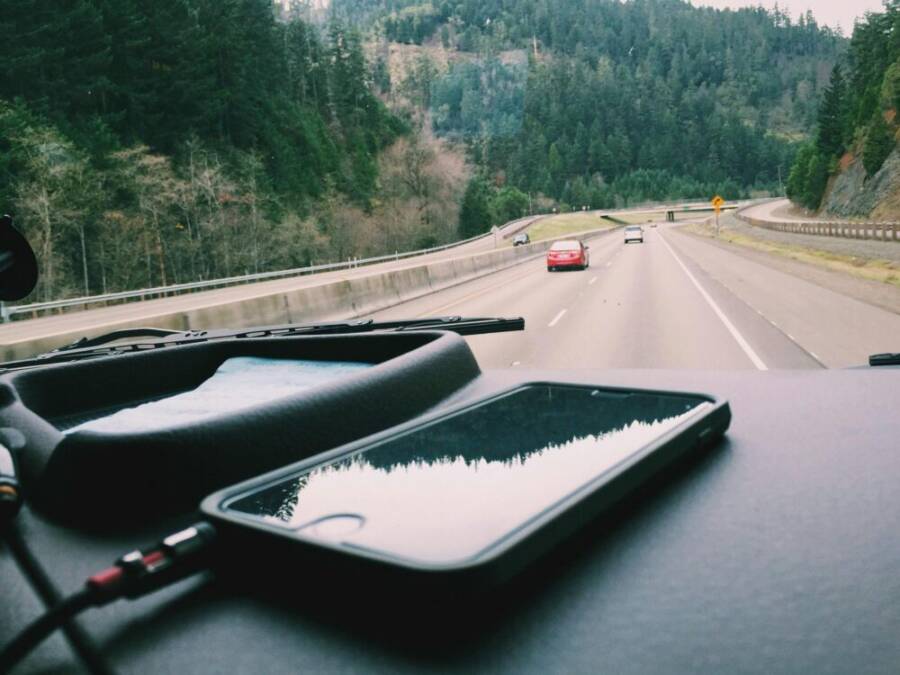
On a road trip, your phone is more than a gadget – it becomes the navigator, music hub, camera, and emergency link all in one. Long battery life matters because you’ll rely on maps, calls, streaming, and photos for hours on end, often with spotty charging opportunities. This guide highlights how to pick a phone with the best endurance and points you to solid models for 2025.
You’ll learn how to evaluate battery capacity, efficiency, and software optimization without getting overwhelmed. Real world tests show which models actually last through a full day of navigation, playlist listening, and shutter clicks. You’ll also find practical tips to stretch life on the road, like when to top up with a power bank and how to optimize charging routines.
Whether you roam with an Android or iPhone, this quick guide helps you compare options that fit your budget and ecosystem. We’ll cover buying tips, common pitfalls, and simple settings that can squeeze extra hours out of every charge. By the end, you’ll know how to choose a phone that keeps up with your road trip needs.
Key factors that make a road trip phone’s battery shine
On a long road trip, your phone’s battery is more than a number. It’s a trust partner that keeps maps, music, cameras, and calls flowing without a hitch. Understanding what actually drives real-world endurance helps you pick a phone that won’t quit in the middle of a scenic detour. Below are the essential factors that determine how long your battery lasts on the road, plus practical tips to maximize every charge.
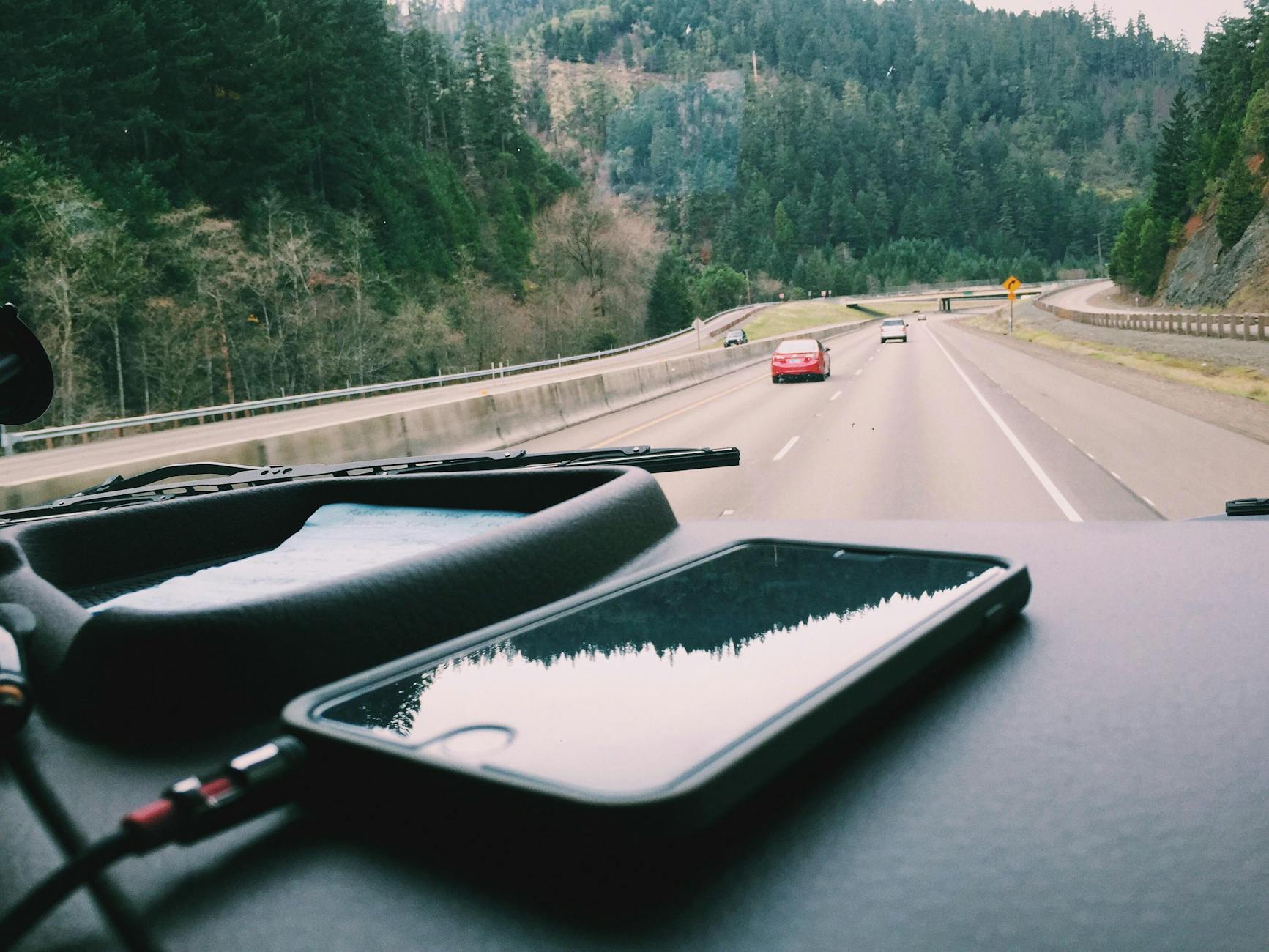
Photo by Snapwire
Battery capacity and real world endurance
Bigger milliamp hour (mAh) capacity sounds like a direct path to longer life, but it isn’t the whole story. Real endurance depends on how efficiently the phone uses that stored energy. Battery chemistry, screen demands, and software efficiency all shape how many hours you actually get from a charge.
- Battery chemistry matters. Different chemistries store energy differently and discharge at varied rates. Two phones with the same mAh can behave differently if one uses a more efficient charging and discharging profile.
- Screen usage dominates. The display is often the largest power draw. A phone with a high-refresh display or a bright panel will sip more power during navigation and video playback than a more efficient one with an adaptive or lower refresh rate.
- Software efficiency counts. How aggressively the OS puts apps to sleep, how well it manages background tasks, and how optimized the system is for on-the-road use all affect stamina. Even two phones with similar battery capacities can show different endurance if one has leaner software and better background limits.
A simple example helps illustrate the idea. Phone A and Phone B both have around 4500 mAh. Phone A uses a bright 120 Hz screen and a heavy background-sync routine, while Phone B runs a more efficient display at 60 Hz and smartly limits background activity. In real life, Phone A might last about 8–9 hours of continuous navigation and music, while Phone B could push into 12 hours or more under similar usage. The difference isn’t the mAh number; it’s how the system uses that energy.
For road trips, prioritize phones with a reputation for efficient displays and well-tuned software. It’s not just about the battery size; it’s about how that energy is used day to day.
- Quick tip: when comparing models, check endurance ratings for mixed usage (web, video, GPS) rather than just stand-alone video playback. You’ll get a clearer sense of real-world life on the road. See industry tests for practical benchmarks. For deeper comparisons, see sources like battery endurance databases and benchmark aggregators.
Relevant reads:
- Battery endurance tests and practical comparisons: https://www.phonearena.com/phones/benchmarks/battery
- General endurance rankings and scenario-based ratings: https://nanoreview.net/en/phone-list/endurance-rating
Fast charging and how it saves road trip time
On long drives, every minute counts. Fast charging isn’t just about top-ups at the rest stop; it’s about keeping power available for hours of maps, music, and cameras with minimal downtime.
- USB-C PD and other fast charging standards are the backbone. PD helps push power safely at higher rates, so a short pit stop can replenish more of the battery than a slow charger can.
- Car charging matters. The right car charger can deliver the right wattage without overheating. Look for multi-port PD chargers that can handle several devices at once or a high-wump PD port for your phone.
- Safety and setup. When charging in a moving vehicle, keep the phone in a stable holder and avoid blocking vents. If you’re parked, a dedicated quick-charge setup with a stable surface reduces the risk of heat buildup and cable wear.
Choosing the right charger matters as much as choosing the right phone. A strong PD car charger makes topping up practical during breaks, so you’re not hunting for outlets mid day. When shopping, these options tend to perform well in real-world road tests:
- A compact PD car charger with one or two USB-C ports and smart safety protections
- A multi-port charger that can handle multiple devices without overheating
Helpful reads and options:
- The best USB car chargers after real-world testing: https://www.nytimes.com/wirecutter/reviews/best-usb-car-charger/
- Fast charging car chargers that pair with PD standards: https://www.keutek.com/blogs/news/fast-charging-car-charger-review?srsltid=AfmBOooAntpUNyelRDlu9wzWrUJZwP0FZ0CXRfSUsRrF8ZNlqQmYuIUt
- Essential car charging solutions for road trips and camping: https://ecoflow.com/us/blog/essential-car-charging-road-trip-camping
- Quick tip: if your phone supports higher wattage charging, aim to top up for 15–30 minutes at a time rather than charging to full in one long session. Short, registered quick top ups keep you on the move and minimize heat buildup.
Software efficiency and power management
The best battery life comes from a well-tuned system, not just a large battery. Software efficiency, how apps run in the background, and how updates affect power all play major roles.
- OS power management. Modern iOS and Android versions include aggressive background restrictions, on-demand fetch, and adaptive features that reduce wake times when the screen is idle. These elements keep essential functions like navigation and music available while saving energy.
- Background apps. Misbehaving or always-on apps drain power. Regularly reviewing which apps have background activity, location permissions, and notification routines helps curb drain.
- Updates and optimization. System and app updates often include better energy efficiency. Keeping essential apps updated and limiting unneeded background tasks improves endurance.
Practical steps you can take today:
- Turn on adaptive brightness and auto-lock after a short period of inactivity.
- Restrict background activity for nonessential apps, especially those that use location services in the background.
- Disable push notifications you don’t need while on the road, or set a “do not disturb while driving” profile.
- Use offline maps when possible. Download routes before you depart to avoid constant data use and GPS refresh overhead.
To make this concrete, imagine you’re navigating a scenic byway with a mix of high- and low-signal areas. A phone with strong software efficiency will maintain GPS and music streaming without constantly waking the CPU. You’ll notice longer intervals between charges, plus a phone that stays cooler on longer drives.
- For more on battery life in real-world scenarios, check endurance ratings and benchmark comparisons: https://nanoreview.net/en/phone-list/endurance-rating
Display brightness and maps usage
The screen is where power drains most of the time on a road trip. Navigation, driving mode dashboards, and streaming video keep the display active, so understanding brightness and display features helps you stretch each charge.
- Brightness levels. A higher brightness setting uses more energy. Auto brightness helps, but in bright sun you may still need a higher level. The trick is to let the OS adjust as you move in and out of shade.
- Adaptive refresh rate. Many phones now offer 60 Hz by default and can ramp up to 120 Hz for smoother motion. For navigation and map-heavy usage, a lower refresh rate saves energy a lot without a noticeable drop in usability.
- Maps usage patterns. Zooming in and out and long live location tracking can increase power draw. Limiting the always-on map detail and using offline maps when possible reduces energy use, while still giving you reliable guidance.
Quick settings you can tweak during your drive:
- Enable auto brightness, then manually set a comfortable baseline for the day.
- Prefer 60 Hz when navigating for energy savings; switch to higher refresh only when viewing photos or videos in the backseat.
- Download region maps ahead of time and switch to offline mode for periods with unreliable mobile data.
If you’re streaming video during a long highway stretch, dimming brightness and using a lower refresh rate can dramatically extend battery life without sacrificing the viewing experience.
- To explore battery performance under different conditions, see battery life resources and endurance charts: https://www.phonearena.com/phones/benchmarks/battery
- For broader battery life rankings: https://nanoreview.net/en/phone-list/endurance-rating
Images can help readers visualize the energy journey on the road. A photo of a phone in a car, illuminated by dashboard light, can illustrate the balance between display use and battery life. Photo by Snapwire on Pexels.
Remember, the goal is to keep essential features usable on the road. With the right mix of battery capacity, fast charging, software efficiency, and smart display settings, your phone becomes a reliable co-pilot for longer road adventures. If you want to dive deeper into any of these topics, the linked sources offer practical tests and recommendations to guide your next upgrade.
Best phones for road trips with top battery life
A road trip stretches your phone to its limits. You’ll rely on maps for hours, stream music to stay entertained, snap photos of scenery, and make emergency calls. The right device blends a long-lasting battery with steady charging, dependable software, and efficient displays. Below are five standout models for 2025 that keep up with long days on the road.
OnePlus 15
The OnePlus 15 stands out for endurance and fast charging that minimizes downtime on the highway. Its 7,300 mAh battery capacity is among the largest in flagship phones, translating to real-world stamina that lets you navigate, stream, and shoot without constant stops to charge.
- Endurance in daily use: Expect two full days of mixed activity with typical driving, maps, and media consumption. Even heavier days with bright display settings and frequent map refreshes stay manageable.
- Charging speed: A 120W wired charger powers the phone from near empty to most of the way full in under 40 minutes. In practice, a 15–20 minute top-up at a rest stop can deliver a substantial boost for the next leg.
- Wireless and reverse charging: 50W wireless charging complements the wired option, while 10W reverse wireless charging and 5W reverse wired charging add versatility for powering accessories or friends’ devices at stops.
- Practical on the road: A strong battery, coupled with a responsive display and efficient software, keeps maps sharp and music flowing while you focus on the road ahead.
Why it fits road trips: Quick top-ups mean shorter breaks and more time to enjoy the drive. When you need to stretch a day of navigation, music, and photography, the OnePlus 15 is designed to keep pace.
Further reading: see endurance-focused comparisons and charging benchmarks for recent flagships to understand how the 15 compares in real-world tests. https://www.phonearena.com/phones/benchmarks/battery
Asus ROG Phone 9 Pro
If your road trips lean into long sessions with navigation, streaming, and even gaming during layovers, the ROG Phone 9 Pro offers a compelling combination of big battery life and solid all-day performance.
- Battery capacity and endurance: A large battery helps extend all-day usage, including frequent map checks and media playback during longer drives.
- Real-world performance: The phone shines in endurance tests that measure continuous use, including browsing, video streaming, and gaming, making it a strong candidate for travelers who push their devices hard.
- Charging setup: Fast wired charging is a key advantage, with additional options for wireless charging to keep you moving between rest stops.
- Display and efficiency: A high-performance display can be a power draw, but when paired with efficient software and adaptive refresh rates, you get a balanced mix of usability and longevity.
Why it fits road trips: If you want one device that can handle maps, music, photos, and occasional gaming during downtime, the ROG Phone 9 Pro delivers dependable stamina and flexible charging options.
Real-world testing and benchmarks offer a clearer picture of how this device performs under travel conditions. For more context on endurance ratings and use-case testing, see general endurance rankings and scenario-based ratings. https://nanoreview.net/en/phone-list/endurance-rating
OnePlus 13
The OnePlus 13 offers a strong balance of battery life and value. It delivers solid endurance for a full day of road trip use, with fast charging that makes quick skims to the battery at rest stops practical.
- Endurance balance: The 6,000 mAh battery provides reliable all-day performance for navigation and media. Expect a comfortable buffer on days with heavy map usage and streaming.
- Charging speed: Fast charging helps you top up quickly during breaks, letting you resume driving with minimal downtime.
- Value proposition: You get substantial battery capacity without paying a premium for the latest flagship features, making it a solid long-haul choice for budget-conscious travelers.
Why it fits road trips: A practical blend of capacity and cost means you don’t have to compromise on essential features to get reliable day-long endurance. For readers comparing models, it’s useful to weigh endurance ratings against price to understand the long-term value.
For a broader sense of how battery life stacks up across devices, you can explore endurance comparisons and rankings. https://nanoreview.net/en/phone-list/endurance-rating
Moto G 2025
If you’re planning budget-friendly road trips, the Moto G 2025 pairs affordable pricing with dependable battery life. It’s a smart option when you need essential features without breaking the bank.
- Affordability meets reliability: The phone offers solid battery life that covers a full day of navigation, music, and photos without a steep price tag.
- Feature balance: You still get a capable display, reasonable performance, and reliable charging, which makes it suitable for travelers who want practical limits without extra cost.
- Travel-friendly mindset: With efficient software and sensible power management, you won’t feel like you’re sacrificing core road-trip needs for price.
Why it fits road trips: For budget-minded travelers, the Moto G 2025 proves you can get dependable endurance and essential features at a friendly price.
For a broader frame of reference on how entry-level devices perform in real-world scenarios, look at endurance benchmarks and practical comparisons. https://www.phonearena.com/phones/benchmarks/battery
iPhone 17 Pro Max
Apple’s flagship continues to reward road-trippers with strong battery performance inside a tight, well-optimized ecosystem. The iPhone 17 Pro Max combines energy efficiency with robust support for maps and streaming on long drives.
- Battery efficiency: iOS optimizations help stretch endurance even when you run navigation, music, and camera apps in parallel.
- Maps and streaming: The device handles continuous GPS use and media playback smoothly, keeping navigation accuracy and media quality consistent during long stretches.
- Charging and use: Efficient charging and smart background management help maintain stable battery life across a travel day.
Why it fits road trips: If you’re already in the Apple ecosystem, the Pro Max provides reliable, well-supported endurance with predictable performance on long drives.
Putting it all together Choosing the best phone for a road trip comes down to balancing battery capacity with software efficiency and charging options. Real-world tests show big batteries help, but how the system uses energy matters just as much. A phone with strong endurance ratings, quick top-ups, and smart power management will keep your maps, music, and camera ready for the long haul.
If you want to compare models side by side, check endurance databases and practical benchmarks to see how each device performs in navigation-heavy and media-heavy scenarios. For broader references on battery life and charging, see reputable test sources and ratings. https://nanoreview.net/en/phone-list/endurance-rating
Further reading and resources
- Battery endurance tests and practical comparisons: https://www.phonearena.com/phones/benchmarks/battery
- General endurance rankings and scenario-based ratings: https://nanoreview.net/en/phone-list/endurance-rating
Notes for readers
- When planning a road trip, consider not only the battery capacity but also charging flexibility and the phone’s efficiency under maps and streaming workloads.
- If you often drive through areas with spotty connectivity, downloading offline maps in advance can reduce data usage and GPS activity, saving energy.
- Pair your device with a reliable car charger that supports USB-C PD for the fastest top-ups during breaks.
How to maximize battery life on the road
When you’re behind the wheel, your phone wears many hats. It guides you with maps, handles calls, plays your road trip playlist, and captures the scenery. The trick is to keep it humming for hours without constant charging. Below are practical strategies you can apply on any road trip to extend battery life, with real-world tips that don’t require buying every latest gadget.
Plan for power with charging gear
A reliable charging setup is the backbone of road trip stamina. Start with a dependable car charger, add a portable power bank, and keep a lightweight USB-C cable in reach. The goal is to minimize downtime during breaks and keep essential functions online while you drive.
- Car charger: Look for a USB-C PD car charger with at least one high-watt port. A compact design with smart safety protections helps prevent overheating and protects your device during long sessions on the road. A good charger lets you top up quickly during rest stops without plugging into a wall outlet.
- Portable battery pack: Choose a compact bank with 10,000 to 20,000 mAh capacity for easy handling and multiple charges. The right model can Top up your phone while you grab a snack, so you don’t have to hunt for outlets in a rest area.
- USB-C cable: Keep a sturdy, lightweight USB-C cable that’s not prone to tangling. A reliable cable makes charging faster and reduces wear on the port.
Charging strategy for long drives and rest stops keeps you moving. Plan top-ups every 2–3 hours, especially if you’re using GPS and streaming music. Short, frequent boosts are better for battery health than a single long session. If you’re parked for a while, a 15–30 minute quick top-up can refresh enough energy to reach the next leg. For the best results, pair PD fast charging with a car charger that supports multiple devices so your passenger’s device isn’t left in the cold.
Useful reads for choosing gear and setups:
- The best USB car chargers after real-world testing: https://www.nytimes.com/wirecutter/reviews/best-usb-car-charger/
- Essential car charging solutions for road trips and camping: https://ecoflow.com/us/blog/essential-car-charging-road-trip-camping
- The best portable chargers for travelers: https://www.travelandleisure.com/travel-tips/travel-tends/best-portable-power-banks
In practice, you’ll want a simple kit you can grab without thinking. A single PD car charger, a mid-sized power bank, and a short USB-C cable in the glove box cover most needs. If you have a phone that supports higher wattage, aim for a top-up every 15 minutes during a long stretch without breaking your pace.
Smart navigation and media habits on the road
Your navigation and entertainment choices have a direct impact on battery drain. Smart habits can dramatically extend your day without sacrificing guidance or mood.
- Offline maps first: Download offline maps for the route before you depart. This reduces GPS polling and data use, both of which drain power. When you’re in an area with reliable data, you can switch back to online maps, but keep offline maps as a fallback.
- Manage background activity: Limit background music or video streaming when not actively watching or listening. Pause map routing when you don’t need turn-by-turn directions, especially in areas with poor signal; return to routing when you need it again.
- App updates and background usage: Keep essential apps updated, but avoid letting every app run in the background all day. Review location permissions and background activity for apps you don’t need on the road, and disable push notifications that aren’t critical.
In real world driving, a smartphone with disciplined background management can last significantly longer. You’ll still have maps and music, but with fewer wakeups from idle tasks. If you’re worried about signal reliability, offline maps provide a reliable backbone while you navigate through variable networks.
Useful reads and guides to refine offline map usage and battery saving:
- Planning a Holiday Road Trip and using offline maps: https://www.cnet.com/tech/services-and-software/planning-a-holiday-road-trip-heres-my-trick-for-using-google-maps-without-internet/
- The offline Google Maps routine that saves me on every trip: https://www.yahoo.com/lifestyle/articles/offline-google-maps-routine-saves-163310526.html
When you’re behind the wheel, the goal is reliability without constant fiddling. A routine that favors offline maps for the majority of the journey, keeps essential navigation apps updated, and minimizes background streaming will yield the most consistent endurance.
Screen and battery management tips
The display is the biggest power sink on a modern phone. On a road trip you’ll be staring at maps, dashboards, and photo previews, so it pays to dial in display settings that favor longevity without compromising usability.
- Brightness and auto controls: Use auto brightness as a baseline, and adjust manually to a comfortable level when driving in bright sun. Higher brightness means more energy draw, especially during long stretches of highway.
- Refresh rate: Set the display to 60 Hz for navigation and driving dashboards. A higher refresh rate is great for games or video, but it drains the battery faster during map-heavy usage.
- Map usage patterns: Keep the map detail at a practical level and use offline maps when possible. Constant live updates and heavy zooming can increase power draw, so simplify the map view when you don’t need ultra precision.
- App permissions and background drains: Check permissions for location services and background activity. Some apps drain power in the background even when you’re not actively using them. Turn off unnecessary location or background fetch for nonessential apps.
Quick practical steps you can apply today:
- Enable adaptive brightness and set a baseline that works for day driving.
- Use 60 Hz for navigation; switch to higher refresh only when viewing photos or videos in the backseat.
- Download region maps ahead of time and switch to offline mode for long stretches with spotty data.
Real-world testing shows that reducing the display’s workload can yield meaningful gains. If you want a deeper read on how brightness and refresh rate affect battery life, see endurance resources and benchmarks: https://www.phonearena.com/phones/benchmarks/battery
Additional tips to tune out energy drains:
- Turn on a Do Not Disturb while driving profile to reduce notifications that wake the CPU.
- Consider airplane mode during long segments with poor signal if you don’t need live updates.
- Keep a clean home screen with only essential apps to minimize wakeups.
Images can help readers picture the balance between display use and battery endurance. A photo of a phone resting on a dashboard with a dimmed screen can illustrate the idea of conserving energy while staying connected. Photo by Snapwire on Pexels.
By combining careful display management with offline navigation and disciplined app behavior, your phone remains a trustworthy co-pilot for long road days. If you want to explore more about battery performance in real-world scenarios, review endurance ratings and benchmark comparisons linked below.
Buying guide: choose the right battery phone for your road trips
When you hit the open road, your phone needs to be more than smart. It must last long enough to keep navigation steady, music flowing, and photos snapping without frequent recharges. This buying guide helps you pick a device with genuine endurance, plus practical tips to maximize every charge. We’ll break down value options, ecosystem considerations, and a concise buying checklist so you can shop with confidence.
Budget and value picks
You don’t have to drain your wallet to get solid road trip endurance. The best budget and midrange phones often deliver endurance that rivals pricier flagships, thanks to smarter software, efficient displays, and practical charging options. Here are sensible picks and the tradeoffs you should know.
- Moto G 2025: A standout for budget-minded travelers. It offers dependable all-day battery life, a clean software experience, and reliable charging. The core tradeoff is camera performance and premium features you get on higher tiers. If your road trips lean on offline maps and long playlists rather than high-end photo quality, the Moto G 2025 is hard to beat.
- Galaxy A25 5G: A feature-rich Android option with good battery life and a strong price-to-performance ratio. Expect solid endurance for navigation and streaming, with a bright display and decent cameras. The compromise is newer software updates that may lag behind flagships by a year or two.
- OnePlus 13: Balanced endurance with value in mind. It serves up a capable battery, fast charging, and a responsive system at a reasonable price. The caveat is that some camera features and premium accessories may not match the top flagship level.
- Google Pixel A series or refreshed midrange Pixel: If you want clean software and reliable battery behavior, a midrange Pixel often hits a sweet spot. Expect excellent software updates but be mindful that hardware may not match the latest flagship endurance numbers.
Tradeoffs matter. While these phones may not boast the absolute longest endurance in every benchmark, they deliver reliable day-to-day stamina at prices that won’t derail a road-trip budget. For deeper comparisons, consult endurance-focused reviews and battery benchmarks that weigh real-world use like navigation, streaming, and camera bursts. See endurance rankings and practical tests for context: https://nanoreview.net/en/phone-list/endurance-rating
If you want a quick reference on how budget devices stack up against each other, check out studies and roundups from trustworthy outlets that test battery life in real-world scenarios: https://www.phonearena.com/phones/benchmarks/battery
In short, you can save cash and still get a phone that keeps up on long drives. Just align your choice with how you actually use the device on the road—maps, music, and offline storage above all.
Ecosystem and accessory compatibility
Your ecosystem choice (Android or iOS) shapes what you can expect from charging gear, car adapters, and power banks. It also influences how easily you can share data, use car modes, and access offline maps.
- Android ecosystem: A wide range of car chargers, USB-C PD adapters, and third-party power banks keep you flexible. Most Android phones support fast charging and can act as wireless power hubs for other devices. If you frequently swap between devices or guests, Android’s interoperability can reduce clutter. When shopping, look for PD-enabled car chargers and cables that maximize charging speed for your device.
- iOS ecosystem: Apple devices play best with Apple-certified accessories and car adapters designed for iPhones. If you rely on iCloud, AirPlay, or Work profiles, staying within Apple’s ecosystem often yields smoother pairing and consistent software updates. A critical consideration is ensuring your power bank and car charger support USB-C PD with iPhone compatibility.
- Car adapters and power banks: For road trips, a single PD charger in the car plus a mid-sized power bank covers most needs. Choose a charger with at least one high-watt USB-C port and smart safety protections. If you travel with a passenger who uses a different platform, a dual-port charger helps keep both devices topped up without swapping cables. For on-the-go top-ups, short bursts of charging add up.
A practical approach is to map your typical trip gear: your phone, a GPS tablet or in-car display, and a few USB-C devices. Then pick accessories that support both platforms or specialize in your primary ecosystem. For additional guidance, see general car charging recommendations and platform-specific accessory guides: https://www.nytimes.com/wirecutter/reviews/best-usb-car-charger/ and https://www.androidauthority.com/best-android-phones-3563254/
If you often drive with a friend who uses a different platform, your best bet is a PD car charger with multiple ports plus a compact power bank. That setup minimizes cable juggling at rest stops and keeps everyone powered.
Practical buying checklist
Use this concise checklist as you evaluate phones for road trips. It’s designed to be quick to scan while you compare key endurance factors.
- Battery life expectations: Look beyond capacity. Focus on endurance in mixed usage (maps, streaming, and occasional video). Compare real-world tests rather than official numbers alone. See endurance ratings and benchmarks for practical context: https://nanoreview.net/en/phone-list/endurance-rating
- Charging options: Confirm USB-C PD support, car-charger compatibility, and whether wireless charging adds convenience on the road. A charger that can top up quickly during a 15–30 minute break makes a big difference.
- Display usability on the road: Prefer adaptive brightness, a sane refresh rate (60 Hz for navigation is common), and an under-glare display for daytime visibility. A bright display is great, but it also drains power, so balance brightness with battery life.
- Offline maps storage: Pre-download maps for the routes you plan to take. Offline maps reduce GPS polling and data usage, which saves energy on long drives. For scenarios with spotty data, offline maps are a real lifesaver.
- Battery health and longevity: Look for devices with good software efficiency and a track record of lasting several years with regular updates. Software optimization often matters more than raw battery size.
- Warranty and support: A solid warranty and accessible service network help if a battery or charging accessory fails on the road. Quick access to support minimizes downtime on a trip.
- Practical accessories: A reliable PD car charger, a compact power bank, and a sturdy cable are essential. If you share devices, dual-port chargers keep both devices charged without stopping.
- Ecosystem alignment: Ensure your primary ecosystem matches your existing devices and routines. Apple users may lean toward iPhone and Mac workflows; Android users may enjoy broader hardware options and flexible charging gear.
If you want a quick side-by-side reference while shopping, endurance-focused comparison pages can help you gauge how each device performs in navigation-intensive days. See recommended endurance sources and real-world benchmarks for broader context: https://www.phonearena.com/phones/benchmarks/battery
Checklist example in practice:
- I want at least one USB-C PD fast-charging port in the car charger.
- I prefer a phone with 4,000 mAh or more and good software efficiency.
- I will download offline maps for the route and limit background location usage.
- I’ll keep a 20,000 mAh power bank for longer trips.
- I want a budget option that still covers a full day of maps and music.
This is the straightforward approach you can use when evaluating options. It keeps your road trip goals in focus and avoids overpaying for features you won’t use.
Additional resources for practical testing and comparisons:
- Endurance ratings and scenario-based tests: https://nanoreview.net/en/phone-list/endurance-rating
- Battery life benchmarks and practical comparisons: https://www.phonearena.com/phones/benchmarks/battery
If you want to deep dive on specific models or charge configurations, the linked sources provide tests and recommendations to guide your upgrade.
Images and visuals Visuals can help readers grasp how battery life affects road trips. Consider showing a phone mounted in a car with a dashboard glow, a charger plugged in during a rest stop, or a map on the screen with the battery indicator in clear view. These cues reinforce the idea that endurance is about practical, on-the-road use.
Putting it all together Choosing the right battery phone for road trips comes down to balancing capacity with software efficiency and charging options. Real-world tests show big batteries help, but how the system uses energy matters just as much. A phone with strong endurance ratings, quick top-ups, and smart power management will keep your maps, music, and camera ready for the long haul.
If you want to compare models side by side, consult endurance databases and practical benchmarks to see how each device performs in navigation-heavy and media-heavy scenarios. For broader references on battery life and charging, rely on reputable test sources and ratings: https://nanoreview.net/en/phone-list/endurance-rating
Further reading and resources
- Battery endurance tests and practical comparisons: https://www.phonearena.com/phones/benchmarks/battery
- General endurance rankings and scenario-based ratings: https://nanoreview.net/en/phone-list/endurance-rating
Notes for readers
- When planning a road trip, consider battery capacity alongside charging flexibility and software efficiency under maps and streaming workloads.
- If you often drive through areas with spotty connectivity, download offline maps in advance to reduce data usage and GPS activity.
- Pair your device with a reliable car charger that supports USB-C PD for the fastest top-ups during breaks.
Conclusion
Choosing the right phone for a road trip means balancing battery life with how you actually use the device. The standout options for long trips include the OnePlus 13 and the Google Pixel 9 Pro XL, which combine solid endurance with fast charging and efficient software. Other strong choices like the Samsung Galaxy S25 Ultra, Oppo Find X8 Ultra, and iPhone 16 Pro Max offer impressive stamina and reliable performance in real-world driving scenarios. If you’re on a budget, the Galaxy A36 5G proves endurance can come at a sensible price.
Match your pick to your travel style. If you rely on offline maps, streaming, and frequent bursts of photo activity, prioritize longevity and quick top-ups. Don’t forget a reliable car charger and a compact power bank to cover longer days on the road.
Have you found a road trip battery tip that saves hours? Share your experiences and your favorite models in the comments. Your practical insight could help another traveler choose with confidence.