Key Features to Look for in a Cheap Phone for Calls and Texts
You need a phone that handles calls and texts without fuss. Look for solid basics that match your daily needs. These features make sure your budget pick stays reliable.
Battery Life That Keeps You Connected All Day
A good battery means no mid-day charging hunts. Phones with 5000mAh batteries shine here. They power through hours of talk time and texts. Expect up to two days on light use or a full day with constant calls.
Why 5000mAh? It holds more power than smaller ones. Heavy callers drain 3000mAh packs fast. But 5000mAh keeps you online. The Motorola Moto G Power lasts over 12 hours in tests. It fits under $100 on sales.
TCL models pack this battery too. Check the TCL 30 SE. Users report all-day service on basics.
Want to stretch it further? Follow these steps:
- Turn down screen brightness. It saves 20-30% power.
- Close background apps. They sip battery unnoticed.
- Use airplane mode in weak signal spots.
- Enable battery saver mode for auto tweaks.
These habits add hours. Your phone becomes a true workhorse.
Strong 4G Support for Reliable Calls Anywhere
Clear calls beat spotty service every time. Skip 3G relics. Pick 4G LTE for steady connections. It cuts dropped calls and speeds up texts.
4G LTE grabs signals better. Texts send in seconds, not minutes. Older networks lag in crowds or rural spots. 4G keeps you heard.
Match your carrier first. AT&T, T-Mobile, or Verizon? Buy unlocked GSM or CDMA versions. Test bands like B2, B4, B5 for US coverage.
BLU and Nokia cheap phones nail this. They lock onto towers fast. No more “can you hear me now?” frustration.
Easy-to-Use Interface for Quick Texts
Texting should feel simple, not a chore. Android Go or stock OS deliver that. They skip bloat for clean menus and big icons.
Android Go runs light on weak hardware. No lag when you type or swipe. Perfect for quick replies. Large buttons help older eyes or big fingers.
Basic OS like on Nokia avoids app overload. Open messages, type, send. Done.
Non-tech users love it. Think parents or kids. No confusing settings. Just core tools.
Check the NUU N10. It keeps things straightforward under $100. You focus on chats, not glitches.
Top Budget Smartphones Under $100 for Basic Needs
You want a smartphone that nails calls and texts on a tight budget. These picks deliver the battery life, 4G support, and simple interfaces we covered earlier. They stay under $100 with reliable performance for everyday use. Pick one that fits your carrier and style.
Samsung Galaxy A16 5G: Best All-Around Pick
The Samsung Galaxy A16 5G stands out for basic users. Its 6.7-inch Super AMOLED display shows texts and calls clearly with sharp FHD+ resolution and a smooth 90Hz refresh rate. You get vibrant colors even in sunlight.
Battery life impresses too. The 5000mAh cell lasts a full day of calls and messages. Charge it overnight, and it handles light use for two days straight. 5G support ensures crisp voice quality and fast texts on most US networks.
Calls sound strong with noise cancellation. You stay connected without echo or drops. Samsung’s software keeps things clean and quick to open apps.
It has strengths and a few limits. Here’s a quick look:
- Large screen: Easy reading for long texts or contact lists.
- Solid battery: Powers through talks without worry.
- Good calls: Clear audio on 4G and 5G bands.
The camera stays basic at 50MP. It snaps okay daylight shots but skips night mode or video tricks. Fine for quick pics, not pro work.
Grab it at Straight Talk for $99.99. Check Walmart or carrier deals for unlocked versions. It works unlocked on AT&T or T-Mobile with the right bands.
Tecno Spark 9: Great Battery and Simple Software
Tecno Spark 9 keeps costs low while packing power for basics. The HD+ display measures 6.6 inches with a notch for selfies. It renders texts bold and readable without eye strain.
Android Go edition runs smooth on modest hardware. You open messages fast, no stutters. The light OS skips heavy apps, so it focuses on calls and SMS.
Battery rules here. Its 5000mAh pack outlasts rivals on standby. Make calls for hours or send texts all day; it holds up. Users praise two-day runs on minimal use.
Key upsides include:
- HD+ screen: Bright enough for outdoor checks.
- Android Go: Simple setup, quick texts.
Downsides hit app choice. Play Store limits some heavy games or tools due to RAM. Stick to basics like WhatsApp or email.
For best results, tweak these settings. Lower brightness to save juice. Clear cache weekly to speed up. Update software for bug fixes. It turns the phone into a trusty sidekick for chats.
Shop Tecno options on Amazon or eBay for deals under $100. Pair it with prepaid plans for easy start.
Nokia 1.4 and Samsung Galaxy M04: Reliable Alternatives
Need backups to the top picks? Nokia 1.4 and Samsung Galaxy M04 both shine for simple tasks. They share strong batteries and decent screens at low prices.
Nokia 1.4 offers a 6.52-inch HD+ display with thick bezels but clear view for texts. Its 4000mAh battery manages a day of calls. Pros include durable build and clean Android One software for fast updates. Cons: slower processor and basic 5MP front camera.
Samsung Galaxy M04 steps up with a 6.5-inch PLS LCD screen at HD+ resolution. The 5000mAh battery matches our favorites for all-day power. Strengths cover good call quality and expandable storage. Weak points: plastic feel and no 5G.
Both phones mirror each other on basics. Large screens make reading easy. Batteries keep you off chargers during busy days. They lock into 4G signals well for US carriers.
Choose Nokia for tough build; go Samsung for storage flexibility. Find them at Walmart or Best Buy sales under $100. Test carrier fit first.
Best Non-Smartphone Options for Pure Basics
Skip the smartphone world if you crave simplicity. Feature phones like flip models focus on calls and texts alone. They ditch apps, cameras, and screens that drain power. You get reliable service in a pocket-sized package. These picks stay under $100 and cut daily distractions.
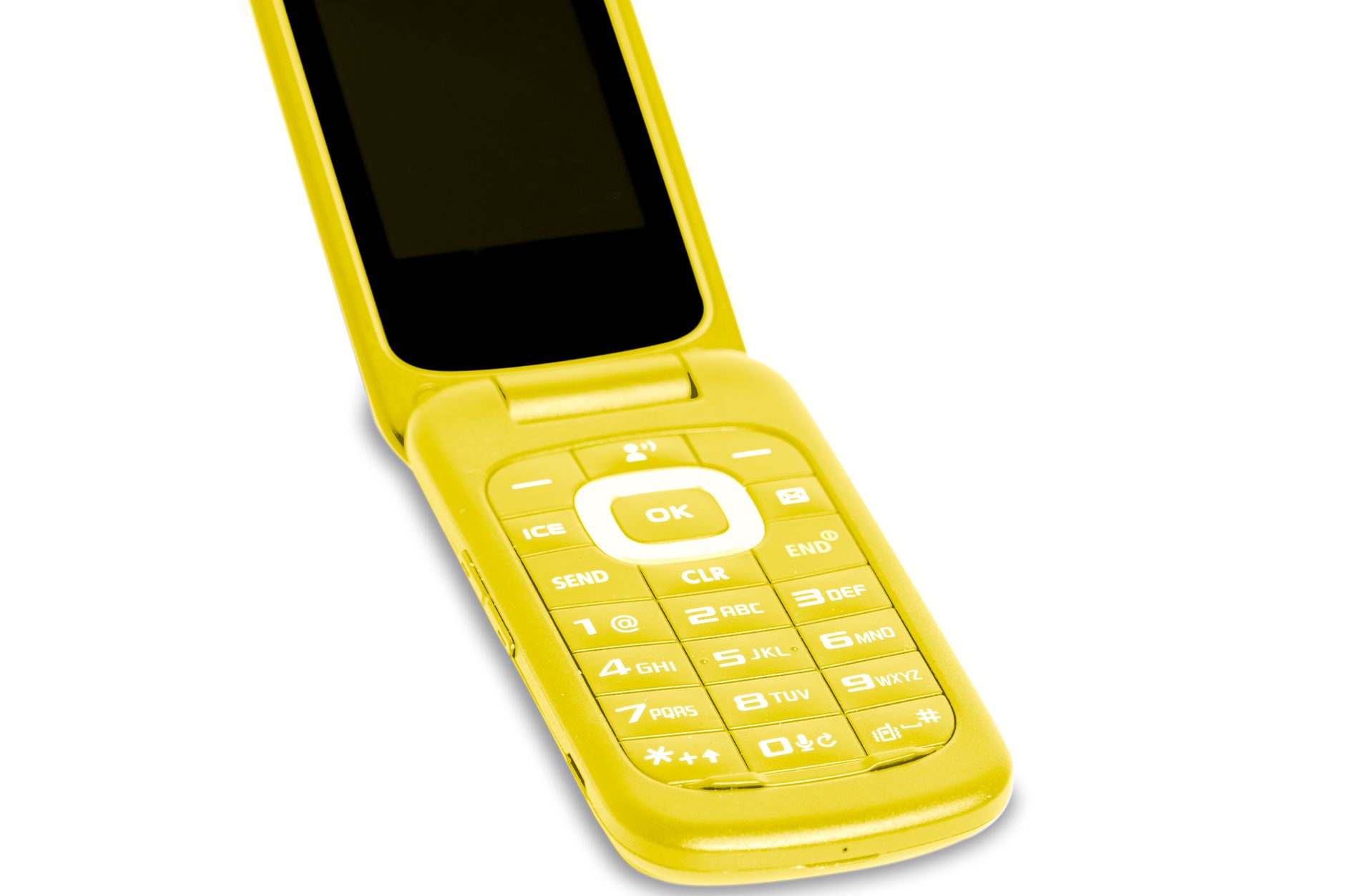
Photo by Frank Schrader
Doro 7030: The Ideal Flip Phone Choice
The Doro 7030 flips open with ease. Its large, backlit buttons stand out in black and white. They space well for quick presses. Big fingers hit the right keys without errors. Weak eyes spot them clearly on the keypad.
Calls come through crisp and loud. Noise stays low so voices ring true. You hear every word, even in busy spots. The design puts “Call” right on the home screen. No hunting through menus.
Battery power impresses most. The 1350mAh removable pack lasts days on basic use. Turn on Wi-Fi or Bluetooth, and it still runs two full days with charge left. Forget overnight plugs like on smartphones. Charge via micro-USB or cradle.
It packs other basics too. A 2.8-inch screen shows 320×240 pixels for clear texts. Dual SIM slots fit prepaid plans. Add a microSD for contacts. An emergency button dials help fast.
| Feature | Details |
|---|---|
| Buttons | Large, spaced, backlit for easy use |
| Battery | 1350mAh, lasts multiple days |
| Display | 2.8-inch, 320×240 resolution |
| Connectivity | 4G LTE, Bluetooth 4.2, Wi-Fi |
This phone suits seniors or anyone who wants focus. Parents give it to kids for safety. No social media pulls you away.
Buying stays simple but check stock. It sells for $60 to $99 from international spots. US shoppers find it on eBay. Test 4G bands for your carrier like AT&T or T-Mobile. Verizon may need tweaks. Read user notes on Expert Reviews
Tips to Pick and Buy Your Perfect Cheap Phone
Choosing a price-friendly phone for basic calls and texts means checking a few essential points first. Start with carrier compatibility and then hunt for solid deals. This approach helps you avoid misfits and overpaying while keeping your daily communication simple and reliable.

Photo by Pavel Danilyuk
Check Compatibility and Compare Prices
Carrier compatibility should guide your choice before you even look at features. A phone that doesn’t support your network bands will drop calls or fail to send texts, no matter how cheap it is. Start with your primary carrier—AT&T, Verizon, or T-Mobile—and note the bands you need for strong 4G LTE service in your area.
To confirm a model’s compatibility, pull the phone’s specs from the seller page and compare them against your carrier’s bands. Use quick checks to speed things up. Visit WillMyPhoneWork.net and enter the model plus the carrier to see a clear compatibility summary. If you’re buying used or from a reseller, confirm the IMEI with your carrier by dialing *#06# on the device and running it through their checker.
Prices vary widely for the same model, especially on sale days. Do a price sweep across major retailers and carriers. Compare options on sites like Google Shopping, Walmart, Best Buy, and carrier storefronts. For used or refurbished units, look at listings on Swappa and similar platforms that offer short warranties.
Online shopping often provides the broadest selection and the best discounts, but you lose the hands-on test. In-store purchases let you feel the device, test the screen, and verify the keypad for comfort. Each path has its perks, so plan to use both if possible.
| Buy Spot | Pros | Cons |
|---|---|---|
| Online | Lower prices, wider stock, alerts on sales | Shipping times, no hands-on test |
| In-Store | Immediate access, you can test feel and brightness | Higher prices, limited inventory |
Here is a practical buying sequence you can follow:
- Identify your carrier and the essential bands for your region.
- Shortlist models that cover those bands with comfortable battery life.
- Check compatibility with WillMyPhoneWork and confirm via the carrier’s IMEI checker.
- Compare new and refurbished prices across three sources, including the carrier store.
- If you’re choosing prepaid, look for bundle deals that include a SIM and service plan.
If you want a quick start, look for models with a long-lasting battery and a simple user experience. Phones designed for lightweight use tend to deliver better reliability for calls and texts without the clutter of extra apps.
To stay informed about current compatibility checks, you can use resources like FrequencyCheck to verify network support. And if you’re curious about a specific model’s performance in the real world, reading a quick formal review can help you understand the user experience beyond the specs. For added confidence, check a few price comparison sites to ensure you’re getting a fair deal.
Photos, ratings, and real-world impressions together give you a clear picture of value. By following these steps, you’ll land a cheap phone that stays reliable for calls and texts without surprising costs or hidden limits.
Conclusion
For basic calls and texts on a tight budget, the Samsung Galaxy A16 5G stands out as the best all around smartphone option. It combines a large, readable display, solid battery life, and reliable 4G and 5G connectivity, making daily communication straightforward and dependable. Its balance of essential features means you won’t miss the basics while staying under your limit.
Flip phone fans will appreciate the Doro 7030. It keeps the focus on calls and texts with large, backlit buttons and a simple interface. If you want a device that minimizes distractions and maximizes ease of use, this model delivers without extra fluff.
Both picks emphasize long battery life, clear call quality, and uncomplicated texting, which are exactly what you need for day to day reliability. If you’re choosing today, pick one that fits your carrier and how you use your phone most often. A quick decision today means fewer hassles tomorrow and more time spent staying connected. Share your pick and how it’s helping your routine in the comments.