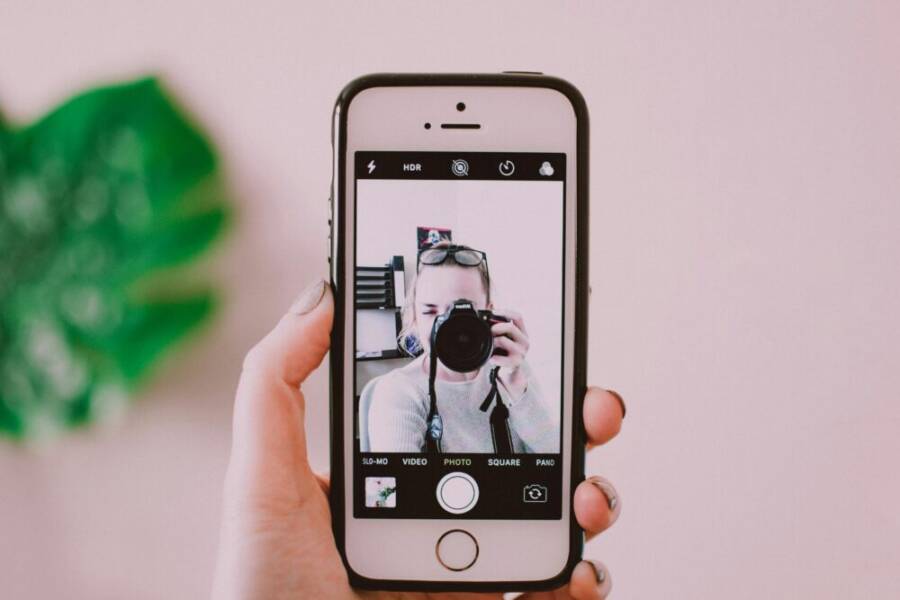
Can you snap a selfie that looks effortless and true to life with just your phone? You can, with a few simple tweaks that make a big difference. This guide walks you through lighting, angles, posing, and quick edits so your photos feel like you, not a filtered version.
Think of a natural shot as a balance between light and posture. We’ll cover how to spot the best lighting, avoid harsh shadows, and use the camera’s settings without overthinking them. You’ll learn street-smart angles that flatter your face and help you keep a relaxed expression.
You’ll also get practical posing tips that feel natural in everyday moments. And yes, we’ll include quick editing steps that enhance photos without overdoing it. By the end, you’ll know how to take believable selfies that capture your real vibe, anywhere you go, with your phone. Keep practicing, and you’ll see your progress with every snap.
Lighting and Background that Make Selfies Look Natural
Good selfies hinge on light that treats you kindly and a backdrop that keeps the focus on you. The goal is natural skin tones, gentle shadows, and a frame that feels calm and intentional. In this section, you’ll learn where light should come from, how to position yourself, and how to avoid common mistakes that make photos look staged or flat. Practical tips below will help you shoot better selfies with your phone in any setting.
Find the Right Light for a Fresh Look
Soft, even light flatters all faces. When you can, face a window to soak up natural light that wraps around you without harsh glare. If direct sun is unavoidable, step into shade or use a lightly shaded area outdoors to soften shadows. The smartphone camera handles light well, but it loves steady, consistent illumination. For best results, avoid mixing bright sun with dark shadows and keep your light source at about eye level or slightly above to avoid flat lighting.
Links you may find helpful: The Best Ways to Use Natural Lighting in Selfies – TyAlexander
Choose a Simple Backdrop to Keep the Focus on You
A clean background removes distractions and lets your facial expression shine. Plain walls, tidy rooms, or simple outdoor scenes work well. Before you tap the shutter, glance at the frame and remove clutter that competes for attention. A minimal backdrop also helps colors pop and makes editing easier later on. If you’re unsure, step back a bit to gauge how the surroundings balance with you in the frame.
Links you might like: Selfie Lighting Tips and Flattering Angles for Selfies – Denver Selfie Museum
Common Lighting Mistakes to Avoid
Backlighting can wash out your features, while mixed color temperatures produce odd skin tones. Overexposure fries details, making the photo look glossy rather than real. Try these fixes: shift a step or two to break the backlight, use the exposure slider on your phone to dial in brightness, and step back a bit to regain depth and detail. Small adjustments yield big, natural improvements.
Helpful reference: Top Window Lighting Tips for Photographers
Phone Camera Settings That Help Natural Photos
Natural photos start with a reliable, easy-to-use setup. By tuning a few camera settings on your smartphone, you can keep lighting even, keep focus where you want it, and avoid that over-processed look. This section covers practical choices that help you capture authentic selfies and everyday moments with confidence. You’ll learn how to use the grid, exposure, and focus together, pick the right lens and mode, and stabilize your shot for sharp results.
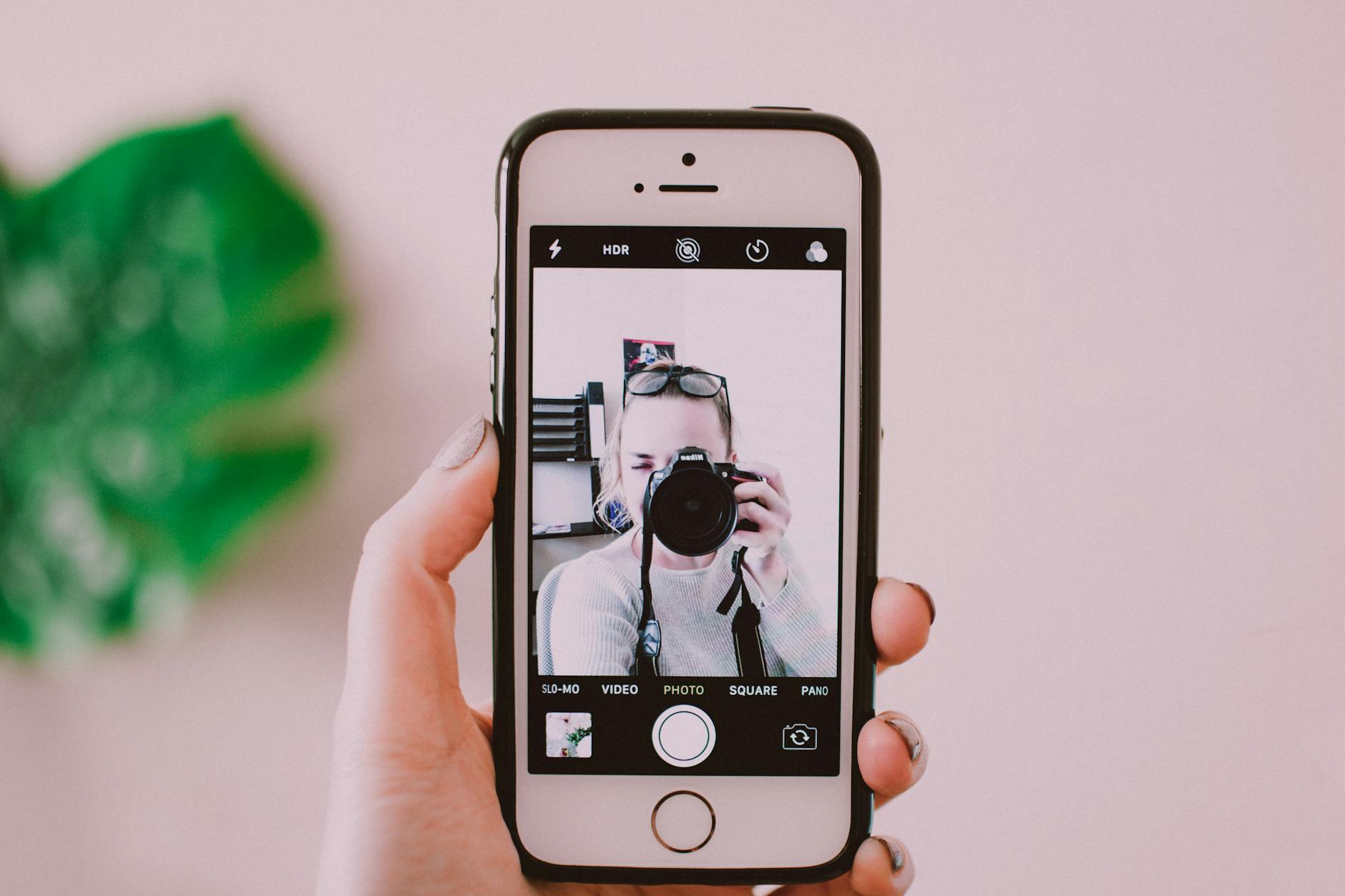 Photo by Lisa from Pexels
Use Grid, Exposure, and Focus for Balanced Shots
The grid is a simple guide that helps you compose more natural photos. Turn on grid lines so you can align your subject with the rule of thirds, which creates more balanced, engaging shots. Use the exposure lock or slider to maintain even brightness as light changes across a scene. Tap to focus on your face first, then lock exposure if your phone allows it. This keeps highlights from blowing out and prevents rough shadows from creeping in. A quick tap near your eyes or smile helps the camera lock onto the right plane, and a later small adjustment with the slider keeps skin tones looking true. For a consistent look, recompute exposure as you reframe, not as you shoot. For reference, see practical tips on grid use and exposure in recent camera guides.
Pick the Best Lens and Mode for Selfies
Front facing lenses are convenient for everyday selfies, but some phones offer wide or portrait modes that can elevate the result. Use wide when you want more of the background to feel natural and open, but be mindful of distortion near the edges. Portrait mode adds depth and helps separate you from the background, which can feel more realistic if the effect isn’t overdone. If you want a true-to-life look, keep background blur subtle or off and rely on good lighting and framing. When you want a touch more drama without losing realism, a light touch of portrait mode can work well. Explore the options and pick the mode that preserves your natural features while keeping the scene believable. For further reading on how top phones handle portrait and lens options, see recommended guides on the best camera phones and portrait capabilities.
Stabilize with Timer or Remote Shutter to Stop Blur
A steady hand makes a big difference, especially for close selfies or group shots. Use a timer or a Bluetooth remote to trigger the shot without touching the phone, which reduces shake. If you don’t have a remote, a short timer (2–3 seconds) still helps you settle into position. Keeping your elbows in and your body still gives you crisper lines and clearer details. For best results, compose, press the timer, and hold your pose until the shutter snaps. If you shoot in brighter environments, you’ll notice the benefit of a stable frame even more.
Posing and Expressions for Realistic Selfies
Natural selfies come from relaxed posture, subtle facial cues, and angles that flatter without shouting “posed.” In this section, you’ll discover practical poses, expression tweaks, and camera angles that keep your shots feeling genuine and ready to share. Think of these prompts as quick templates you can adapt on the fly.
 Photo by Farhan Ullah Baig
Easy Poses That Look Natural
Keep poses simple and motion-driven rather than stiff. Try a slight head tilt to soften the jawline, shoulders angled away from the camera to avoid flatness, and a light, approachable smile. These cues read as candid rather than choreographed. Shift your weight a touch and let one hand rest casually or knead a relaxed pose with your fingers. Practice in front of a mirror to internalize natural lines without overthinking. For reference on easy poses, see this guide on natural selfies.
Your Facial Expression: Relaxed Smile and Soft Eyes
A genuine look comes from a relaxed smile and awake eyes. A forced grin can feel tight and look different on camera. Allow your mouth to open slightly in a natural way, as if you’re about to speak. Keep your eyes soft and bright, not frozen. Imagine you’re sharing a moment with a friend, and your expression will glow more authentically. For context, check a concise guide on authentic smiles and eye warmth.
Angles That Show Your Best Side
Hold the camera slightly above eye level to create a flattering perspective without exaggeration. This angle lifts the line of the jaw and reduces double chin visibility, while still feeling natural. Try turning your head a touch to the left or right to compare which side you prefer. Exploring a few angles helps you discover where your features sit most comfortably in the frame. If you’d like, read about common selfie angles and their effects on skin tone and depth.
Quick Shooting Routine and Light Edits for a Natural Look
A quick, repeatable routine helps you consistently capture selfies that feel real and relaxed. The goal is to shoot a small set, compare shots, and keep edits subtle. With practice, you’ll move through lighting, framing, and expression in seconds, then apply a light polish that preserves your natural look. Think of it as a mini workflow you can run anywhere, using your phone as your trusted tool.
Create a Simple Selfie Workflow
A straightforward 3- or 5-shot routine keeps things efficient without sacrificing variety. Start with a neutral pose and clean framing, then test a few angles to find your best profile. Check the lighting first, then snap a test shot to gauge exposure and color. Adjust stance or distance, and finish with two to four alternate angles to compare. This approach is easy to repeat whether you’re at home or outdoors, and it works well for social posts and stories. For practical pose ideas, see quick references on natural selfie poses.
Subtle Edits That Preserve Your Real Look
Light edits can elevate your selfies without stripping character. Tweak brightness and contrast just enough to reveal details, then adjust warmth to keep skin tones honest. A touch of saturation can wake the image, but avoid oversaturation that looks fake. If you use portrait or noise reduction, keep it gentle. The aim is to enhance what’s there, not erase it. Heavy filters erase individuality; subtle tweaks keep the moment intact. For further reading on balanced editing, you may find tutorials that focus on maintaining realism in post.
Save, Organize, and Share Your Selfies
A tidy system saves time and keeps your memories easy to browse. Name files with date and subject (for example, 2025-06-01_selfie), create albums by event or mood, and back them up to the cloud. When deciding where to post, pick platforms that suit your goals—casual sharing or portfolio building. Keep a small, recurring routine: upload your best five shots weekly, archive drafts, and review what resonated with your audience. If you want more on quick workflows, you can read guides that cover organized photo management and sharing strategies. For inspiration on quick shooting routines, see related resources such as practical self-portrait tips and efficient editing workflows.
Conclusion
Taking natural looking selfies starts with simple steps you can repeat: steady lighting from a window or shade, clean framing that keeps the focus on you, and relaxed posing that looks like a moment, not a pose. Use your smartphone features for balance—grid lines for composition, exposure control for even skin tones, and a subtle lens choice that preserves realism. Practice often, try a quick 5 shot routine this week, and compare results to learn what works best for your face and vibe. Share your favorites with friends and keep refining your approach; with consistent effort, your natural selfies will feel effortless and true to you.