
What If the Only Thing Between You and the Life You Deserve Is a Hidden Wealth Code Waiting to Be Activated
>>> Open the Door <<<

You’ve found a fixture you love and a bulb you think will be perfect. The problem is they don’t always play well together. This guide helps you verify that what you buy at Home Depot will actually fit and work in your space. You’ll learn how to identify fixture types, understand bulb bases and wattage, check dimming and color temperature, and follow a practical step by step to confirm everything in store or online.
Identify Fixture Types and Bulb Bases
A solid match starts with knowing what you’re dealing with. Home fixtures are built to fit specific bulb bases and to handle a certain amount of heat. If you mix bases or ignore wattage, the bulb might not fit, burn out fast, or create a safety risk. Let’s build a clear foundation.
Common Fixture Types Found in Homes
Thousands of People Were Struggling With Money Until They Discovered This One Ancient Secret Hidden in Sound
>>> Unlock It Now <<<

Ceiling mount lights. These fixtures usually use standard screw in bulbs with an E26/E27 base in the United States. Some ceiling fixtures are enclosed, which can affect bulb choice and heat. Look for a label on the fixture that shows the maximum wattage and the base type, often near the mounting plate or inside the canopy. Shade height matters here, because a tall shade can restrict bulb size.
Wall sconces. Sconces come in many styles, from modern metal frames to ornate glass designs. Most use E26/E27 or E12 candelabra bases. If the fixture sits close to the wall or has small shades, you’ll want a bulb with a compact shape to avoid touching the shade. Check the label for max watts and base type.
Recessed cans. These are the round openings in the ceiling that hide the bulb. They typically require PAR or BR type bulbs with specific bases like GU10 or MR16 for some models, or standard A19 with E26 for others. Enclosed cans restrict heat so wattage and bulb shape matter a lot.
Pendant lights. Pendant fixtures often use E26/E27 bases, but some smaller pendants use GU10 or GU24. Consider the height and shade clearance so the bulb won’t poke into the shade or drop heat onto a decorative element.
Floor lamps. These range from simple plug in lamps to architectural designs. Most floor lamps accept standard bulbs with E26/E27 bases, but some shade shapes need smaller bulbs. Always read the label for the max wattage and base type.
In store cues you can spot quickly. Base type is usually printed on the fixture label along with max wattage. If you’re unsure, pull the shade back or open a small access panel to read the sticker. When shopping online, use filters for base type and max wattage to instantly narrow options.
Bulb Bases and Wattage Demands
Bulbs come in several bases. The most common in homes is the E26/E27 screw base, a wide standard in North America. GU24 is a two pin twist-lock used on some energy efficient fixtures. GU10 is a two pin twist-lock that is often paired with MR16 halogen or LED modules. A candle shape usually uses the E12 base, smaller and designed for decorative fixtures. Some specialty fixtures use bi-pin bases like G4 or G9, especially in decorative lights or low voltage setups.
Why wattage matters is simple. The fixture label shows a maximum wattage. If you install a bulb that draws more heat than the fixture was built to handle, you risk overheating and possibly a fire. Even with LED bulbs, which use less wattage for the same light output, you must stay within the fixture’s limit. When you switch to LED, you’ll often see a wattage number on the LED bulb that is far lower than the original incandescent for the same brightness.
Reading labels helps a lot. The fixture label will tell you the base type and the maximum wattage. The bulb packaging or product page will show the base and the LED equivalent if applicable. When in doubt, compare both the base type and the wattage to confirm a proper fit. If you see a shade or housing that looks tight, measure the bulb length and check the shade clearance.
Check Compatibility Before You Buy
Before you add anything to your cart, perform a quick compatibility check. This saves time and avoids returns.
Base Type, Size, and Fit
- Identify the socket: Look at the socket or the label on the fixture to confirm E26/E27, GU24, GU10, E12, or a bi-pin base.
- Confirm the bulb length fits the space: Measure the distance from the socket to the shade or housing. Lamps with tight shade clearance may need a smaller bulb or a bulb with a shorter neck.
- Check the fixture’s max wattage: Do not exceed this value even if the bulb is LED. Some LEDs claim lower wattage while delivering high brightness. Read both the fixture label and the bulb packaging.
When buying online, verify the base and wattage in the product specs. It helps to open a second tab with the fixture’s manual or the Home Depot listing to cross check. If a product page doesn’t list the base type, look for a manual or contact support before buying. Always confirm that the replacement bulb is within the max wattage for safety.
Dimming, Brightness, and Color Temperature
What If the Only Thing Between You and the Life You Deserve Is a Hidden Wealth Code Waiting to Be Activated
>>> Open the Door <<<
- Dimming: Not all LEDs work with every dimmer. If your home uses a dimmer switch, ensure the bulb is labeled dimmable and compatible with your dimmer type. Some dimmers require specific LED bulbs. If you replace a bulb and the dimmer doesn’t respond smoothly, it may be a compatibility issue.
- Brightness: Brightness is measured in lumens, not watts. An LED bulb with the same lumens as a higher wattage incandescent will use far less energy. For living rooms or kitchens, you’ll typically want 1,000 to 2,000 lumens total for a central fixture, depending on room size.
- Color temperature: Measured in kelvin (K), it influences mood. 2700K is warm and cozy, 3000K is a soft white, and 4000K is daylight bright. Kitchens and bathrooms often benefit from around 3000K to 3500K, while living rooms can lean toward 2700K to 3000K.
Color Rendering and Mood
- CRI, or color rendering index, shows how true colors look under the light. Most home bulbs advertise a CRI of 80 or higher. In kitchens and bathrooms where you judge fabric colors or makeup, higher CRI matters. For living spaces with people and color tasks, aim for 90 or above if you can, but 80+ is usually fine for most homes.
- Use CRI as a tie breaker when choosing bulbs for tasks that rely on color accuracy. A higher CRI makes reds appear redder and blues truer, creating a more natural look across activities.
Practical Steps for Matching Home Depot Purchases
A practical, repeatable process helps you shop confidently in store or online. Here’s a buyer’s checklist you can reuse.
Collect Fixture Details
- Socket type and max wattage: Photograph or write down the label info from the fixture. If you’re unsure where to look, check the canopy on ceiling fixtures or the label under the shade on wall sconces.
- Dimmable status: Note whether the fixture is dimmable. Some fixtures are always on or are controlled by a wall switch that isn’t compatible with dimming.
- Location and purpose: Consider a hall light, kitchen task light, or bathroom vanity. This helps pick color temperature and brightness.
- Measurements: Record height, width, and shade clearance. For floor lamps or pendant lights, measure whether the bulb will fit inside the shade without sticking out.
- Photos of the fixture label or manual: A quick photo saves you from rechecking details in the store.
Cross-check Specs Online and In-Store
- Use filters for base type and max wattage on Home Depot pages. If you’re unsure, compare two or three options and read the product specs side by side.
- Confirm LED compatibility and dimming: If you plan to use a dimmer, look for bulbs labeled compatible with your dimmer. Review notes from other buyers who mention real world performance.
- Read warranty terms: Home Depot listings often include warranty length and coverage details. Check if there are any caveats for LED replacements or dimming components.
- Check shade compatibility: If you’re replacing an old bulb, ensure the new option will visually match the existing light quality and shade size. If you’re unsure, you can bring a sample or compare on your device using the product photos.
Safe Testing and Installation Tips
- Turn off power at the switch before removing or installing bulbs.
- Handle bulbs carefully to avoid oil on the glass or rough handling that can shorten bulb life.
- Do not mix old and new bulbs on dimmers unless you know all bulbs are compatible. Start with a test run in a controlled space.
- After installation, switch on and observe for flicker, warmth, and dimming response. If anything seems off, power down and recheck compatibility.
Troubleshooting Common Mismatch Scenarios
What to Do If a Bulb Won’t Fit
- Return it: If the base is wrong or the bulb is too long, return it and search for the correct base type.
- Check socket type: A GU24 socket won’t accept an E26 bulb. If the socket is GU24 and you only have E26 bulbs, you’ll need an adapter or a different fixture.
- Consider a base adapter: Some adapters enable base changes, but they are not universal. Use them only if the fixture is designed to accept them and the manufacturer approves it.
- Shade clearance: Ensure the bulb length won’t protrude past a shade or housing. If it does, you may need a shorter bulb or a different fixture.
What to Do If a Fixture Requires a Different Bulb
What If the Only Thing Between You and the Life You Deserve Is a Hidden Wealth Code Waiting to Be Activated
>>> Open the Door <<<
- Find a compatible alternative: Look for a bulb that matches the base, fits inside the shade, and stays within max wattage. If the fixture uses an enclosed design, ensure the bulb is rated for enclosed fixtures.
- Check brightness and warmth: Choose a similar brightness and a color temperature that matches the room’s feel. If you’re replacing a 60 watt incandescent with LED, use the LED equivalent shown on the package.
- Confirm dimming compatibility: If you have a dimmer, verify it’s compatible with the chosen bulb. If not, you may need to replace the dimmer or the entire fixture.
- Quick check checklist: Base type matches, wattage within limit, dimming works, color temperature fits the room, CRI is adequate, and the bulb will physically fit the socket and shade.
Practical Steps for Matching Home Depot Purchases (Continued)
In practice, you’ll often switch between in-store and online shopping. Use these tactics to stay consistent.
Collect Fixture Details (quick reference)
- Socket type and max wattage from the label
- Dimmable status
- Room use and location
- Shade height and clearance
- Fixture dimensions and photos
Cross-check Specs Online and In Store (quick reference)
- Filter by base type and max wattage
- Check dimming compatibility in product notes
- Review lumen output and color temperature
- Read warranty terms and customer notes
- Verify LED compatibility and shade fit
Safe Testing and Installation Tips (quick reference)
- Power off before handling bulbs
- Avoid mixing old and new bulbs on dimmers
- Do a controlled test after installation
- Keep a simple test plan so you catch issues early
Troubleshooting Common Mismatch Scenarios (quick reference)
- If a bulb won’t fit, reassess base and length, or use the correct adapter
- If a fixture needs a different bulb, pick a compatible base, brightness, and warmth, and test the dimming
Conclusion
Matching fixtures and bulbs bought from Home Depot is a precise, repeatable process. Start with the fixture’s base type and max wattage, then confirm dimming and color temperature fit your space. Gather key details, compare specs online and in store, and test safely before finalizing. This approach minimizes returns and helps your lighting feel consistent from room to room. Bookmark this guide and return when you shop again. If you have tips or questions, share them in the comments to help others light their spaces better.
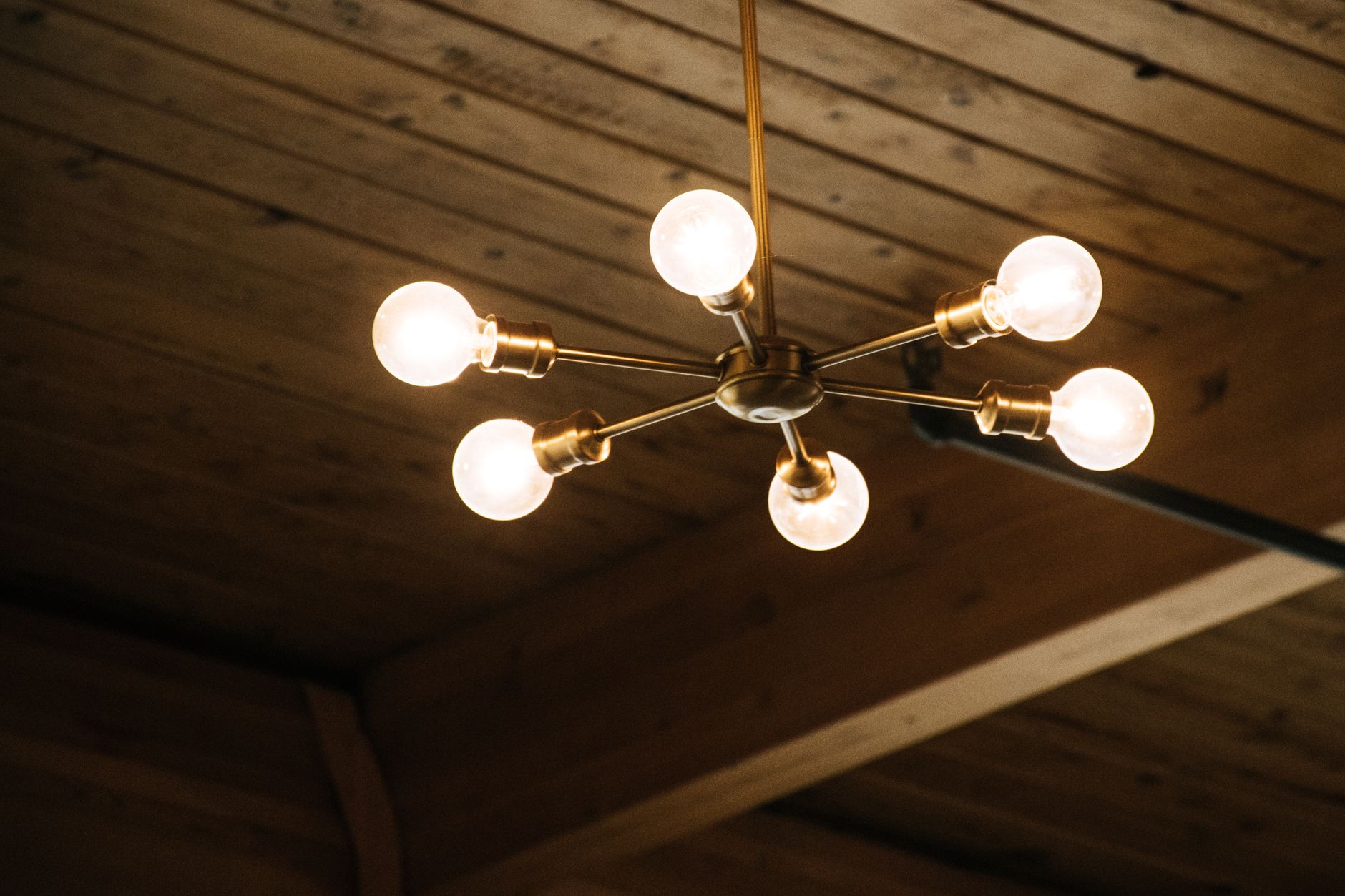
Photo by Brett Sayles. https://www.pexels.com/@brett-sayles
There Is a Frequency That the Wealthiest Families Have Used for Generations and Most People Will Never Know It Exists
>>> Open the Door <<<
