
There Is a Frequency That the Wealthiest Families Have Used for Generations and Most People Will Never Know It Exists
>>> Open the Door <<<

Picture this: you’re in the middle of a call or navigating maps, and your phone suddenly blacks out at 5% battery. It feels like it has plenty left, but nope, it’s dead. This glitch hits hard because battery health wears down over time. The phone’s software reads the charge wrong, or the battery itself can’t hold power anymore.
Battery health shows the max capacity compared to when it was new. At low levels like 5%, old cells shut off early to protect themselves. This problem strikes both iPhones and Android phones. No need to panic. You can fix phone shutting down at 5 percent battery health with simple steps. We’ll cover causes, quick software tweaks, battery swaps, and habits to stop it from returning. Most fixes take minutes and cost nothing. Let’s get your phone back to full days on one charge.
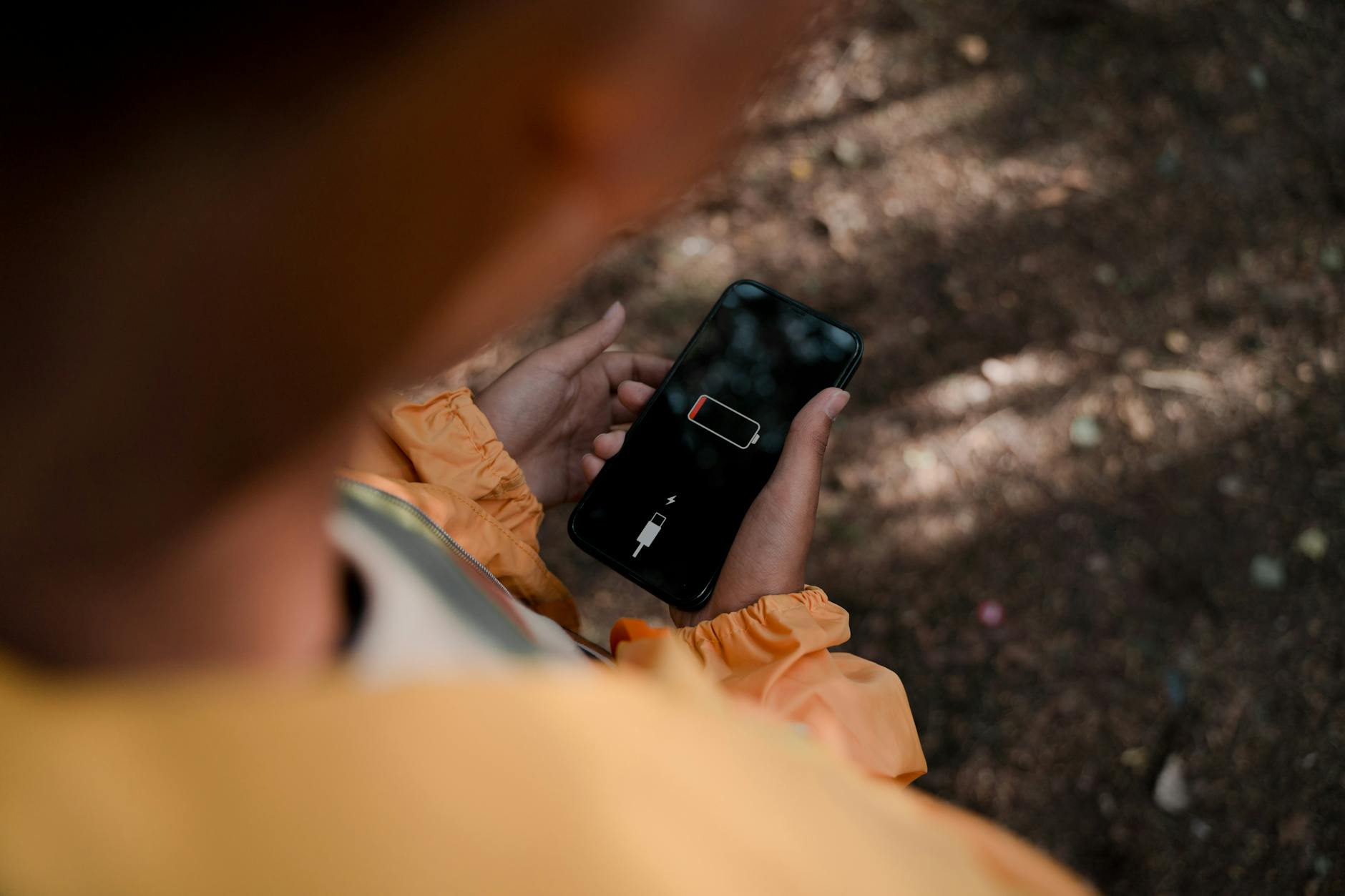
Photo by Ron Lach
Why Your Phone Shuts Down Early at Low Battery Levels
Batteries degrade like tires on a car. They lose grip after miles. Your phone’s lithium-ion battery does the same. Chemical reactions inside break down over cycles. At 5%, the phone forces a shutdown to avoid damage, even if the screen says more juice remains.
He Was Drowning in Bills and Burnout Until a Simple Daily Ritual Rewired His Brain for Wealth in Less Than a Week
>>> Start Your Shift Today <<<

Software plays a role too. It guesses charge levels based on past use. Heavy apps drain fast and confuse the meter. Extreme heat or cold worsens it; batteries hate temps over 95°F or under 32°F. Faulty chargers add stress with unstable power.
Check your stats now. On iPhone, go to Settings, then Battery, then Battery Health. Look for maximum capacity under 80%. Android users head to Settings, Battery. Apps like GSam Battery Monitor give deeper reads. Ever wonder why it happens to you? Vote in comments: iPhone or Android?
Spot the Signs of Poor Battery Health
Watch for these red flags:
- Sudden shutdowns at 5-10%, even after a full charge.
- Battery drops from 20% to 0% in minutes.
- Phone warms up quick during light use.
- Charge percentage skips, like 10% to 5% fast.
View graphs in settings. iPhone shows hourly use; Android lists app drains. These differ from normal drop at day’s end. Act early to save the battery.
Factors That Speed Up Battery Wear
Background apps sip power nonstop. Games or social media push limits. Overnight charging keeps cells at 100%, causing heat buildup.
Old cables or ports deliver uneven flow. Cold garages or hot cars spike wear. Always-plugged laptops face the same issue.
Phones now have smart charging. iPhone limits to 80% overnight. Samsung’s adaptive mode does similar. Turn these on to ease stress. Skip fast chargers daily; they generate heat.
Simple Software Fixes to Restore Battery Performance
Start here before spending cash. These tweaks reset the system and cut waste. They work on most phones and take under 30 minutes. Risks stay low, but back up data first.
Restart clears glitches. Hold power and volume down until the slider appears. Slide to shut off, wait 30 seconds, power on.
Calibrate Your Battery Meter
The meter drifts like a scale after bumps. Calibration resets it. Follow these steps once a month.
For iPhone or Android:
- Charge to 100% with the original cable. Leave plugged in two hours extra.
- Use normally until auto-shutdown. Do not turn on.
- Leave off five hours.
- Charge to 100% without breaks. Use right away.
This teaches software true capacity. Repeat if shutdowns persist. Users report 10-20% better low-end life.
Update Software and Tweak Settings
Old software bugs drain power. Check updates: iPhone in Settings, General, Software Update. Android via Settings, System, System Update.
Enable Low Power Mode at 20%. It dims screen, slows CPU. iPhone auto-triggers; toggle manually. Android calls it Battery Saver.
Close background apps. Swipe up, hold cards, clear all. Disable Bluetooth, location if unused. Turn off always-on display.
Thousands of People Were Struggling With Money Until They Discovered This One Ancient Secret Hidden in Sound
>>> Unlock It Now <<<

Battery optimization helps. Android: Settings, Apps, Special Access, Optimize. Exempt only key apps.
Clear Cache and Manage Apps
Cache builds junk. Android: Settings, Apps, Storage, Clear Cache per app. iPhone offloads unused ones in Settings, General, iPhone Storage.
Spot hogs: Settings, Battery. Uninstall or restrict top drainers like Facebook. Free up 10-20% space for smooth runs.
Replace Your Battery for a Permanent Fix
Software fails when health dips below 80%. A new battery restores full capacity. Expect 8-10 hours screen time again. Costs run $50-100, depending on model.
DIY saves money but risks water seals or screens. Shops handle it safe. Check warranty first; many cover one year.
iPhones qualify for Apple service up to five years on battery. Android varies by brand.
Check If Your Battery Needs Replacement
Run diagnostics. iPhone: Settings, Battery, Battery Health. Below 80%? Swap time. Peak performance shows if capable.
Android lacks built-in score. Download AccuBattery. Charge fully twice; it estimates health. Under 75% means replace. Logs show cycles too.
Safe Ways to Get a New Battery
Backup everything: iCloud or Google Drive.
Apple Store books free diagnostics. They swap in one hour, $69-99. Authorized shops match quality.
Android: uBreakiFix or brand centers like Samsung Experience. Costs $60-120. Pick model-specific kits for DIY: iFixit tools, $30-50.
After install:
She Pressed Play on a Strange Audio Track and Within Days Her Financial Reality Started Shifting in Ways She Could Not Explain
>>> See How It Works <<<

- Charge to 100% three times.
- Update software.
- Avoid full drains first week.
Shops test post-swap. Your phone revives like new.
Prevent Battery Shutdowns from Happening Again
Good habits extend life to 500 cycles. Charge to 80% daily, like filling a gas tank halfway. Use 20-80% range.
Store cool, under 77°F. Genuine cables prevent surges. Limit app refresh: iPhone in Settings, General, Background App Refresh; set Wi-Fi only.
Enable optimized charging. Samsung users turn on Protect Battery at 85% cap.
Daily checks:
- Review battery use weekly.
- Update apps monthly.
- Restart bi-weekly.
Maintenance schedule: Calibrate quarterly, full charge yearly. These steps keep shutdowns away.
In summary, fix phone shutting down at 5 percent battery health starts with calibration and updates. Replace if health lags. Prevent wear with smart charges. Try these now; most see results fast. Share your fix in comments or subscribe for more tips. Your phone can last all day again. What’s your biggest battery pain?
There Is a Frequency That the Wealthiest Families Have Used for Generations and Most People Will Never Know It Exists
>>> Open the Door <<<