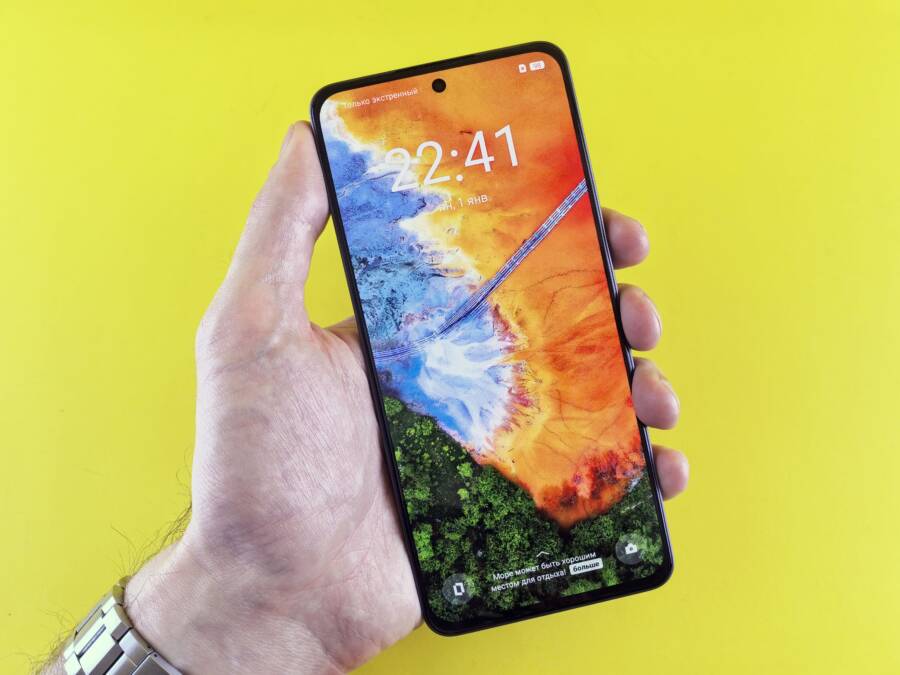
When your smartphone feels hot to the touch at max brightness, it happens because the display consumes more power than any other internal component. Pushing the screen to its highest setting forces the processor to work harder to render images, which generates excess heat that the thin chassis struggles to dissipate.
You don’t have to live with an overheating device during everyday use. Simple software adjustments and environmental tweaks often bring temperatures back to normal levels.
Follow these practical steps to cool down your device and improve its performance.
Understanding the Link Between Screen Brightness and Heat
High brightness settings turn your smartphone into a small radiator. The display is the single largest consumer of battery power, and pushing it to maximum output forces the internal hardware to work at its peak. As current flows to illuminate every pixel, the electrical resistance generates heat. Because smartphones lack internal cooling fans, that thermal energy must dissipate through the outer glass and frame. When you set your brightness to the maximum, you move the device closer to its thermal limit.
How Display Technology Affects Battery Drain
Modern smartphones primarily use either OLED or LCD technology. Each type handles power differently, but both generate significant heat when pushed to their limits. OLED screens produce their own light by energizing individual pixels. At low brightness, they consume very little power. However, displaying bright white backgrounds at maximum settings requires every single pixel to fire at full intensity. This creates a massive surge in power consumption that radiates heat across the entire front panel of your smartphone.
LCD panels function differently because they use a static backlight to illuminate pixels. This backlight stays on regardless of what you see on the screen. Pushing an LCD to maximum brightness forces the backlight to draw substantial current from the battery. This consistent, high-intensity power draw produces localized heat behind the display layer. While OLED screens often feel hotter when displaying bright white content, LCDs maintain a steady thermal load across the whole panel when the brightness slider is pushed to the top.
When Processing Power Meets High Visual Output
Heat issues often surface when you use your smartphone outdoors under direct sunlight. To maintain visibility, your device software automatically triggers peak brightness mode. This state requires the display driver and the graphics processor to work in tandem. The phone must render high-contrast images so you can see them against the glare of the sun. The ambient temperature of a sunny environment adds another layer of stress to the system.
The combination of extreme display output and external heat creates a perfect storm for thermal throttling. Your smartphone relies on its chassis to dump heat into the air. If the air around you is already hot, the temperature gradient shrinks, and the phone cannot cool itself fast enough.
Consider these factors that increase the thermal load:
Running navigation apps or high-frame-rate games while at maximum brightness forces the processor and display to share a limited thermal budget.
Thick protective cases trap heat against the glass and frame, preventing it from escaping into the environment.
Charging the battery while using the screen at full intensity adds internal chemical heat to the heat generated by the display, often triggering safety shutdowns.
Managing your brightness is a simple way to stay below these critical thermal thresholds. If you notice your device warming up, lowering the brightness by just twenty percent can significantly reduce the load on your battery and internal components.
Simple Steps to Stop Your Phone from Overheating
Preventing thermal spikes is easier when you change how your device handles display output and background activity. You can extend the lifespan of your smartphone by controlling these two major heat sources. Focus on automated settings and active task management to maintain a stable temperature.
Using Adaptive Brightness for Better Thermal Management
Adaptive brightness is an essential feature for keeping your smartphone cool. This setting uses sensors to monitor ambient light levels and adjusts your screen output accordingly. Instead of forcing your display to operate at a fixed maximum level, the system dynamically scales down power consumption when you don’t need full brightness.
Efficiency gains from this feature are significant because the display is a major thermal generator. When you keep the screen at maximum, the backlight or individual pixels generate continuous heat. Adaptive brightness minimizes this by only requesting high power output when your environment truly requires it. You save battery life, and your hardware stays well within comfortable operating temperatures.
Manual settings often cause you to keep the brightness higher than necessary for the current lighting. You might forget to turn it down after moving indoors. Automation removes this user error, preventing the device from wasting power on unnecessary light emission.
Reducing Background App Load and Processing Stress
Your smartphone generates heat not just from the screen but from every process running behind the scenes. When the display is already pushing the hardware toward its thermal limit, background tasks add extra work for the central processor. Closing unnecessary apps lowers the total thermal load on the internal chassis.
Multi-tasking puts consistent pressure on your device memory and processor. Each active process requires electrical current, which eventually converts into heat. If you use your phone at maximum brightness, your processor works hard to maintain visual frame rates while managing background updates. You can reduce this strain by following these habits:
Close apps that sync data in the background, such as heavy social media feeds or cloud storage clients.
Disable automatic app updates while using high brightness outdoors.
Limit location services for apps that do not require real-time tracking.
These actions free up computing cycles and reduce the energy demand on your battery. When your processor manages fewer tasks, it creates less internal heat to dissipate. You will notice your smartphone feels cooler to the touch because the total energy throughput remains lower. Managing your active apps creates more thermal headroom for the display to operate effectively without triggering protective throttling.
Hardware and Environmental Tips for Cooling Your Device
Managing your smartphone temperature requires more than just adjusting display settings. Your hardware and your surroundings work together to pull heat away from the processor. When you operate the device in a hot environment or block its natural ventilation, temperatures climb quickly. These practical physical adjustments help your device maintain a safe operating range.
The Impact of Protective Cases on Heat Dissipation
Protective cases are useful for preventing drops, but they often act as thermal insulation. Most cases contain materials like silicone, plastic, or thick rubber that do not conduct heat well. These materials trap the thermal energy produced by your internal components, preventing it from escaping through the back or sides of the frame. When your smartphone works at maximum brightness, this trapped heat builds up, forcing the processor to throttle performance to prevent hardware damage.
You should remove your case if the device becomes hot while you use it in the sun or during intensive tasks. Without the case, your phone exposes its chassis directly to the air. This change allows the heat to dissipate faster through the frame and glass. If you often notice your phone feeling hot, consider using a thinner, ventilated case or a bumper frame that exposes the back of the device. Removing the case for even twenty minutes while you charge or perform heavy tasks can make a noticeable difference in your overall experience.
Avoiding Direct Sunlight While Using Your Smartphone
Direct sunlight is the most common external cause of overheating. When you stand in the sun, two sources of heat converge on your phone. First, the internal hardware generates heat to maintain peak brightness for visibility. Second, solar radiation hits the display directly and warms the chassis from the outside. This combination creates a thermal runaway scenario where the internal cooling capacity cannot keep up with the constant influx of energy.
You can prevent this by keeping your device in the shade whenever possible. Even a small amount of shade significantly reduces the surface temperature of the screen. If you must use your smartphone outdoors, stand under an umbrella, move to a covered area, or turn your body to block the sun from hitting the screen. These simple habits keep your device within its normal operating temperature. If the phone still feels hot after you move into the shade, place it on a cool surface, like a stone bench or a table, to help draw heat away from the internal battery.
When to Worry About Excessive Heat
Smartphone hardware is built to operate within a specific thermal range. Most modern devices function safely until internal temperatures reach a critical threshold, usually around 115 degrees Fahrenheit. While a warm phone is often a normal byproduct of high-intensity tasks, persistent high heat can damage your battery or shorten the lifespan of internal components. You should pay close attention if the device becomes too hot to hold comfortably or if it shuts down unexpectedly.
Recognizing Signs of Thermal Stress
Your smartphone has built-in safety features that trigger when components become dangerously hot. The most common sign of a serious issue is a sudden, unprompted reduction in performance. The processor slows down its clock speed to generate less heat, which makes animations stutter and apps load slowly. If your phone feels hot and you notice it is suddenly sluggish, it is protecting itself from thermal damage.
Look for these specific warning signs:
The screen brightness dims automatically despite your settings.
Apps crash or close suddenly without user input.
A warning message appears on the screen asking you to let the device cool down.
The battery percentage drops rapidly or shows erratic jumps.
The touchscreen becomes unresponsive or inaccurate in its input detection.
Risks of Prolonged Exposure to High Heat
Running a smartphone at high temperatures for extended periods creates long-term reliability problems. Lithium-ion batteries are sensitive to heat, and constant exposure accelerates their chemical degradation. A battery that spends its life in a hot chassis will hold less charge over time and eventually fail faster than a device kept at normal temperatures.
Internal hardware components like the flash storage and the processor also suffer under extreme thermal conditions. Constant heating and cooling cycles cause microscopic expansions and contractions in the logic board, which can eventually lead to cracked solder joints or electrical shorts. If your smartphone reaches the point of an emergency shutdown, it is clear that the current workload exceeds the device’s ability to dissipate heat. Immediate action is necessary to prevent permanent hardware failure, so stop all resource-heavy tasks and place the phone on a cool surface to restore a safe operating state.
Conclusion
Heating issues when using max brightness represent a direct trade-off between visual clarity and thermal efficiency. Your smartphone generates heat because the display backlight or pixel arrays require constant power to maintain high luminance levels. You can easily mitigate this by utilizing automatic brightness settings or reducing manual output during intensive tasks.
Maintaining a balanced display setting protects your battery health and ensures consistent system performance over time. A cooler device runs faster and lasts longer, so monitor your screen output to keep your hardware within a safe operating range.