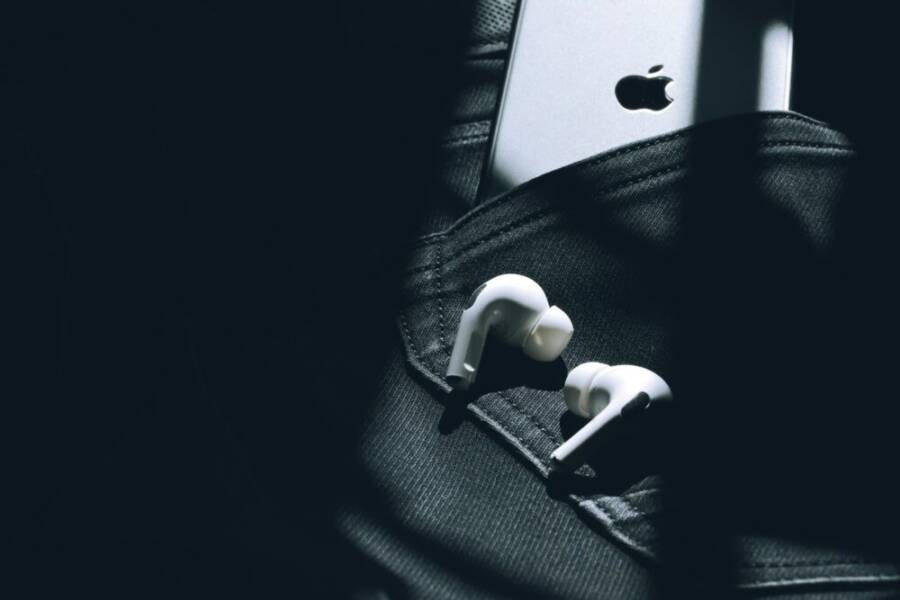
Missed calls can happen in busy places, but a phone that rouses you with a strong vibration won’t stay unseen. When a pocket or bag muffles sounds, a robust haptic cue becomes your primary alert, not an afterthought. This guide helps you pick a phone that reliably shakes you awake when someone calls.
You’ll learn what to look for in a vibration system, why some phones feel noticeably stronger than others, and which models currently lead the pack. We’ll cover practical tips for testing vibration, plus quick adjustments to maximize noticeability in noisy environments. If you’ve ever missed calls in crowds or transit, you’ll want facts you can trust and a few clear recommendations you can act on today.
Why strong vibration matters for missed calls
Missed calls happen in noisy, chaotic moments. A ringtone can be drowned out by crowd chatter, a loud gym playlist, or the whirr of a crowded train. In these scenes, vibration is not a luxury—it’s the primary cue that signals a call is waiting. A robust vibration system cuts through the ambient noise and wakes you up or pulls you to your phone fast. This section explains why vibration strength matters, and how it translates into real world scenarios.
How vibration strength helps in noisy places and busy moments
When you’re on a packed train, a bus shuttle, or waiting in a loud stadium, sound barely travels. The phone might be in your pocket, face-down on a table, or tucked inside a bag. In these cases, a strong, well-tuned motor becomes the difference between a missed call and a quick response. A powerful vibration pattern can feel like a clear, unmistakable pulse that your fingers can sense through fabric, leather, or even a backpack buckle. This tactile alert is reliable even when the surrounding noise reaches a fever pitch.
In a gym, the environment is designed to blast energy outward. Music thumps, machines whirr, and people move with purpose. Your phone can stay silent in a pocket, only to reveal a missed call when a deep, resonant vibration travels through cloth and layers. A robust motor creates a noticeable, non-fatiguing sensation that you can recognize among other vibrations from fitness trackers or nearby devices. The result is a quick awareness that a call needs your attention, not a moment of confusion while you search for the phone.
Outdoors introduces its own challenges. Wind, traffic, and natural sounds blend into a dense audio backdrop. Strong vibration helps bridge the gap, delivering a tactile signal that stands out even if the device is buried in a bag or resting on a noisy surface. Think of it as a reliable anchor on a crowded street corner or at a busy bus stop. You don’t need to listen for the ring; you feel it.
Real world testing matters. Try placing the phone face-down on a table and triggering a test call. Notice how many taps or pulses you feel through the surface. Then place the same phone in a shirt pocket, a jeans pocket, or a bag and test again. If the vibration feels muffled in any setting, it’s a sign the motor could be undersized or the firmware is not optimizing the pattern. A strong vibration system should deliver a consistent wake-up cue across locations, not just in a quiet room.
Vibration strength is more than raw force. It’s about how the signal is perceived by the human body. A good system uses:
- Proper amplitude: enough force to be felt without causing discomfort.
- Smart patterns: combinations of pulses that signal urgency without overwhelming the user.
- Consistency: the same sensation across different phone orientations.
For many readers, these factors translate into a practical question: how do I judge vibration strength when shopping? Start with hands-on tests in natural environments. If possible, bring a friend to simulate a busy scenario and compare models side by side. Look for devices that advertise high-torque vibration motors or haptic feedback designed for notifications. A quick review of reputable resources shows that vibration motors play a central role in effective notification systems, especially in noisy settings. For further background on vibration design and its role in alerting, see industry discussions on vibration motors and haptic applications. Vibration alerting applications and guidance from Android developers on haptic principles offer technical context that can help you interpret phone reviews and feature specs.
When you read reviews, keep a few practical questions in mind:
- Does the phone deliver a distinct, single tap or a rapid sequence that is easy to recognize?
- Can you adjust the intensity without sacrificing comfort?
- How does the vibration perform with cases or in-pocket usage?
The best phones balance power with comfort. A strong motor paired with thoughtful software tuning creates a vibration profile that remains noticeable in the day-to-day shuffle of life. Some users appreciate a brief, intense pulse that cuts through noise, while others prefer a longer, repeating pattern that reinforces the cue. Either way, the goal is a tactile signal that you can trust, no matter where you are.
For those who want a little more technical insight, reputable sources discuss how designers approach haptics for notifications. They note that less can be more, and that overly aggressive vibration can become numbing or annoying over time. The key is calibrated strength and smart patterns that align with typical user behavior and environments. This approach helps ensure missed calls are noticed promptly without creating new sources of distraction. If you’re curious about design principles, explore guidance from Android’s haptics design resources to see how patterns and feedback curves are recommended for everyday use. Haptics design principles | Views – Android Developers.
In practice, strong vibration is especially valuable for people who move through high-noise environments or who frequently carry devices in bags or pockets. It delivers a reliable wake-up cue and reduces the chance of missing important calls, messages, or alerts. When you’re choosing a phone, consider how the vibration system feels in real life, not just on the spec sheet. A device that performs well in the field delivers peace of mind and faster responses when every second counts.
To sum up, strong vibration matters because it provides a practical fallback to sound in real-world conditions. It helps you notice missed calls quickly, supports safer multitasking, and reduces the stress of trying to locate a phone in a crowded or loud space. When shopping, prioritize phones with proven, tunable haptic systems and look for user feedback that confirms reliable performance across everyday scenarios. For broader context on vibration motors and their role in everyday devices, a few industry discussions are worth a read. What’s Mobile Phone Vibration Motor – News.
If you want a concise takeaway: a strong vibration system is a practical, everyday feature. It ensures missed calls don’t go unnoticed, even when you’re surrounded by noise. That reliability is what keeps your communication flow smooth, no matter where you are. For more background on how vibrations translate to user experience, check out additional references on haptic applications. Vibration Alerting Applications.
Best phones with strong vibration for missed calls
Strong vibration can be the difference between missing a call and catching it in time. In busy environments, a powerful, well tuned haptic system makes missed calls stand out in your pocket or bag. Below you’ll find four standout models that consistently deliver noticeable, reliable alerts. Each subsection covers why the vibration system matters, how you can customize it, and practical tips for testing in real life.
Xiaomi 15 Ultra: industry leading vibration for clear alerts
The Xiaomi 15 Ultra packs a high torque vibration motor that delivers a crisp, decisive pulse. Reviewers note that the sensation is felt quickly and clearly, even through fabric. You can tailor the intensity to suit your environment, whether you’re squeezing in a workout at the gym or riding a crowded subway. The ability to reduce or boost the feedback without compromising its distinct signature helps you notice calls and messages without extraneous noise from the surrounding crowd.
To test in your own setting, try a quick live test in three spots: a desk, a jacket pocket, and a bag. You want a uniform feel across locations, with a pulse that remains legible when the phone is face down. For deep dives on how vibration motors influence notification clarity, consult reviews that highlight the Xiaomi 15 Ultra’s strong tactile performance. Learn more in the Notebookcheck review and related coverage.
- Key takeaway: A strong, tunable motor paired with a responsive software profile ensures you feel, not just hear, missed calls.
- Quick tip: Increase the vibration intensity to the highest setting first, then dial back until it’s comfortable for daily use.
External references:
- Notebookcheck: Xiaomi 15 Ultra review – Leica powered powerhouse https://www.notebookcheck.net/Xiaomi-15-Ultra-review-Leica-powered-powerhouse.975197.0.html
OnePlus 13: reliable, bold haptic feedback
OnePlus has long prioritized haptics, and the OnePlus 13 continues that tradition with crisp, pronounced feedback. The default haptic strength is noticeable without being overwhelming, and you can adjust it to a level that works for missed calls in noisy environments. When set higher, the vibration becomes a clear cue that a call is waiting, even if you can’t glance at the screen.
If you want to maximize noticeability, try the device in three scenarios: in a gym with heavy background noise, on a crowded street, and in a quiet office with a wall between you and the phone. The better you can feel the pattern, the less you need to rely on ringtones. For those who want a hands-on sense of how strong the haptics can be, community threads and hands-on previews show how adjustable the feedback can be, ensuring it remains effective across daily activities.
- Key takeaway: Strong, adjustable haptics make missed calls obvious without waking others around you.
- Quick tip: Set the haptic strength to the top comfortable level and test the pattern in a busy environment to confirm it cuts through noise.
External references:
- Android Police: 5 things to do immediately with your new OnePlus 13R https://www.androidpolice.com/oneplus-13r-things-to-do-immediately/
Samsung Galaxy S25 Ultra: solid, dependable alerts
Samsung continues to refine its vibration profile for daily use. The Galaxy S25 Ultra offers a stable and dependable alert mechanism with a well balanced motor that stays noticeable across typical daily tasks. The system remains consistent whether the phone sits in a pocket, a backpack, or a tight jeans pocket. This reliability is key when you want a quick heads up for missed calls in busy environments.
A practical approach is to compare the Galaxy S25 Ultra against your current device in common scenarios: subway car, gym, and outdoor events. The goal is to ensure the pattern is easily recognized and can be adjusted if you frequently wear bulkier cases. The device also supports broader customization for those who need a louder or subtler cue depending on the context.
- Key takeaway: Consistent performance and flexible vibration settings make missed calls easy to notice day to day.
- Quick tip: Use a mid to higher setting during commutes and lower it in quiet spaces to avoid fatigue.
External references:
- OnePlus 13 community thread about haptics https://community.oneplus.com/thread/1881417496230100997
iPhone 16 Pro Max: accessibility tuned vibration
The iPhone line has long been associated with refined haptics, and the iPhone 16 Pro Max continues that tradition with accessibility oriented vibration tuning. Precise haptics deliver a clean, recognizable pulse that pairs well with the built in visual alerts. The result is a strong, reliable cue for missed calls, especially when you need a tactile signal that stands out from daily background noise.
Accessibility features ensure that users with different needs can rely on robust haptics without needing to crank up the overall volume. You’ll notice a balance between strength and comfort that remains legible even in loud venues. The combination of tactile cues and accessible options helps a broader range of users stay on top of incoming calls.
- Key takeaway: Precision haptics paired with accessibility tools make missed calls noticeable for a wider audience.
- Quick tip: Test both the strongest vibration setting and the accessibility options to find the best fit for your environment.
External references:
- Notable coverage on iPhone vibration and accessibility features https://www.notebookcheck.net/Xiaomi-15-Ultra-review-Leica-powered-powerhouse.975197.0.html
Additional context and testing notes
- Practical testing approach matters. For all models, try a real-world test: place the phone face down on a table, then in a pocket or bag. Compare the immediacy and clarity of the cue across locations.
- Customization is essential. Look for devices that let you tailor both intensity and pattern. A strong motor matters, but software tuning makes the cue instantly recognizable.
- Consistency across orientations. You want the same feel whether the phone is screen up, screen down, or tucked inside a bag.
If you’d like deeper background on vibration design principles, these resources offer solid context. They discuss how developers balance signal strength, pattern variety, and user comfort to create effective haptic alerts.
- Vibration design principles in Android environments: https://developer.android.com/develop/ui/views/haptics/haptics-principles
- General vibration alerting applications: https://www.precisionmicrodrives.com/vibration-alerting-applications
- Industry discussion on vibration motors in mobile devices: https://www.ineedmotors.com/news/what-s-mobile-phone-vibration-motor-33317512.html
Want more hands-on guidance? Look for real-world tests that compare how each model feels with common accessories like cases or screen protectors. A strong vibration profile should stay noticeable even when you add a protective layer or carry the phone inside a thick jacket.
How to customize vibration for missed calls
When you rely on vibration to catch missed calls, a few precise adjustments can make a big difference. This section shows Android and iPhone users how to tailor vibration for quick recognition, strong feedback, and reliable wakeups in busy environments. You’ll learn where to adjust settings, how to create distinct patterns, and how to prioritize alerts from favorite contacts. The goal is to make every missed call unmistakable without cranking up sound or draining battery.
Android tips: boost and customize vibration
Android users have a broad range of customization options, from simple volume tweaks to advanced pattern tuning. Start by locating the core controls that affect how calls vibrate in different contexts.
- Find the right menu: Settings > Accessibility > Vibration and haptic strength is where you adjust how strong the device should vibrate for calls and notifications. Some devices offer a separate “Notification vibration” choice with High, Medium, and Low presets. If your model supports it, enable vibration for calls even when notifications are muted.
- Create distinct patterns: Beyond sheer strength, pattern design matters. Look for options like “Vibration pattern” or “Vibration for calls” and select a pattern that is easy to distinguish from other alerts. A short, sharp pulse sequence can be recognized quickly in a loud environment, while a longer pattern may work better in quieter settings.
- Set priority for favorite contacts: Many Android skins let you assign priority or favorites to callers. In your Contacts app or Phone app, designate certain numbers as Favorites and assign a higher vibration profile to those entries. When a favorite calls, the phone can automatically switch to a more noticeable pattern or higher intensity.
- Test in real-life scenarios: Test at your desk, in a jacket pocket, and in a bag to confirm consistency across orientations. If the vibration feels muffled in pockets or under fabrics, you may need a stronger motor setting or a pattern that remains legible through layers.
- Quick optimization tips: Start with the highest comfortable intensity, test across three common environments (desk, pocket, bag), then dial back until you get reliable notice without finger fatigue.
For deeper technical context on vibration design and how to interpret reviews, you can explore guidance from Android developers on haptic principles and related resources. See how vibration patterns and feedback curves are recommended for everyday use.
- Vibration design principles in Android environments: https://developer.android.com/develop/ui/views/haptics/haptics-principles
- General vibration alerting applications: https://www.precisionmicrodrives.com/vibration-alerting-applications
If you want real-world benchmarks, look for hands-on reviews that compare how different devices feel with pockets and cases. A strong, tunable motor combined with software tuning often yields a clear, unmistakable cue that travels through fabric and clutter.
iPhone tips: enhance haptic alerts for calls
iPhone users can fine tune haptics through Settings and Accessibility, with a strong emphasis on making missed calls stand out even in a crowded environment. The approach balances amplification with comfort, so you get a reliable cue without becoming overwhelmed.
- Access the core controls: Go to Settings > Sounds & Haptics. Here you’ll adjust alert sounds and vibrate settings. The iPhone allows you to separately tailor vibration for ringtones and text alerts, ensuring calls have a distinct tactile signature.
- Use Haptics settings to shape the cue: Within Sounds & Haptics, select Haptics and choose a strength that feels right for you. If Haptics is set to Never Play, you’ll lose tactile feedback entirely, which defeats the purpose for missed calls.
- Pair alerts with favorites: Favorites in your Contacts can influence how alerts are perceived. Some iPhone configurations allow you to assign stronger vibrations to certain contacts or create custom vibration patterns for those favorites. This makes it easier to recognize a missed call from a key person at a glance.
- Take advantage of accessibility options: If you need even more visible or tactile cues, explore Accessibility settings such as vibration for calls and other alerts. Accessibility can broaden how you experience haptic feedback in noisy spaces.
- Practical testing: Test in a few common contexts—quiet office, busy street, and public transit. Compare the strongest setting with accessible options to identify the most reliable fit for your environment.
For broader guidance on iPhone haptics and accessibility, reputable resources cover how to change sounds and vibrations and how to tailor alerts for different contacts. These references help you translate general tips into practical settings.
- Change iPhone sounds and vibrations: https://support.apple.com/guide/iphone/change-sounds-and-vibrations-iph07c867f28/ios
- Create Custom Vibrations for Contacts on Your iPhone to Feel Alerts: https://ios.gadgethacks.com/how-to/create-custom-vibrations-contacts-iphone/
Practical tips to maximize noticeability include testing the strongest vibration setting alongside accessibility options. You want a setup that remains perceptible in loud venues yet comfortable during long calls or daily use.
A quick cross-platform takeaway: the combination of a well tuned motor and thoughtful software shaping is what makes missed calls stand out. On both Android and iPhone, you gain more reliable alerts when you tailor both the intensity and the pattern, and when you prioritize favorites to receive a stronger cue. If you want a deeper dive into the science behind haptics, explore the linked resources on haptic principles and vibration design.
Real world use cases and practical tips
Missed calls happen in busy lives. To avoid them, you need a vibration system you can feel clearly, no matter where you are or what you’re carrying. This section shares real world scenarios where strong vibration helps, plus practical tips to test and tune your device so every missed call gets noticed quickly. We’ll keep you focused on hands-on methods you can apply this week.
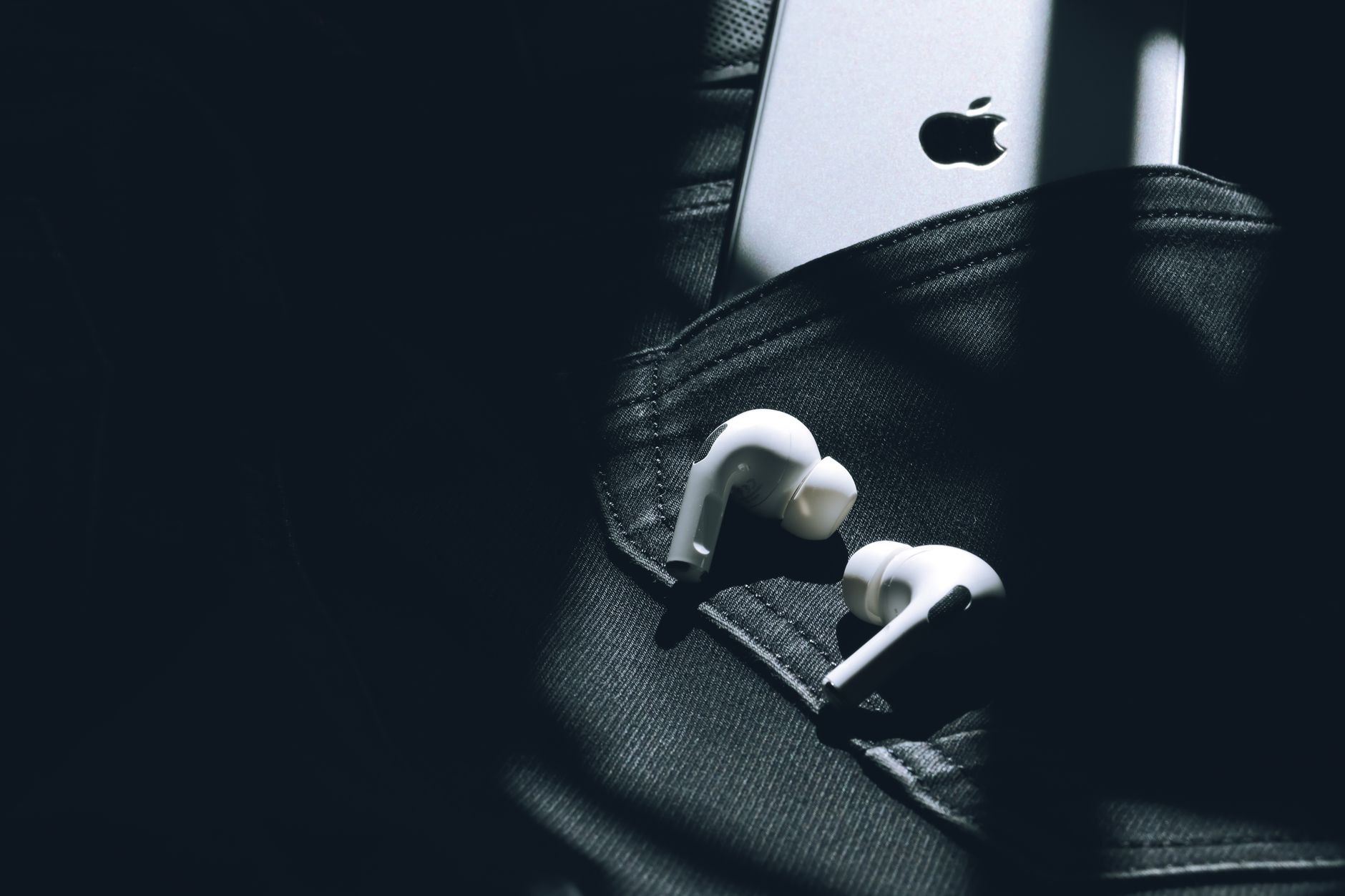 Photo by Ravi Roshan
Test and tweak how you notice missed calls
A simple, repeatable test routine helps you compare vibration strength and patterns across models or software versions. Below is a practical one-week plan you can run to determine what works best in your day to day life. Keep a quick checklist handy for setting changes so you can move fast without guesswork.
Plan for a 1-week test routine
- Day 1: Establish baseline
- Pick three normal environments: desk, pocket (jeans or jacket), and bag.
- On each, trigger a test call and note whether you feel a distinct pulse, a sequence, or if the cue gets buried. Mark any muffling when fabric or cases are involved.
- Record the basic settings you start with: vibration intensity, pattern, and any per-contact preferences.
- Days 2–3: Vary the patterns
- Try three different vibration patterns available on your device or an app if you use one.
- Compare which pattern is fastest to notice and which one feels most comfortable over longer periods.
- Note any fatigue or sensory overlap with other alerts, like notifications from fitness trackers.
- Days 4–5: Test in the wild
- Move through a bus or train, a busy street, and a shopping center. Keep the phone in three placements: front pocket, back pocket, and inside a bag.
- Check if you notice the cue when you’re multitasking or focusing on something else.
- Day 6: Focus on favorite contacts
- Assign stronger or unique patterns to people you call most. See if this reduces decision time when the phone rings.
- Test with a quick walk to mimic everyday movement and see if the cue travels through clothing.
- Day 7: Decide and fine tune
- Pick the combination of intensity and pattern that felt most reliable across all settings.
- Set a final test with a rapid sequence of test calls to ensure consistency.
Quick checklist for setting changes
- Vibration intensity: Start high, then reduce to the lowest comfortable level that still wakes you.
- Pattern variety: Ensure at least two distinct patterns exist for missed calls and for high-priority alerts.
- Per-contact prioritization: If available, assign stronger or unique patterns to frequent callers.
- Orientation and placement tests: Verify the cue travels through pockets, bags, and cases.
- Accessibility considerations: If you rely on accessibility features, test with and without them to find the best balance.
- Battery impact check: Ensure the chosen settings don’t excessively drain power during regular use.
Why this matters: a real-world test reveals how a phone actually behaves in daily movement. A strong motor is only part of the story; software tuning and pattern design drive whether the cue is recognizable through fabric, in loud venues, or when you’re multitasking. If you want a deeper dive into how vibration design affects everyday use, Android and iPhone resources explain how patterns and strength shapes the user experience. For practical background on vibration design principles, see the Android haptics guidance and general vibration alerting articles. Vibration design principles in Android environments and General vibration alerting applications.
As you run the week, keep these questions in mind to stay aligned with real-life needs:
- Is the cue unmistakable when you’re moving or wearing thicker clothing?
- Does the intensity feel comfortable after a few hours of wear?
- Can you quickly differentiate missed calls from other alerts?
If you want additional context on tuning haptics, you can explore user-focused discussions and reviews that compare how different motors perform in pockets and under cases. A few reliable references highlight how patterns and strength influence noticeability in everyday life. What’s Mobile Phone Vibration Motor – News and Vibration alerting applications provide solid background for interpreting device reviews and feature choices. Also, Android haptic principles offer concrete guidance on designing effective cues. Haptics design principles | Views – Android Developers.
A quick reality check: the best combination is a strong motor plus smart software. The pattern should be immediate to feel, yet comfortable enough for daily wear. With a one-week test, you’ll walk away with a clear winner for your everyday missed calls, not just a headline spec. If you want, you can repeat the test with a friend to compare impressions side by side and confirm consistency in different hands and pockets. For more practical insight into real-world testing and how to interpret results, check out hands-on comparisons in recent reviews.
Key takeaway: use a structured test to separate strong, noticeable vibration from merely adequate feedback. The result is a phone that reliably wakes you up to a missed call, even in a noisy world.
Conclusion
A strong vibration system is no longer a luxury for missed calls, it’s a practical safety net in busy environments. Across top models, the best phones balance a high torque motor with smart software tuning to deliver a quick, unmistakable cue through clothing and bags. When you test, focus on consistency across pockets, jackets, and desks, and look for patterns that you can recognize at a glance.
Key takeaways
- Prioritize models with tunable, high torque vibration and distinct alert patterns.
- Test in real life with pockets and cases to verify noticeability.
- Use per contact prioritization to make frequent callers stand out.
Action plan
- Try a top model such as the iPhone 16 Pro Max or OnePlus 13, and compare their vibration feels in three everyday spots.
- Tailor intensity and pattern so missed calls wake you without fatigue.
- Don’t forget accessibility features; they can broaden how you experience haptic alerts.
If you’re ready to act, pick a flagship that offers strong haptics, then customize the pattern and contact priorities to fit your day. Your future self will thank you for a reliable, hands-free way to stay in touch.