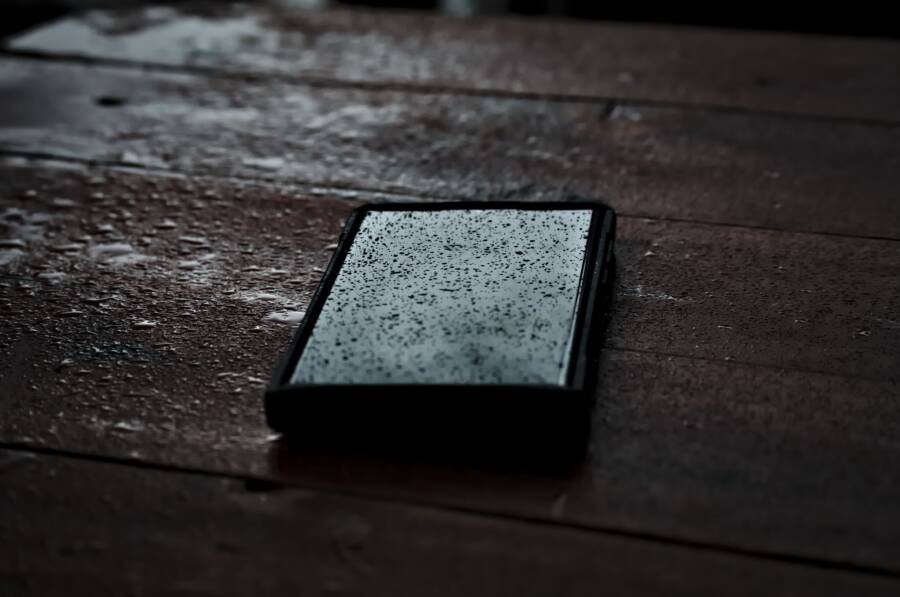
If you drop your smartphone in water, turn it off immediately and remove any accessories like cases or SIM card trays. Powering down stops internal electrical shorts that ruin your device beyond repair.
Many modern handsets have high water-resistance ratings, but these seals wear down over time. No device is truly waterproof, and liquid damage remains a common threat to your internal hardware.
Acting quickly significantly increases your chances of a full recovery. The following steps show you how to manage the situation safely and avoid common mistakes that cause permanent harm.
The First Five Minutes After Water Exposure
Speed determines if your device survives a spill. The initial five minutes provide the best opportunity to prevent permanent hardware failure. If your smartphone falls into a liquid, you must act with purpose and precision to stop moisture from spreading into sensitive circuits.
Why You Must Power Down Immediately
Water is a conductor of electricity. When liquid enters your phone, it creates unintended bridges between electronic components. These connections cause short circuits that burn out chips, processors, and power management modules. If the device stays on, the battery continues to send a current through these wet paths. This constant flow of electricity accelerates the damage to your hardware.
Beyond immediate shorting, liquid triggers rapid corrosion. Minerals and salts in water react with the metallic contacts inside your device. This process breaks down the conductive layers on circuit boards. Once corrosion begins, it often spreads across the internal components. Turning the phone off stops the flow of electricity, which limits the electrical stress placed on the wet circuits. This step gives you the best chance to dry the device before permanent oxidation sets in.
Removing External Accessories and SIM Cards
Trapped water causes the most damage when it stays locked inside the phone chassis. Accessories act as barriers that prevent moisture from evaporating into the open air. You should remove any protective cases, skins, or adhesive covers right away. Water often hides between the case and the back of the phone, where it lingers long after the surface appears dry.
Next, you need to open the access points on your smartphone. Locate the SIM tray and the memory card slot if your model includes one. Remove these trays to open tiny gaps in the frame. These openings allow air to circulate inside the device.
Follow these steps to prepare your phone for drying:
Power down the device immediately to stop electrical current.
Wipe the exterior of the phone with a dry, lint-free cloth.
Remove the protective case to expose the back panel.
Eject the SIM tray and any external storage cards.
Place the phone in a position that allows gravity to drain excess liquid from these ports.
Taking these items out creates vital vents for moisture escape. It also prevents water from staying pooled around the contact points of your SIM card, which protects your connection data. Leaving these slots open ensures that air can reach the internal parts of the smartphone.
Safe Drying Methods That Actually Work
Removing moisture from a smartphone requires patience and proper conditions. You must prioritize airflow while avoiding conditions that accelerate internal damage. Using the correct environment allows water to evaporate naturally without subjecting sensitive circuits to unnecessary stress.
Using Airflow Instead of Heat
Airflow is the most effective tool for drying a wet device. Place the smartphone in a location with high air circulation, such as near an open window or directly in front of a desk fan. The goal is to move dry air across the exposed ports, which draws moisture out of the internal housing. Keep the fan on a low or medium setting to avoid pushing water deeper into the chassis.
Many people mistakenly use heat to speed up the process. They reach for hair dryers, place the phone on a radiator, or leave it in direct sunlight. These methods cause significant harm because heat forces internal components to expand and contract. Excessive heat also melts the adhesive seals that hold the screen and casing together, which permanently compromises the water resistance of your smartphone. Furthermore, high temperatures can warp internal plastic parts or damage the battery. Airflow remains safe, while heat poses a genuine threat to the delicate electronic architecture.
The Truth About Rice and Desiccants
You might have heard that placing a phone in a bowl of rice draws out moisture. This is a common myth that does more harm than good. Rice lacks the chemical capacity to absorb water trapped deep inside the closed components of a modern smartphone. Instead, it introduces unwanted debris, such as fine dust and starch particles, into your charging port and speakers. These remnants often mix with residual moisture to create a thick paste that blocks connections and causes long-term damage.
A much better approach involves using specialized desiccants. Silica gel packets, which often come in shoe boxes or new electronics packaging, are designed to pull humidity from the air. Place your smartphone in a sealed plastic bag along with several silica gel packets to create a dry environment. This setup pulls moisture away from the internal parts far more efficiently than rice. If you do not have silica gel available, simply leaving the device in a well-ventilated room for 48 hours is safer and more effective than using rice. Patience pays off when you allow the natural evaporation process to finish completely.
Identifying Signs of Lingering Internal Damage
Even after your device appears dry on the outside, internal moisture often remains trapped near sensitive circuits. Corrosion begins slowly and often stays hidden beneath the outer casing for days or even weeks. Paying attention to subtle changes in how your phone behaves helps you catch issues before they turn into permanent hardware failures.
Monitoring Screen and Audio Performance
You can perform simple sensory checks once you believe the smartphone is dry. These tests reveal if water has compromised the internal display drivers or the delicate speaker membranes. Pay close attention to these warning signs during your initial inspection.
Check the display for persistent cloudy patches or streaks of trapped moisture behind the glass.
Look for uneven brightness or strange spots of discoloration that do not clear up after the surface is wiped.
Listen closely to audio playback at low, medium, and high volumes to detect crackling or muffled sounds from the speakers.
Test the touch sensitivity across the entire screen surface to ensure no dead zones exist.
Observe the microphone quality during a voice memo test to confirm that no water remains clogged in the intake ports.
If you notice any distortion or flickering, keep the device powered off for another day. Persistent issues usually indicate that water has reached the logic board. Professional repair is necessary if these symptoms do not resolve with continued drying time.
Charging Hazards and Liquid Detection Alerts
Modern smartphones contain sensors inside the charging port that detect conductive liquid. If your device displays a moisture detected warning, you must stop all attempts to charge it immediately. This alert serves as a safety measure to prevent short circuits that destroy the charging port and the battery management system.
Forcing a charge while moisture is present triggers an electrical arc inside the port. This damages the metallic pins and potentially sends a surge of power through the system, which can fry the motherboard. Even if the cable seems to connect, the electrical resistance caused by the liquid creates excess heat that melts internal components.
You should never attempt to bypass these warnings by disabling alerts or using a wireless charger. Wireless induction causes heat buildup, which encourages any trapped moisture to turn into steam and spread further into the chassis. Wait until the alert disappears naturally, which signals that the internal sensors are no longer detecting liquid. If the warning persists for more than 48 hours, you likely need a technician to clean or replace the charging port module. Professional service remains the safest way to clear deep-seated debris and moisture that you cannot reach.
When to Seek Professional Repair Services
Sometimes, liquid exposure causes damage that simple drying methods cannot fix. You should recognize when your own efforts reach their limit. If your smartphone continues to act strangely after a proper drying period, professional intervention is necessary to prevent further internal breakdown. Technicians possess the specialized tools and chemical cleaners required to address deep-seated corrosion on your logic board.
Recognizing When DIY Fixes Fail
Certain signs indicate that your internal components have already sustained permanent damage. You should stop attempting home repairs and contact a service center if you encounter these specific symptoms. These issues mean that moisture has reached areas beyond your reach.
The smartphone fails to turn on even after a full charge.
Your device repeatedly restarts or enters a constant boot loop.
The screen remains completely black or shows vertical lines regardless of your attempts to restart the unit.
You notice the device becoming hot to the touch while it sits idle.
Physical buttons, such as the power or volume keys, feel stuck or stop responding entirely.
An persistent chemical or burning smell emits from the charging port or speakers.
These red flags suggest that internal electrical shorts are active. Continued power use at this stage often ruins the motherboard or the battery. A technician can open the casing to perform a deep ultrasonic cleaning of the internal hardware. This process removes mineral deposits that accumulate after water evaporates.
Protecting Your Data During Repairs
Many people fear that a professional shop will lose their personal information during the repair process. You should perform a backup of your device as soon as it shows signs of life. If the phone is completely unresponsive, ask the technician about their specific protocols for data recovery.
Repair shops often treat liquid-damaged hardware as a high-priority risk. They prioritize preventing further short circuits by disconnecting the battery immediately upon opening the unit. Most reputable service centers inform you about data risks before they begin any work on the motherboard. If your hardware is beyond repair, many shops offer professional data extraction services to move your files to a different storage medium. Always clarify your concerns about photos, contacts, and documents before you sign a repair authorization form. Professional services focus on restoring the device functionality, but your data is often the most valuable part of the asset.
Conclusion
Quickly powering down your smartphone is the most important step after liquid contact. By removing external accessories and allowing the device to air dry, you stop internal shorts before they turn into permanent damage.
Avoid heat sources, rice, or any attempt to charge the device while moisture remains inside. Using silica gel packets in a sealed bag is a safe way to draw out lingering humidity over a 48-hour period.
If you spend a lot of time near water, consider buying a waterproof pouch or a rugged case. These small investments protect your hardware from accidents before they happen. Most liquid damage is preventable with the right habits.