
Picture this: you come home after a long day, and every light in the house blazes on because you forgot to turn them off that morning. It happens to everyone. Or your coffee maker sits idle while you’re stuck in traffic, wasting time you could save. Smart plugs and switches fix these issues fast. They turn ordinary lamps, fans, or appliances into ones you control from your phone or with a quick voice command.
These devices plug into standard outlets or replace wall switches. You set schedules, check energy use, or turn things off from anywhere. Home Depot stocks top brands like Kasa, GE Cync, and TP-Link. Prices stay low, often under $20 each, with options for same-day pickup in store or quick shipping online. Beginners love the simple apps and no-hub setups.
In this guide, you’ll get the basics on how they work, top picks available right now at Home Depot, easy setup steps, and smart tips to start small. No tech skills required; just follow along. You’ll control your home in minutes and cut energy waste along the way.
What Smart Plugs and Switches Do for Your Home
Smart plugs fit into any wall outlet. They let you plug in a lamp or fan and control it with an app. No more reaching for cords across the room. Smart switches go in place of your old wall switches. They handle ceiling lights or exhaust fans through Wi-Fi.
Plugs need zero wiring; just plug and go. Switches might require swapping the wall plate, but most snap in with a screwdriver. Both connect to your home Wi-Fi. You get remote control from the grocery store or vacation spot. Set a fan to run at 7 p.m. sharp, or turn off the kids’ bedroom lights after bedtime.
Regular plugs and switches stay dumb; they only work when you’re there. Smart ones add schedules and energy reports. Track how much power your space heater uses. Save on bills by automating off times. Think of your coffee maker: plug it into a smart plug, and it brews right when your alarm goes off.
Key Features Beginners Love
New users rave about these perks.
App control works from anywhere with internet. Check if the iron’s off while at work.
Voice commands pair with Alexa, Google Assistant, or Siri. Say “turn on porch light,” and it happens.
Timers mimic occupancy. Lights flicker on and off to deter burglars.
Group rooms in the app. One tap handles all living room devices.
Share access with family. Guests control the fan without your phone.
Many support Matter or HomeKit. They work with future devices too.
Plugs vs Switches: Which Fits Your Needs
Plugs suit plug-in items like holiday strings or floor lamps. No install means you start today.
Switches control wired lights. They look built-in once installed.
| Feature | Smart Plugs | Smart Switches |
|---|---|---|
| Install | Plug into outlet | Replace wall switch |
| Cost | Cheaper ($10-25) | Bit higher ($15-40) |
| Best For | Appliances, lamps | Ceiling lights, fans |
| Wiring Needed | None | Basic (screwdriver) |
Plugs win for beginners; they’re reversible. Try a plug on string lights first. Switches shine in kitchens for overheads.
Top Smart Plugs at Home Depot for Easy Starts
Home Depot carries reliable starters. The TP-Link Kasa EP25 2-pack costs about $20. Each has an energy monitor to spot power hogs. The app shows daily use in kilowatt-hours. Customers give it 4.6 stars for simple setup and accurate tracking. Perfect for a fan or holiday display.
GE Cync plugs run around $18 each. They support Matter, so they link with any smart system. No hub needed. Users praise the bright LED indicator and sturdy build; 4.5 stars average. Great for lamps in guest rooms.
Wyze Plug Outdoor hits $18 for indoor-outdoor use. Weatherproof design handles rain for garage tools or patio fans. The app includes schedules and voice control. It earns 4.6 stars for value. All these plug into 2.4GHz Wi-Fi and work with Alexa or Google.
Find them in the electrical aisle or search “Kasa smart plug” on HomeDepot.com. Free returns make testing risk-free. Start with plugs to save 10-20% on bills from forgotten devices.
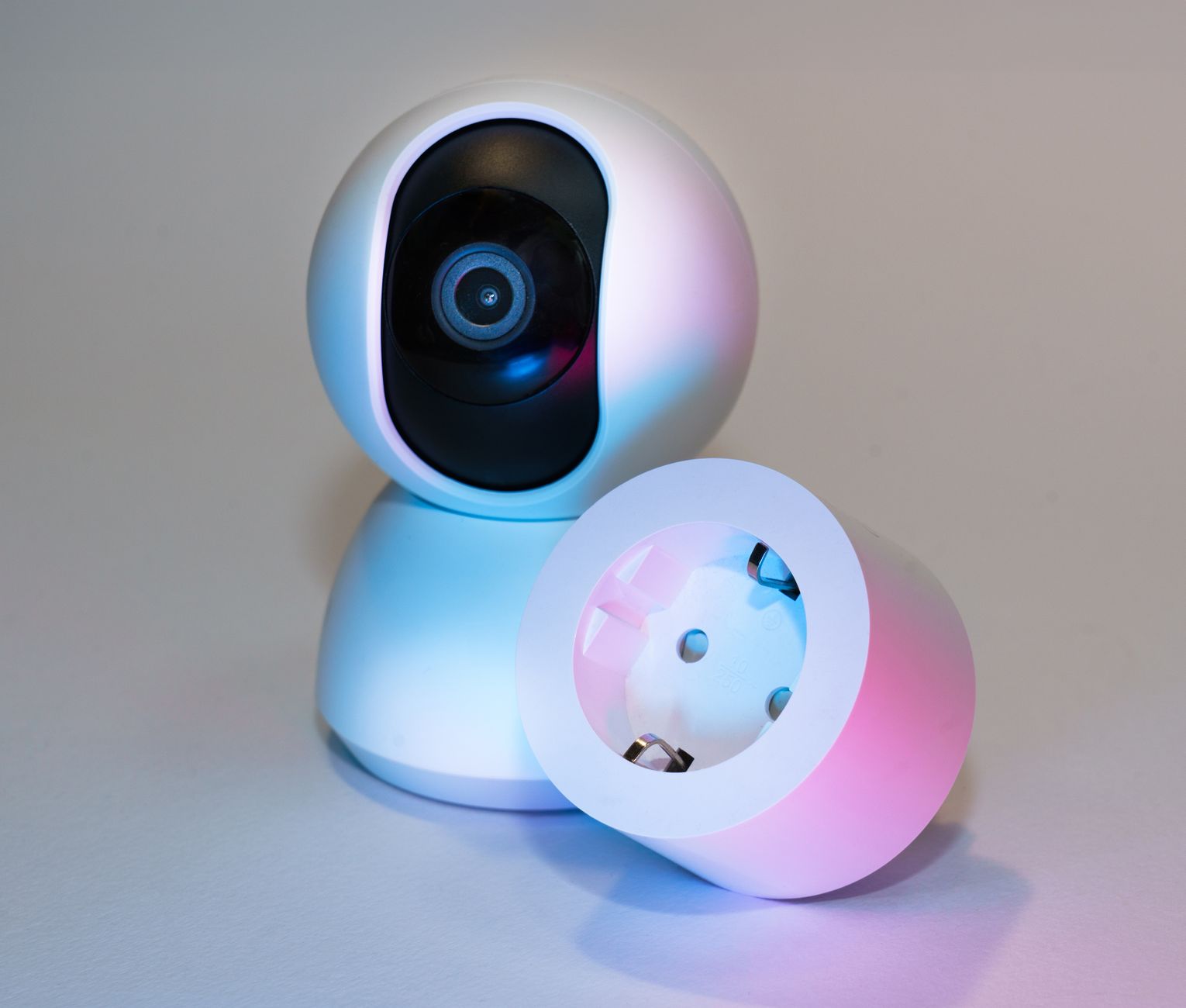
Photo by Jakub Zerdzicki
Best Budget and Premium Plug Options
Budget picks like TP-Link Kasa Mini stay under $15. Tiny size fits anywhere; app setup takes two minutes.
Premium options add power strips. Meross plugs with HomeKit support cost $25 for two. They track energy and dim lights.
| Type | Model | Price | Key Perk |
|---|---|---|---|
| Budget | Kasa Mini | $12 | Compact, fast app |
| Premium | Meross HomeKit | $25 | Apple integration |
Home Depot stocks both. Easy exchanges if needed.
Best Smart Switches from Home Depot to Control Lights
Kasa HS200 single-pole switch costs $15. It handles one light switch without dimming. App sets on/off times; voice works with Alexa. Users love the 4.6-star reliability. Screw in with a flathead; takes 15 minutes.
Leviton Decora Smart Switch runs $25. No neutral wire required for many homes. Toggle-style matches old switches. Schedules prevent light waste; 4.5 stars. Pair it with Google Home.
GE Cync Tamper-Resistant switch hits $20. Kid-safe design plugs into walls securely. Full app control and energy stats. 4.5 stars from families. All run on 2.4GHz Wi-Fi, no extra hub.
Grab a screwdriver and voltage tester from the same aisle. Home Depot staff offer free install advice. These turn porch or hallway lights smart overnight.
Switches That Work Without Neutral Wire
Older homes lack neutral wires behind switches. Models like Kasa HS200P or Enbrighten work around this.
They sense power differently. No electrician trip needed.
Pros: Fits 80% of setups; quick swap; full features.
Kasa versions cost $20. Check your box first with a tester.
Step-by-Step Setup for Smart Plugs and Switches
Setup takes 10 minutes. Start simple.
- Download the app. Search “Kasa” or “Cync” in your phone store. Create an account.
- Plug in the device. For plugs, insert into outlet then plug your lamp. For switches, turn off power at breaker. Unscrew old plate, swap wires (match colors: black to black, white to white). Tighten and restore power.
Safety first: wear gloves; test no voltage. 3. Connect to Wi-Fi. Open app, tap add device. Pick 2.4GHz network (not 5GHz). Enter password. Light blinks during pairing. 4. Test and link voice. Flip on/off via app. Add to Alexa: “Discover devices.”
Troubleshoot: Press reset button 10 seconds if stuck. Move closer to router. Restart modem.
For switches, if wires confuse you, visit Home Depot’s tool rental for help or hire their pros cheap.
Plugs finish fastest. Group them: name “Living Room” for one-tap control.
Numbers match most setups. Enjoy hands-free home life.
Ready to Smarten Your Home with Home Depot Picks
Smart plugs and switches from Home Depot make control easy. Plugs plug right in for fans or coffee pots. Switches upgrade lights with minimal work. Top Kasa and GE models start under $20 with strong ratings.
Pick one today: the Kasa EP25 plug or HS200 switch. Head to your local store for pickup or order online. Share your first setup win in the comments. Small changes like these add up to real comfort and savings. Your home waits to get smarter.